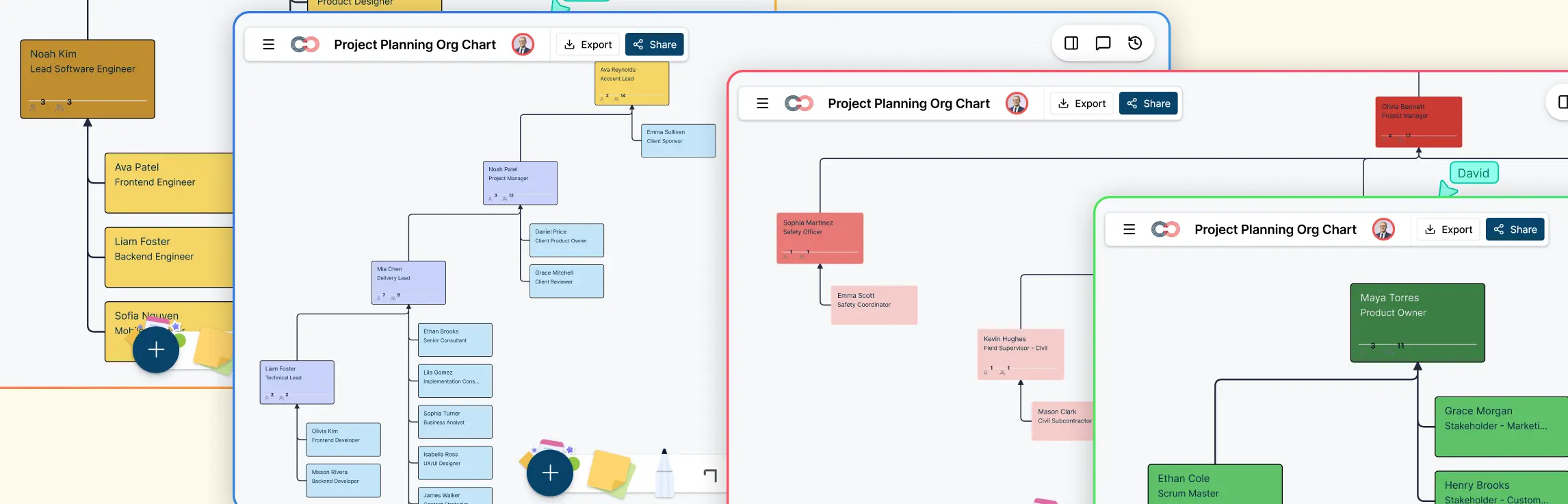
When a project crosses teams, a task list may show what needs doing without showing who receives the work next. A swimlane diagram for project management puts each step in the lane of the role or team responsible for it, then connects the steps across handoffs. Project managers can use that view to check ownership, approval paths, and points where work might wait.
This guide focuses on using swimlanes for a project workflow. For the diagram’s symbols, types, and general creation steps, see What Is a Swimlane Diagram?.
When a Project Needs a Swimlane Diagram
Use a swimlane when several people or teams contribute to a repeatable part of a project and the handoffs matter. A launch approval process, a change request, or a sprint task moving from design to development to testing are good candidates. The diagram helps the team answer four practical questions:
- Who owns each action and decision?
- What must be handed over before the next team can start?
- Where does work go if an approval is denied or information is missing?
- Which step or handoff needs a clearer owner?
Keep the scope to one workflow, such as approving a launch asset. Trying to put every project activity on one swimlane makes it difficult to read. Use a project plan or schedule for the broader delivery picture.
How to Map Project Ownership and Handoffs
1. Choose the start and finish
Name the event that starts the workflow and the outcome that ends it. For a campaign launch, the start might be an approved brief and the finish might be a published campaign. This boundary keeps planning discussions focused on the work the diagram needs to explain.
2. Make lanes for roles or teams
Use one lane for each group that performs an action or makes a decision. In the campaign example, lanes could be Project Manager, Content, Design, Legal, and Marketing Operations. A lane identifies responsibility; it does not by itself mean that person is accountable for the whole project. If accountability is disputed, confirm it separately with the team.
Put project phases, such as planning, production, review, and launch, along the direction of the workflow if they help readers follow progress. Avoid using those phases as the only lanes when the purpose is to clarify ownership.
3. Place activities and connect handoffs
Write each activity as an action, such as “Draft copy” or “Approve final assets.” Put it in the responsible lane and draw an arrow to the next step. Label a handoff if the receiving team needs a specific output, such as approved copy, final artwork, or a decision. Add a decision point where the path can split, then show where rejected work returns.
4. Review the map with the people doing the work
Ask each owner whether the step, input, and next handoff match what actually happens. Check for work that arrives without the information needed to continue, approvals that have no named decision-maker, and loops that are missing from the diagram. In Creately, team members can review the same workspace, comment on steps, and keep supporting notes with the workflow.
Example: A Cross-Functional Campaign Launch
Imagine a project team preparing a campaign page and supporting artwork. The swimlane follows the work from an approved brief to publication:
| Order | Lane | Activity and handoff |
|---|---|---|
| 1 | Project Manager | Confirm the brief and send requirements to Content and Design. |
| 2 | Content and Design | Draft copy and artwork, then send both for review. These activities may happen in parallel. |
| 3 | Legal | Review the proposed claims. If changes are needed, return comments to Content and Design; otherwise, send approval to the Project Manager. |
| 4 | Project Manager | Confirm that the approved copy and artwork match the brief, then hand the final package to Marketing Operations. |
| 5 | Marketing Operations | Schedule and publish the campaign, then report the live link to the Project Manager. |
The important part is the return path from Legal. Without it, the diagram suggests that every review succeeds and hides who reworks rejected material. The team can also mark a wait point before publication if an approval is often late. This is an illustrative workflow; add or remove lanes to match your actual project.
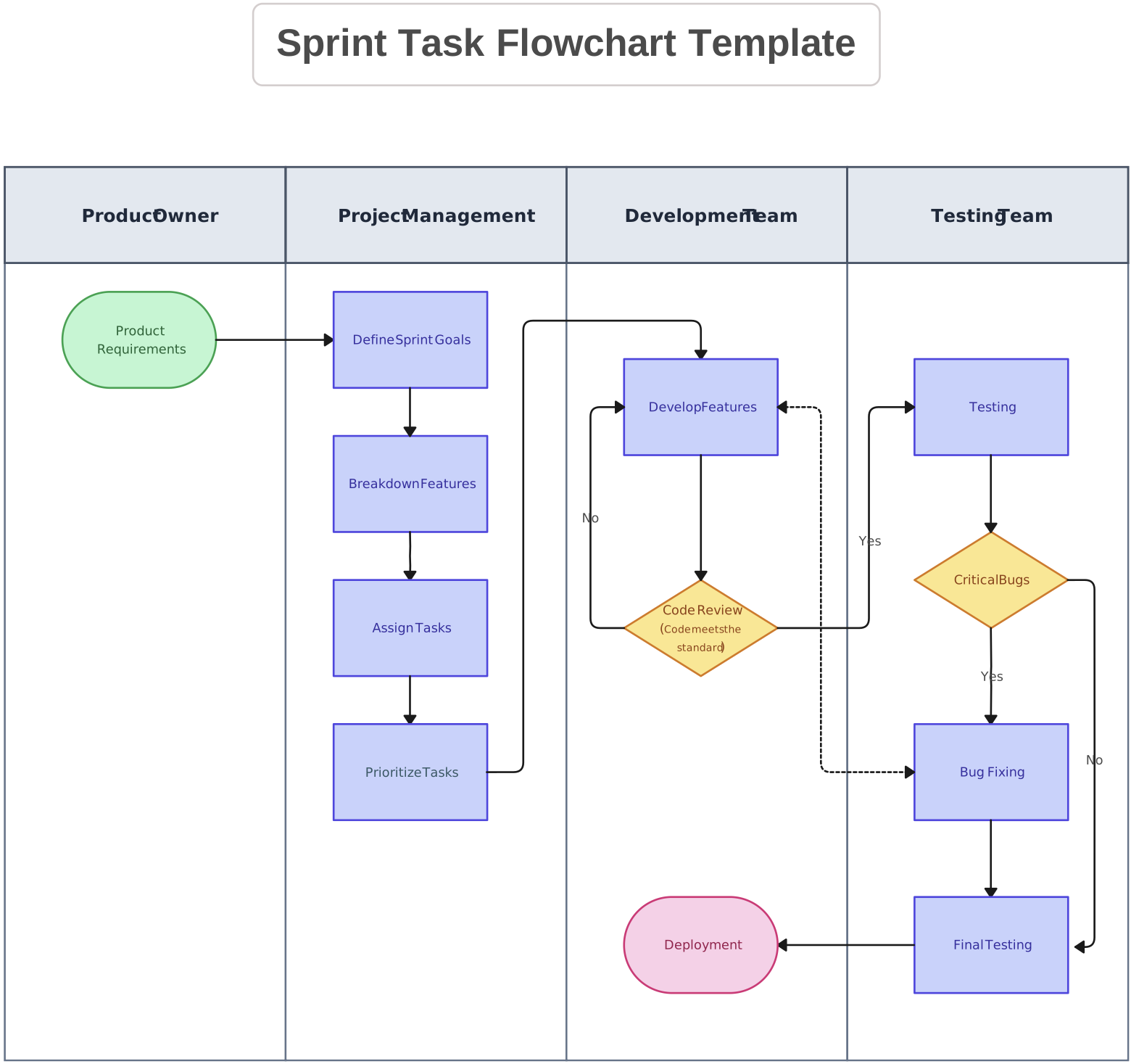

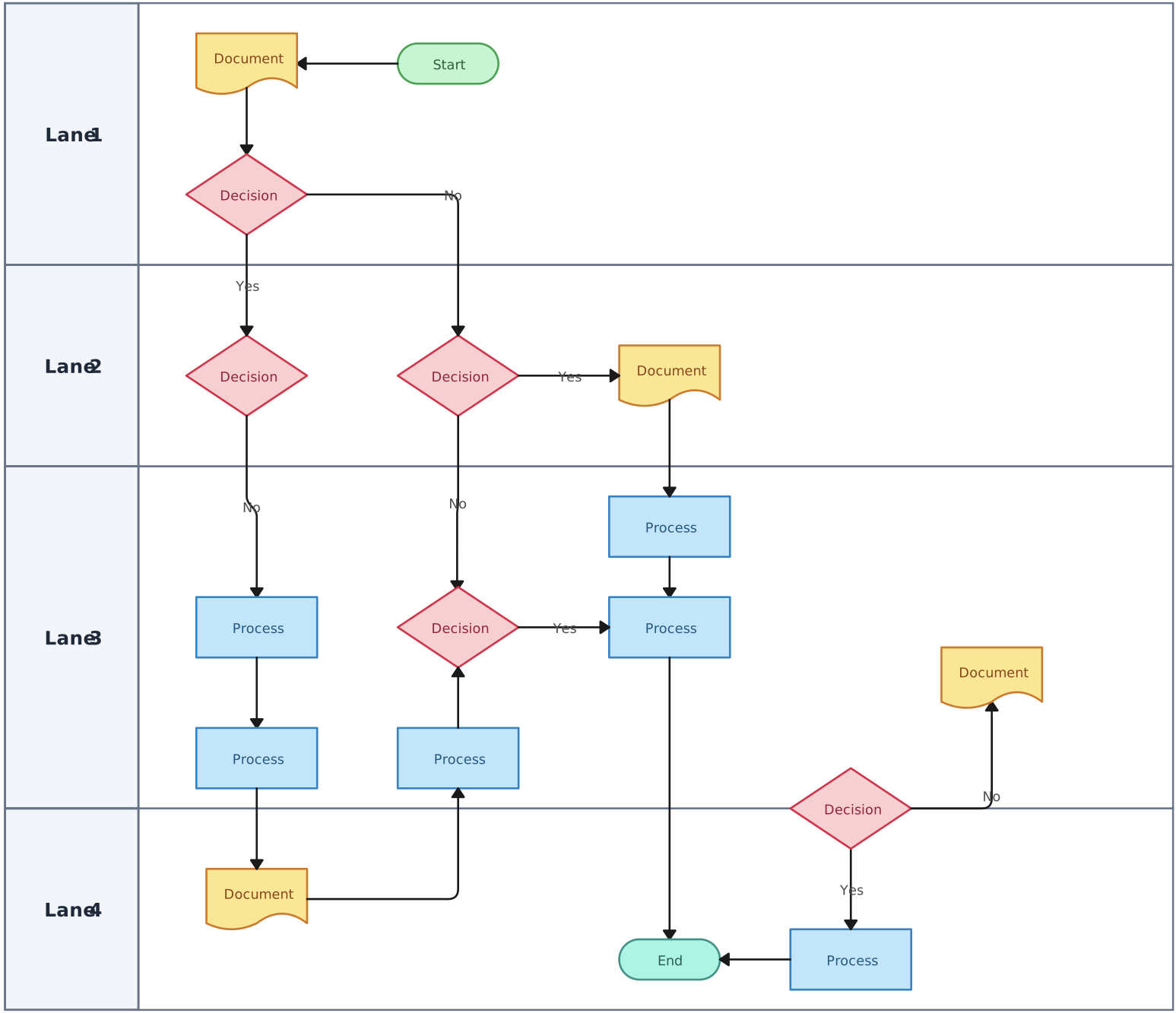
The editable sprint task flowchart above is a starting structure for mapping team responsibilities. Replace its steps and lane labels with your project workflow before sharing it with the team.
Swimlane Diagram vs Project Schedule
A swimlane shows the sequence of work and ownership. It can reveal a dependency when one team’s output must reach another team before work continues. It does not give a reliable view of dates, task durations, or workload just because the steps appear left to right.
Use a Gantt chart or project schedule when you need to plan deadlines and track timing. Use the swimlane alongside it to explain the approval or delivery process behind those scheduled tasks. A project manager can link the two views so the team knows both when a task is due and how it moves to the next owner.
Templates for Project Swimlane Workflows
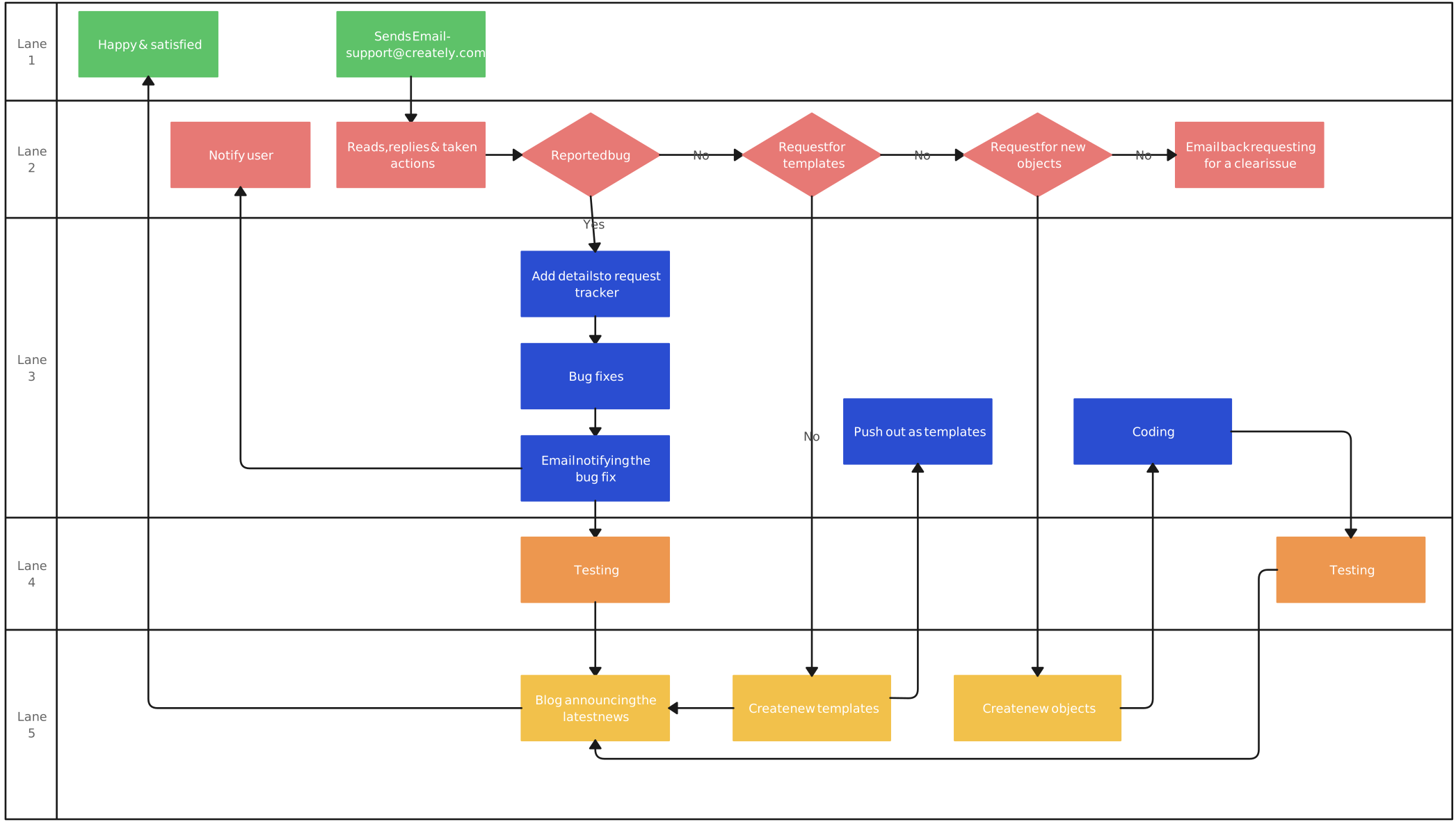
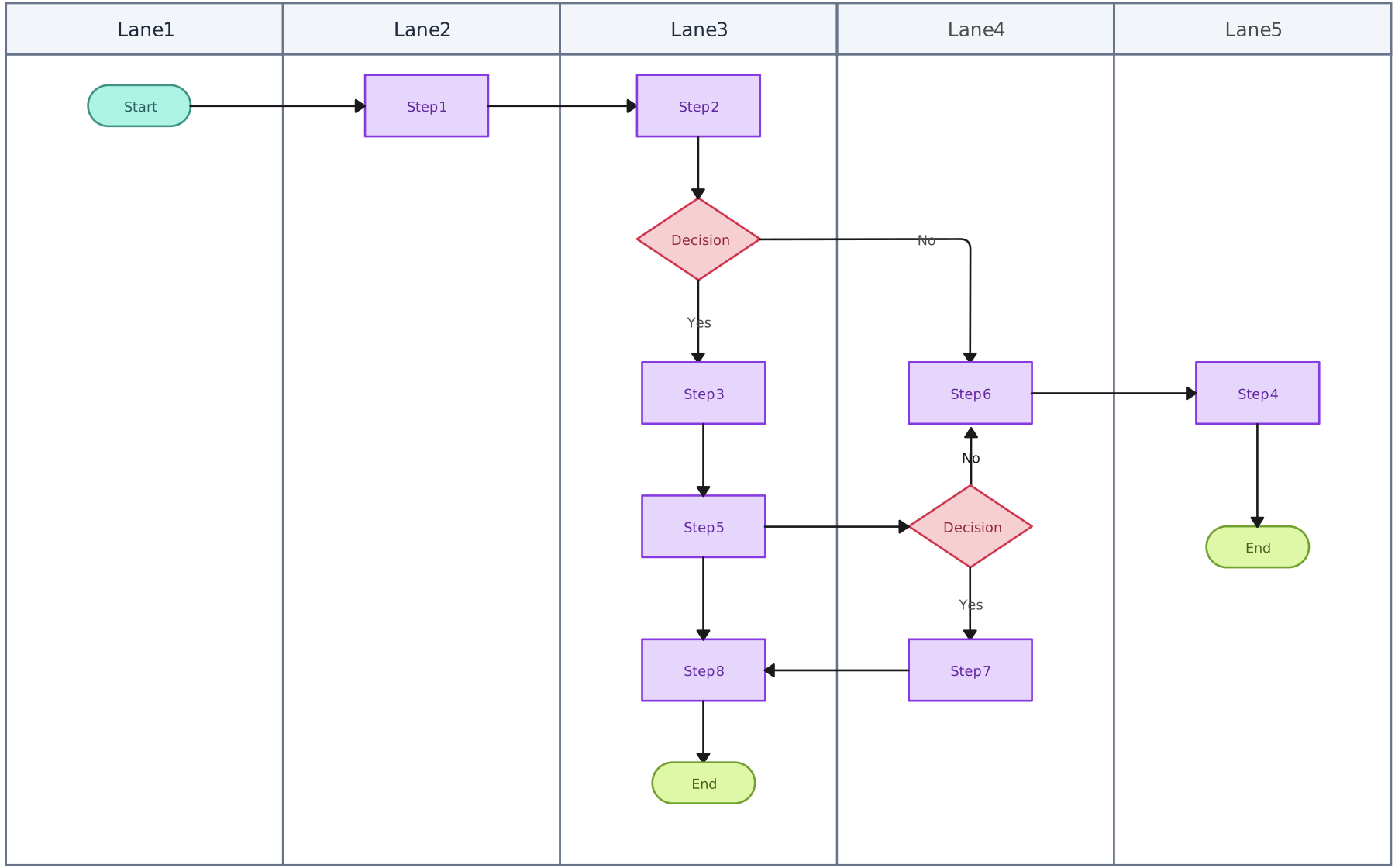
Start with a template that already separates work by role, then rename the lanes and replace the sample activities. Use the cross-functional or general swimlane templates for team handoffs, the support process template for recurring service work, or the vertical flowchart when a project workflow has more than one possible outcome.
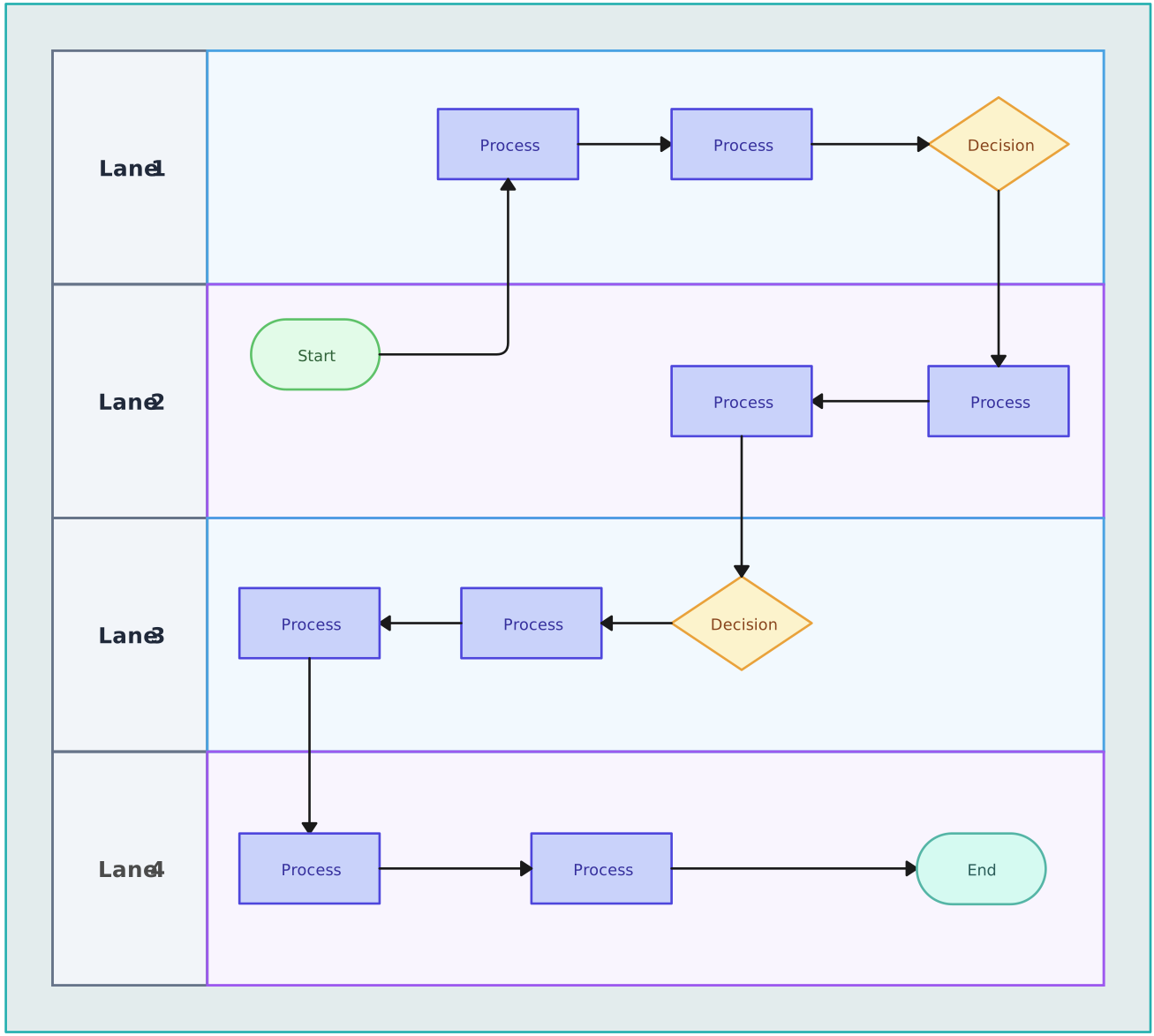


For a broader explanation of planning across functions, see How to Use Cross Functional Flowcharts for Planning. When your workflow changes, update the map and check that the next owner, decision path, and required handoff are still accurate.