Pair programming brings two developers together to work on one change at the same time. One person writes code while the other reviews the direction, asks questions, and spots problems early. Both contribute to the result, and they switch roles as the work progresses.
A useful pairing session begins before the editor opens: agree on the problem, decide what success looks like, and choose a small first step. This guide covers the roles, common styles, benefits and tradeoffs, remote setup, and a workflow a team can try without making every task a paired task.
What Is Pair Programming?
Pair programming is a collaborative software-development practice associated with Extreme Programming (XP). Two people share responsibility for a single programming task, whether they sit together or work remotely. It is more than watching someone type: both people must be able to question the approach and influence the code.
It fits within an agile software development cycle, but teams do not need to adopt every XP practice to try it. Pairing can be used for one difficult change, an onboarding session, or a recurring part of the team’s workflow.
Driver and navigator roles
- Driver: Works in the editor, talks through the immediate change, and runs the tests or checks.
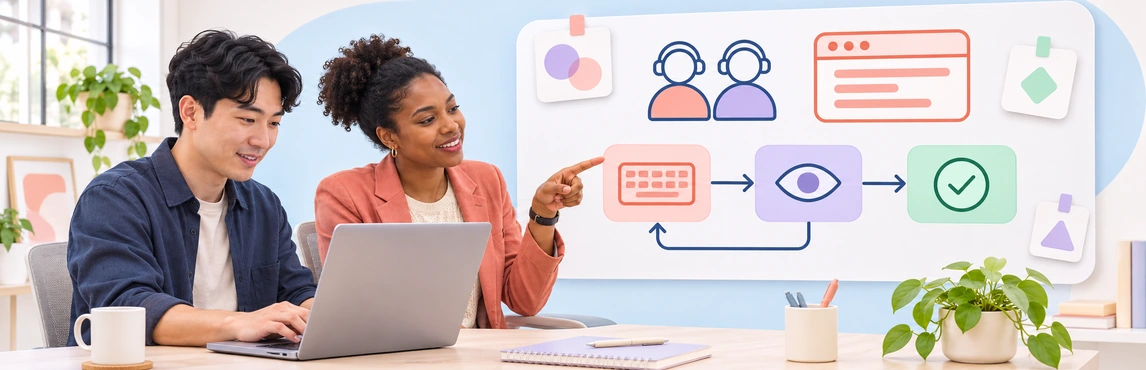
- Navigator: Reviews the code as it develops, asks about edge cases, and keeps the next steps and wider design in view.
The navigator is an active partner, not a second approver waiting for a finished pull request. Switch roles regularly or at natural checkpoints so both developers understand the implementation. Martin Fowler’s guide to pairing styles describes the driver’s short-term focus and the navigator’s broader view.
Common Pair Programming Styles
| Style | How it works | Useful when |
|---|---|---|
| Driver and navigator | One developer writes while the other reviews and thinks ahead; they exchange roles. | The pair needs to solve a moderately defined task together. |
| Ping-pong pairing | One developer writes a failing test; the other makes it pass, then starts the next test. | The task can be broken into small, testable behaviors. |
| Strong-style pairing | A more experienced navigator guides while the other developer implements the idea. | A newcomer needs hands-on exposure to an unfamiliar codebase or tool. |
Styles are options rather than fixed rules. Strong-style pairing can help with knowledge transfer, but keeping one person in the expert role indefinitely limits shared ownership. If the pair is mostly researching an unfamiliar topic, spend some time exploring separately and regroup to compare findings before coding.
Benefits and Drawbacks of Pair Programming
Pairing can spread knowledge of a codebase, reveal misunderstandings while a change is still small, and make design choices easier to discuss. It can help a new teammate learn the team’s conventions through real work. Feedback also arrives during implementation rather than only after a pull request is opened.
Those outcomes are possible, not automatic. A session can be tiring, especially if one person dominates the keyboard or the pair never takes a break. Scheduling two people together also has a real opportunity cost. A simple, familiar task may be faster to complete independently. Teams should assess the whole outcome—quality, rework, learning, and delivery—rather than equating productivity with lines of code per person. Fowler’s discussion of benefits and challenges makes the same case for adapting the practice to the task.
Pairing also differs from an asynchronous code review. A pair makes decisions and checks code together as the change is built; a reviewer usually examines a completed change later. Pairing may reduce surprises in review, but it does not replace a separate review when team policy or the risk of the change requires one.
When Should a Team Pair?
Consider pairing when a task has uncertainty that two perspectives can resolve: a tricky defect, a new area of the codebase, a design tradeoff, or an onboarding task. For a well-understood repetitive change, individual work followed by review may be more proportionate. Ask whether the session has a clear goal and whether both people can contribute.
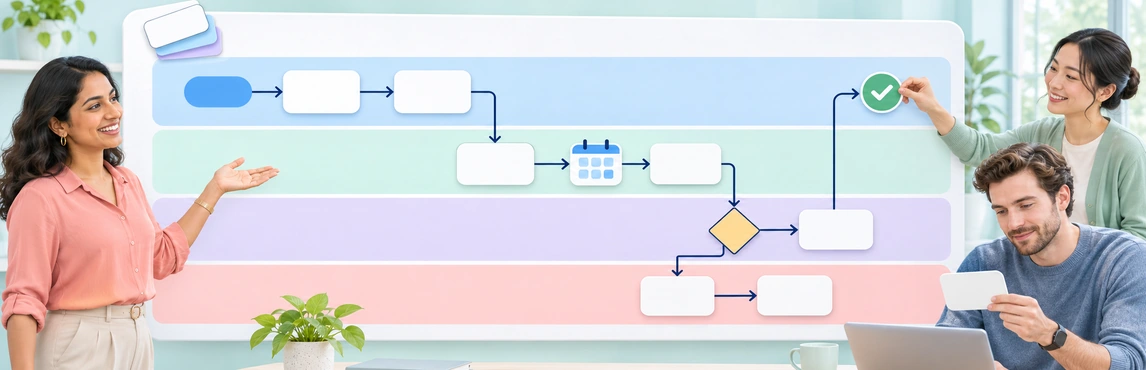
For example, two developers adding a checkout validation rule might first agree on expected outcomes and edge cases. They can map the decision path in a programming flowchart, then write one test and one small implementation step at a time. The flowchart captures the shared reasoning; the code and tests remain in the development tools.


A Practical Pair Programming Workflow
- Choose one bounded task. Write down the expected behavior, constraints, and a way to check the result. Keep the first session small enough to finish or hand over cleanly.
- Share context before coding. Review the ticket, relevant code, and any architectural decision. Sketch an uncertain flow together if words alone are slowing the discussion.
- Agree on roles and working rules. Decide who drives first, when to switch, how to raise a concern, and when to pause. The navigator should ask questions rather than issue a stream of commands.
- Work in small verified steps. Explain the next change, write it, run the relevant test, and check the result together. Put unrelated ideas on a short follow-up list.
- Switch and take breaks. Change roles at a useful checkpoint so both people can test their understanding. Stop for a break when attention drops; a long uninterrupted session is rarely the goal.
- Close with a handoff. Record what changed, what remains uncertain, and the next action. Follow the team’s normal test and review policy before merging.
Use a Kanban board to make the pairing task, owner, blocker, and handoff visible to the wider team. For more on how that board fits into the wider process, see the agile workflow guide. The board tracks the work; it does not substitute for a shared coding environment.
How to Pair Remotely
Remote pair programming still requires a shared development view and active conversation. Choose a screen-sharing or collaborative coding setup that lets both people see the editor and tests clearly. Confirm access before starting, especially when the task involves a restricted repository or environment.
Keep voice communication open, announce what you are changing, and switch control deliberately. If the connection is poor or time zones barely overlap, a shorter pairing session for the risky part of a task may work better than trying to share a whole day. Thoughtworks’ remote pairing guidance also stresses active participation, role sharing, and breaks.
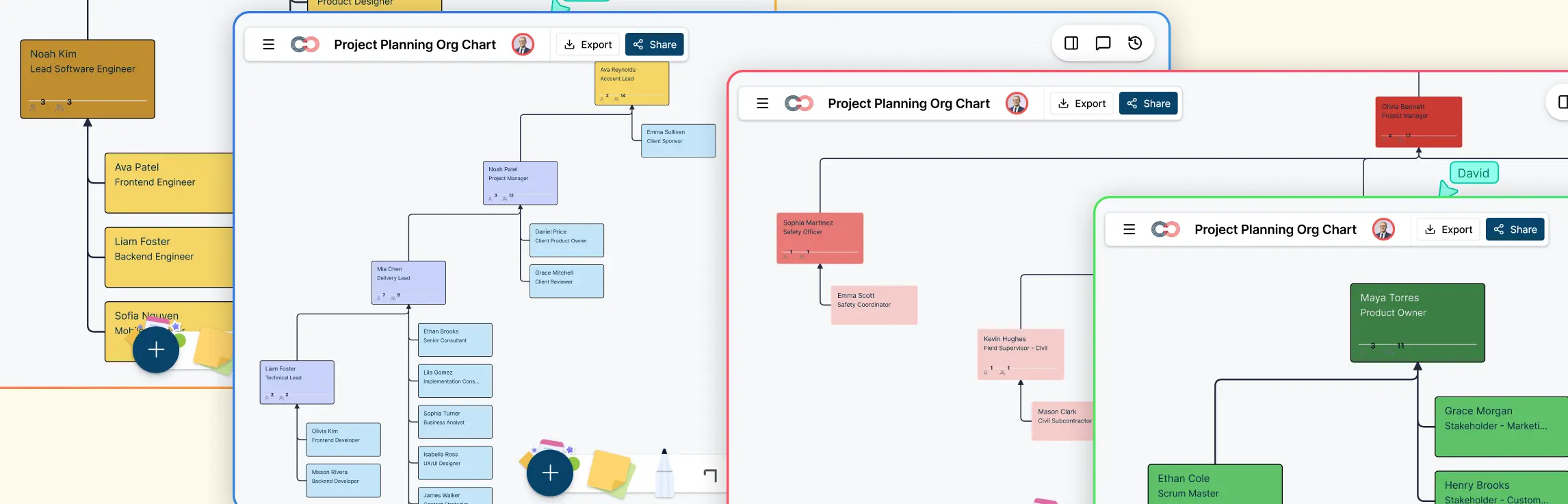
Creately can support the planning and explanation around the code. In a shared workspace, a pair can map a user flow or architecture, comment on a specific step, and leave the diagram for the next developer. Creately is a visual collaboration space, not the editor where the pair writes or runs code.
How to Introduce Pairing to a Team
Start with a short trial on work where pairing has a clear purpose, such as onboarding or a complex change. Let developers choose a comfortable session length and rotate partners when that helps knowledge spread. After a few sessions, ask what the team learned, whether the code needed less rework, and whether the added collaboration time was worthwhile.
A sprint retrospective is a useful place to compare those observations. Keep what helped and adjust what made sessions tiring or unproductive. Pairing should remain a tool for better software and shared understanding, not a rule that forces every task into the same format.
Templates for Planning and Reviewing Pairing Work
These existing Creately templates support the work around a pairing session. The programming flowchart above helps the pair reason through logic; the Kanban board and retrospective help the team coordinate and improve its practice.