A calendar shows what you intended to do. A time audit shows what actually happened. If your day fills with meetings, messages, and unexpected requests, that difference can explain why important work keeps moving to tomorrow.
A time audit is a short period of recording how you spend your time, then reviewing the record to decide what to keep, change, delegate, or stop. You do not need a minute-by-minute surveillance log. The aim is to understand your workload well enough to make a more realistic plan.
What Is a Time Audit?
A time audit compares your actual activities with the work you meant to prioritize. It answers questions such as: How much uninterrupted time did a project receive? Which meetings led to decisions? Where did handoffs or repeated requests create delays?
Use it when a schedule feels full but outcomes are unclear or when a new role changes your workload. An individual can audit their own week. A team can also look at shared workflows, provided the purpose and level of detail are agreed in advance. The findings should help improve work, not judge people by how full their calendars look.
How to Do a Time Audit in Six Steps
1. Choose a question and a representative period
Start with one question: for example, “Why is there so little time for project work?” or “How much of the week goes to recurring meetings?” Track a typical workweek so you capture recurring commitments. If the first week includes an unusual launch or absence, record that context and use another week before drawing conclusions.
Decide what is in scope. You might audit paid working hours only, or include commuting and personal responsibilities when planning your whole day. State that boundary before adding up time; otherwise, comparisons become misleading.
2. Record what happened, not just what was scheduled
Use a timer, calendar notes, or the worksheet below. Log each activity’s actual start and end time soon after it happens. A 15- or 30-minute check-in is often easier than reconstructing the day from memory. Include unplanned calls, waiting, context switching, and breaks. If you switch tasks halfway through a block, split the entry rather than crediting the full block to one task.
Keep descriptions useful but brief. “Reviewed proposal with sales; next step agreed” says more than “meeting” without recording sensitive discussion details.
3. Categorize your entries consistently
Choose a small set of categories that fits your work: focused project work, meetings, administration and messages, coordination, unexpected work, and breaks are a starting point. Give each entry one primary category so the totals do not double-count time. Add a note if an activity served more than one purpose.
You can also mark whether a block was planned or unplanned. This reveals interruptions without treating all interruptions as waste; some urgent requests are part of the job.
4. Add the time and compare it with your priorities
Total the minutes or hours for each category, using the same scope for every total. For example, a 40-hour record of working time might show 11 hours of focused work, 13 in meetings, 9 on administration, 5 in coordination, and 2 on unexpected requests. That is 40 hours; breaks were logged separately and excluded from this working-time total.
Now compare those totals with the outcomes you needed. Thirteen meeting hours may be appropriate for a manager; the useful question is whether those meetings advanced decisions and left enough time for the other work. Review a time management matrix when urgent requests repeatedly crowd out important work.
5. Find patterns and their causes
Look across days, not just at the weekly total. Are focus blocks repeatedly broken at the same time? Do similar questions arrive from different teams? Are tasks waiting for approval before the next person can start? Note which activities were necessary, which could be shortened or batched, and which need a process change.
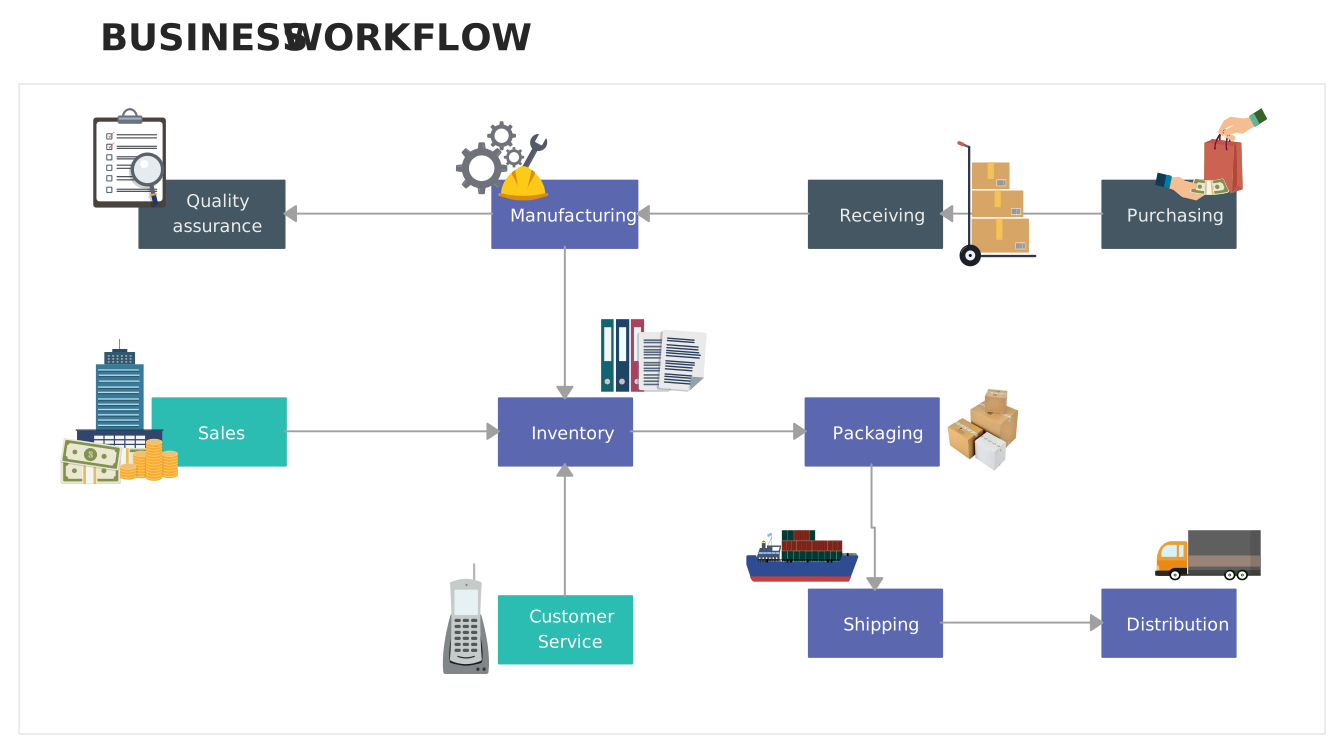
When delay happens between people or systems, a workflow map can expose the handoff. Adapt this Business Workflow Example to show the steps, owners, and points where work waits. The diagram helps a team discuss the process behind the lost time instead of assuming an individual simply needs to work faster.

6. Change the schedule, then check the result
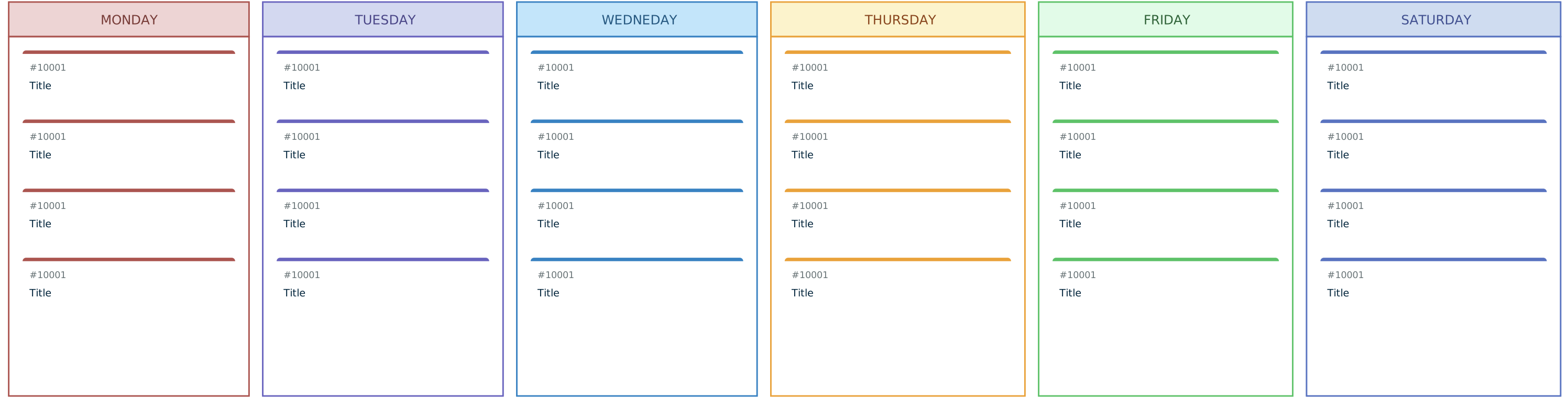
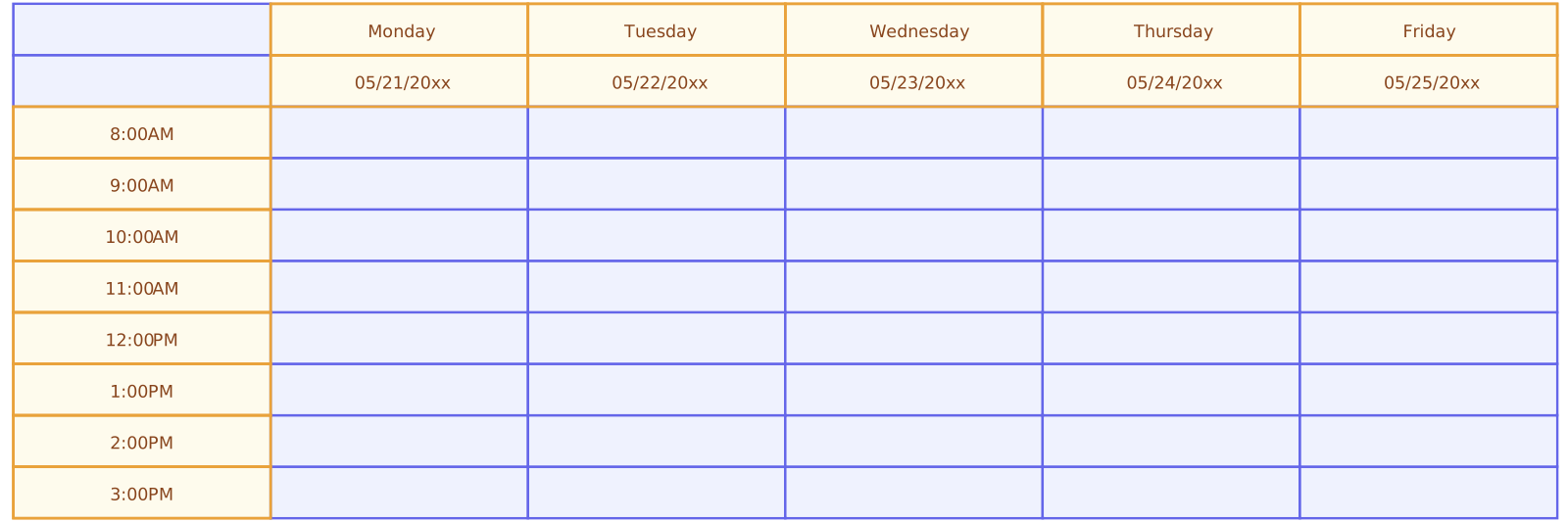
Choose one or two changes supported by the record. Protect a recurring focus block, batch routine messages, shorten a meeting with no clear decision, or agree on a better intake process for requests. Use a weekly schedule template to place those changes alongside fixed commitments and realistic buffer time.
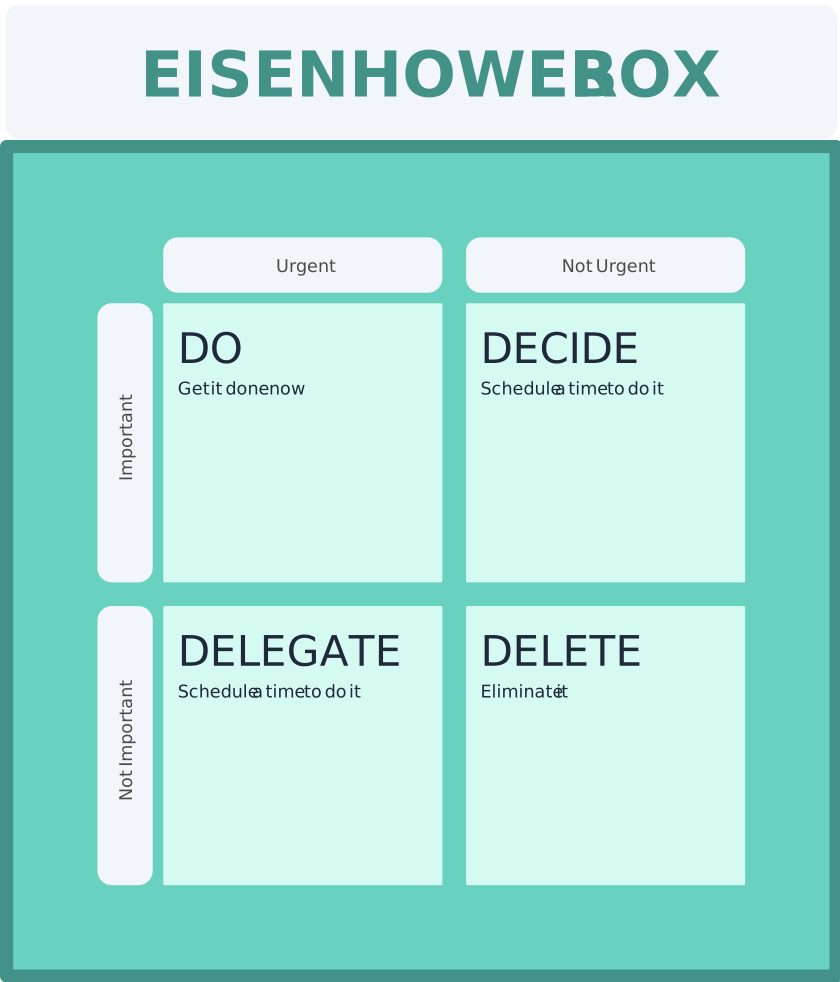
If the issue is priority rather than capacity, use the Covey time management matrix to distinguish important work from tasks that merely feel urgent. Do not fill every available hour: breaks, collaboration, and unplanned work are part of a sustainable week. Review the new schedule after a comparable week or two and make another small adjustment if needed.
Time Audit Worksheet
Copy this table into a document or recreate it on a Creately workspace. Add one row per activity or meaningful time block. The sample row shows the level of detail you need; replace it with your own entry.
| Date | Start–end | Activity and outcome | Category | Planned? | Note |
|---|---|---|---|---|---|
| Monday | 09:00–09:45 | Reviewed proposal; sent decision | Focused work | Yes | One 10-minute interruption logged separately |
At the end of each day, check for missing blocks. At the end of the audit, calculate category totals and answer three questions: What supported my most important outcomes? What repeatedly interrupted them? What one change will I test next week? If you share the audit with a team, share category totals and process observations rather than private details that are not needed to improve the workflow.
Turn the Findings Into a Better Workweek With Creately
Creately’s visual workspace gives you a place to lay out an audit worksheet, group activities, and map the work behind recurring delays. Keep the original time log as your evidence. Then use a workflow diagram to discuss bottlenecks, a priority matrix to decide what deserves attention, and a weekly schedule to plan where that work fits. A workload management guide can help when the audit shows that demand exceeds available capacity, even after tasks are reorganized.
These are planning aids rather than automatic time trackers. Their value comes from making the pattern and the proposed change visible to the people who need to agree on it.
Templates to Use After Your Time Audit
The worksheet above is for capturing actual time. Once you know what needs to change, use these different templates to plan the next step: a schedule for time blocks, a matrix for priorities, and an action plan for a specific improvement.


More Guides on Planning Your Time
Turn your audit findings into a workable weekly schedule.
Sort competing tasks by urgency and importance.
Show the handoffs and delays behind recurring time loss.