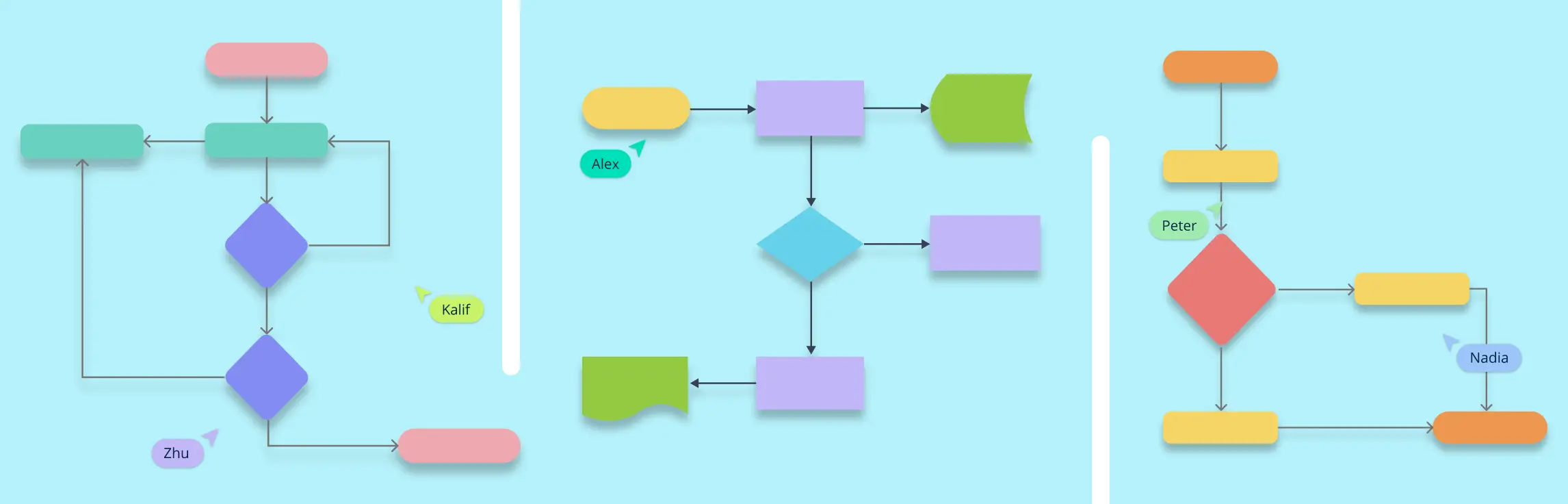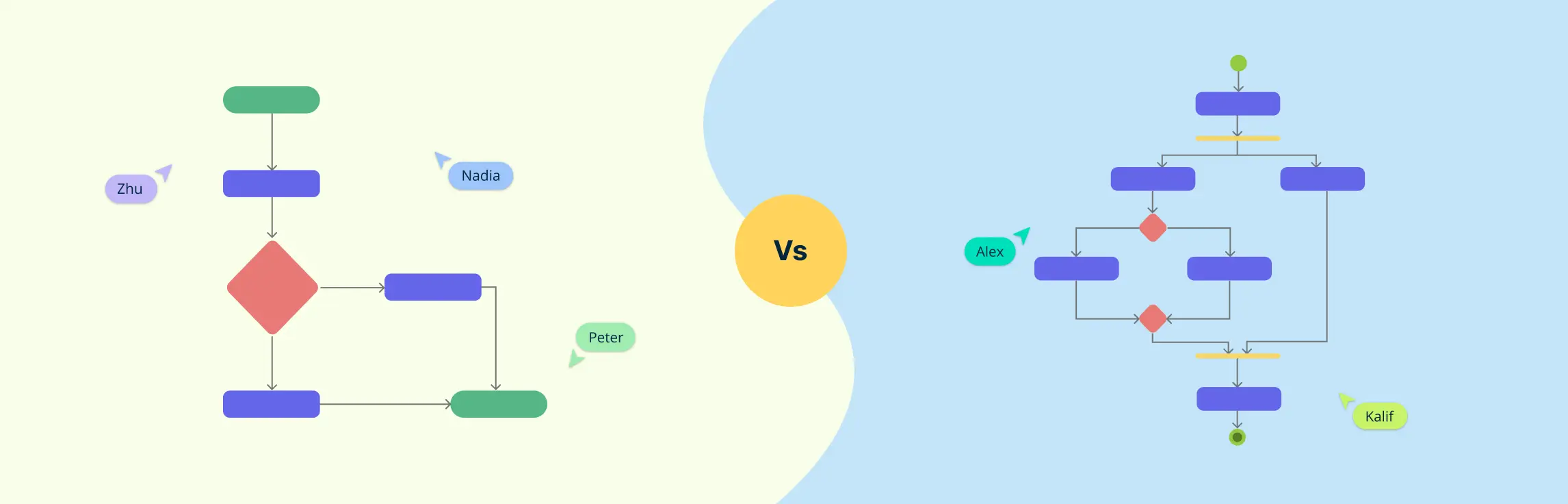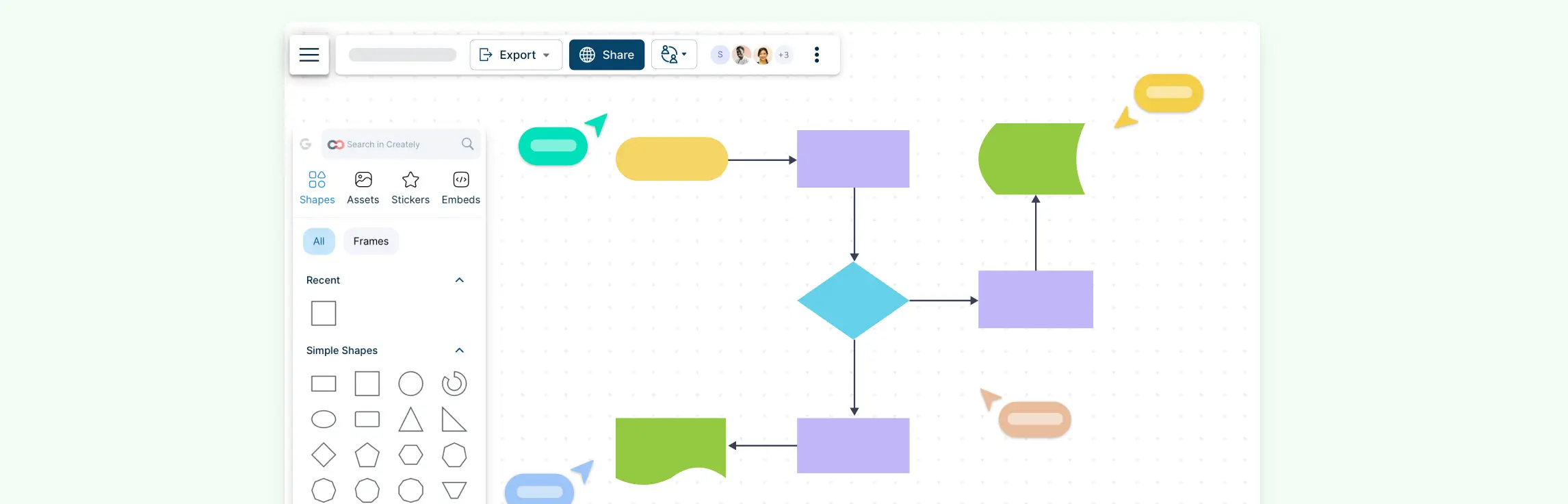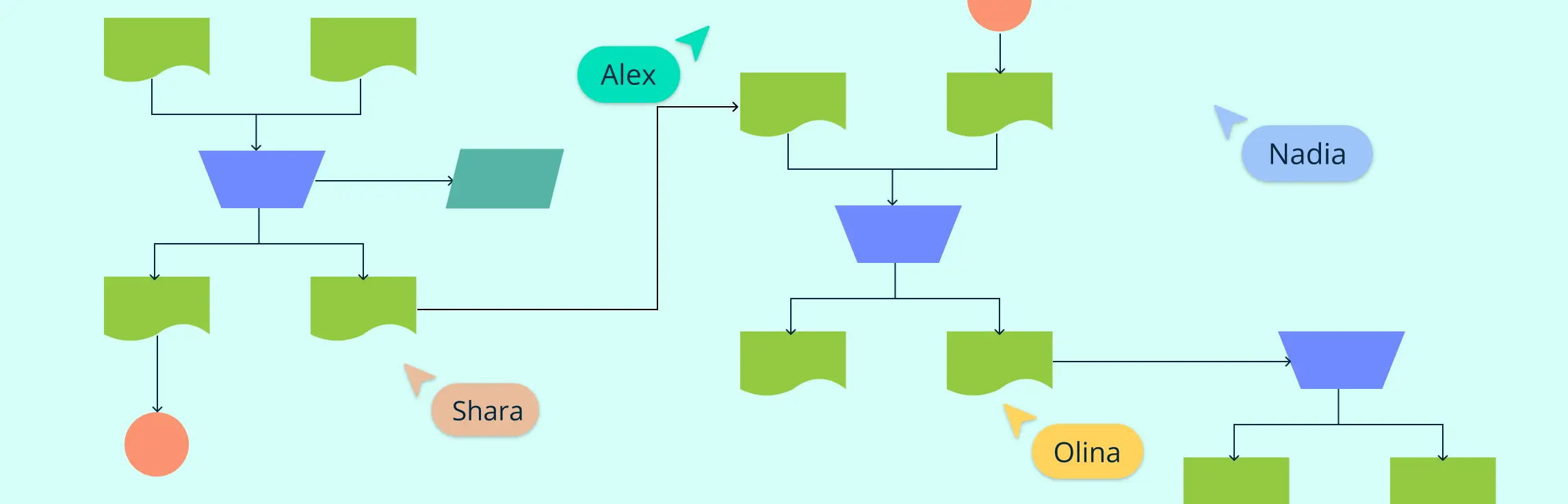
Every day, organizations handle contracts, invoices, reports, forms, and other records. Understanding how those documents move between people, teams, and systems can quickly become complicated. A document flowchart makes that movement visible.
In this guide, you’ll learn what a document flowchart is, which symbols to use, how to create one step by step, and when it can help. You’ll also learn how to document ownership and handoffs, review the flow with stakeholders, and keep it current as the document process changes.
What Is a Document Flowchart?
A document flowchart is a visual map of how physical or digital documents and records move through a process. It shows where a document originates, who handles it, which actions and decisions occur, where reviews or approvals are required, and how the document is distributed or stored.
Think of it like a roadmap for paperwork. Whether it’s an invoice, a contract, or a report, every document follows a path. A document flowchart lays out that path clearly, making it easier to spot delays, errors, or unnecessary steps.
Organizations use document flowcharts to standardize document handling, clarify responsibilities, and identify unnecessary delays or duplicate work. Instead of guessing where a document should go next, teams can use the flowchart as a shared reference for the expected path.
Document Flowchart Symbols
These common document flowchart symbols help create clear and standardized document flowcharts, making processes easier to understand and analyze.
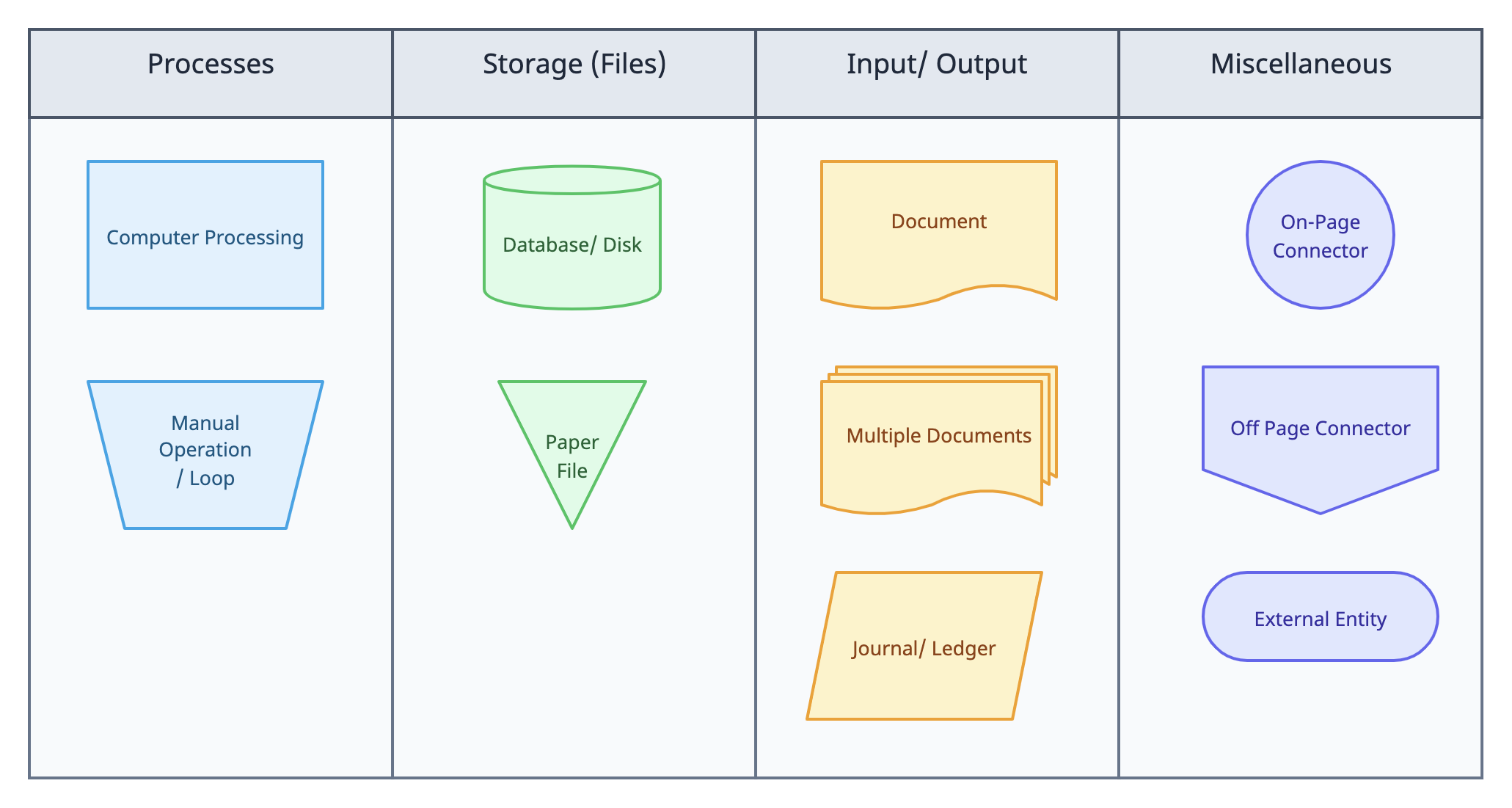
- Computer Process: Represents an automated process performed by a system or software.
- Manual Operation: Indicates a step that requires human action, such as filling out a form or manually processing data.
- Disk: Represents digital storage, such as a database or hard drive.
- Paper File: Symbolizes physical storage where documents are kept in file cabinets or folders.
- Document: Represents a single document, such as an invoice, report, or form.
- Multiple Copies: Indicates that multiple copies of a document exist or are being processed.
- Journal/Ledger: Represents a record-keeping system such as an accounting ledger.
- On-Page Connector: Connects different parts of the flowchart on the same page, keeping it neat and organized.
- Off-Page Connector: Connects a flowchart to another page, useful for large diagrams.
- External Entity: Represents an outside party, such as a customer, vendor, or external system.
How to Create a Document Flowchart in 5 Easy Steps
A document flowchart helps you visualize how documents move through a process, making it easier to track approvals, reviews, and storage. Follow these steps to create one:
Step 1. Define the process clearly
Before you start drawing, be clear about what process you want to map. Is it an invoice approval process, a contract review, or a customer request handling system? Write down:
- Where the process starts (e.g., receiving an invoice).
- The key steps involved (e.g., review, approval, filing).
- Where the process ends (e.g., document archived or sent to another department).
Understanding the process in detail helps avoid missing steps or creating a flowchart that doesn’t match reality.
Step 2. Identify who is involved
Every document moves through different hands. List the departments, roles, or individuals responsible at each stage. For example:
- Who receives the document?
- Who reviews and approves it?
- Who files or stores it?
Record the owner of each activity and note every handoff between people, teams, or systems. Getting input from the people involved helps the flowchart reflect how the document process actually works, including exceptions that may not appear in written procedures.
Step 3. Outline the sequence of actions
Now, break the process into clear steps. Think about:
- What happens first? (E.g., invoice received via email).
- What decisions are made? (E.g., is the invoice valid?)
- What happens next? (E.g., send for approval, request corrections).
Arranging the steps in the right order helps create a logical, easy-to-follow flowchart.
Step 4. Draw the flowchart
Using a rough sketch or a digital flowchart maker such as Creately, start mapping the process:
- Use swimlanes to represent the roles or teams involved in the document flow.
- Place the starting point at the top or left of the page.
- Use arrows to connect steps logically.
- Make sure the layout flows naturally and isn’t confusing.
A clean, well-organized flowchart makes the document process easier to understand. In Creately, teams can map responsibilities with swimlanes, record owners using structured shape properties, and connect relevant notes, links, and files to the visual. Keep the flowchart rules in mind as you draw.
Step 5. Review, improve, and update
Once your flowchart is complete, review it with the people involved in the process. Ask:
- Are any steps missing?
- Are there unnecessary delays or inefficiencies?
- Can the process be simplified?
A document flowchart should serve as living process documentation. In Creately, stakeholders can use comments and @mentions to discuss specific steps, while the process owner incorporates agreed changes and keeps the visual current. The flowchart can preserve review context, but formal approval records should remain in any system your organization requires for governance or compliance.
6 Editable Document Flowchart Templates
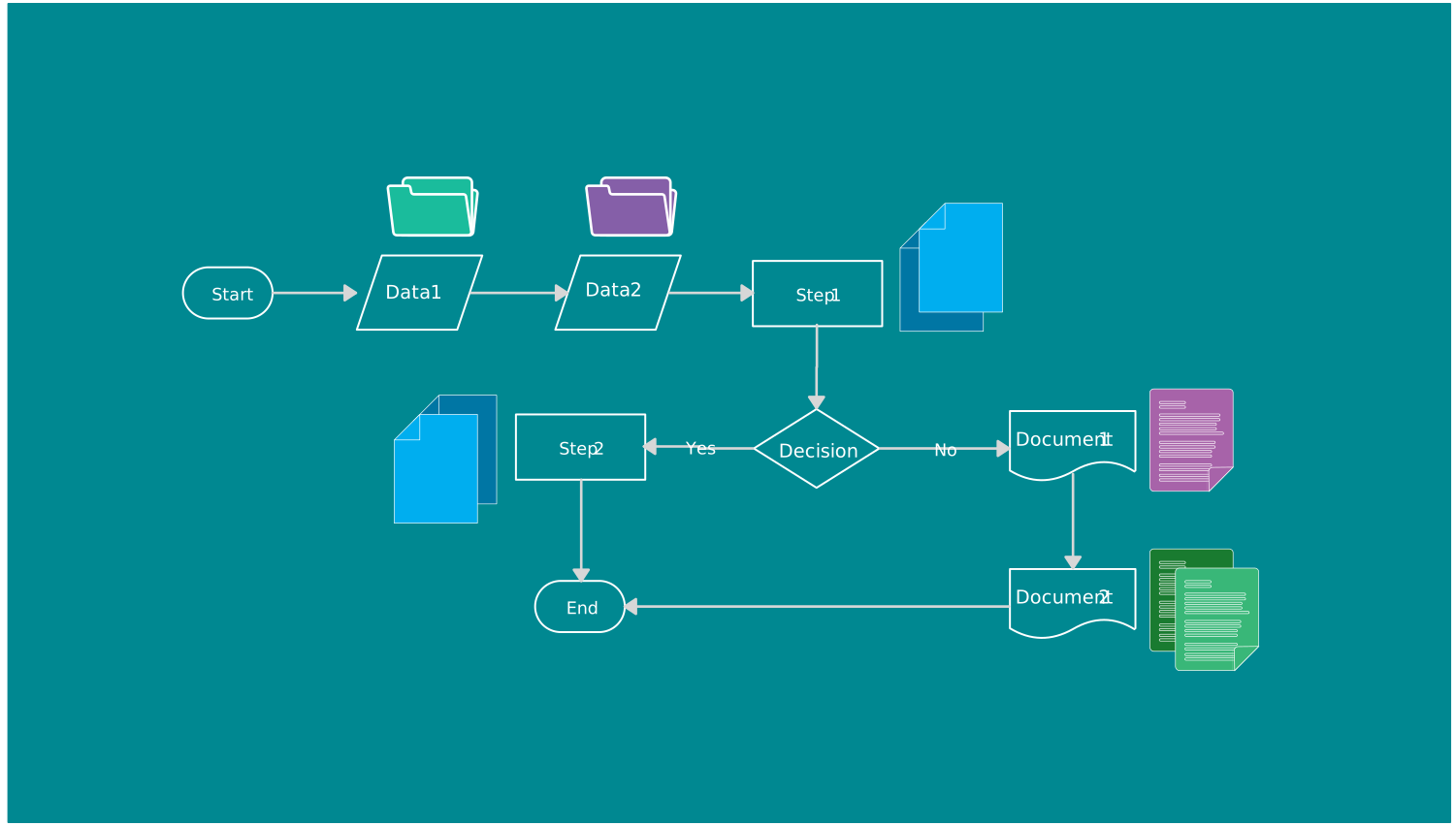
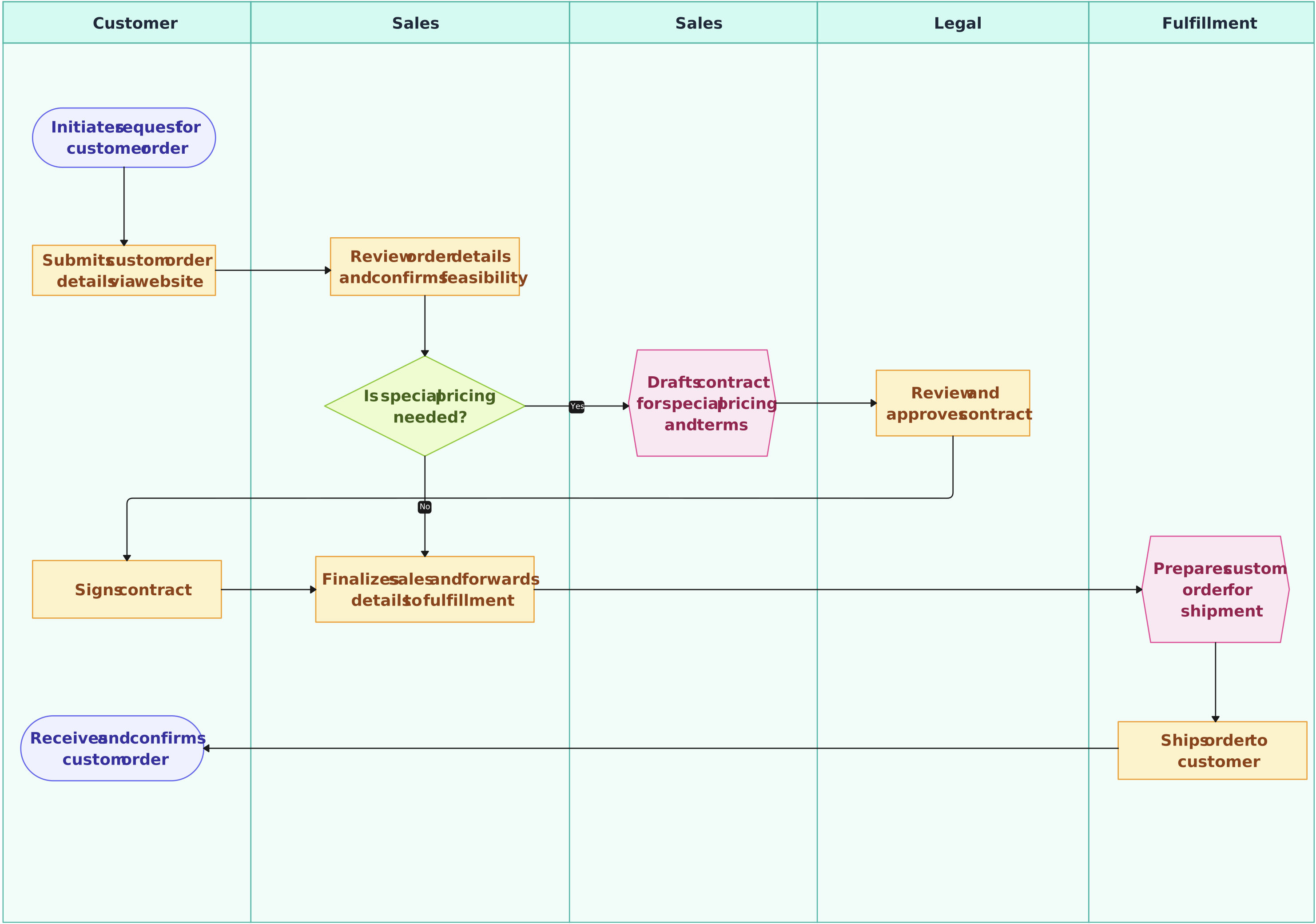
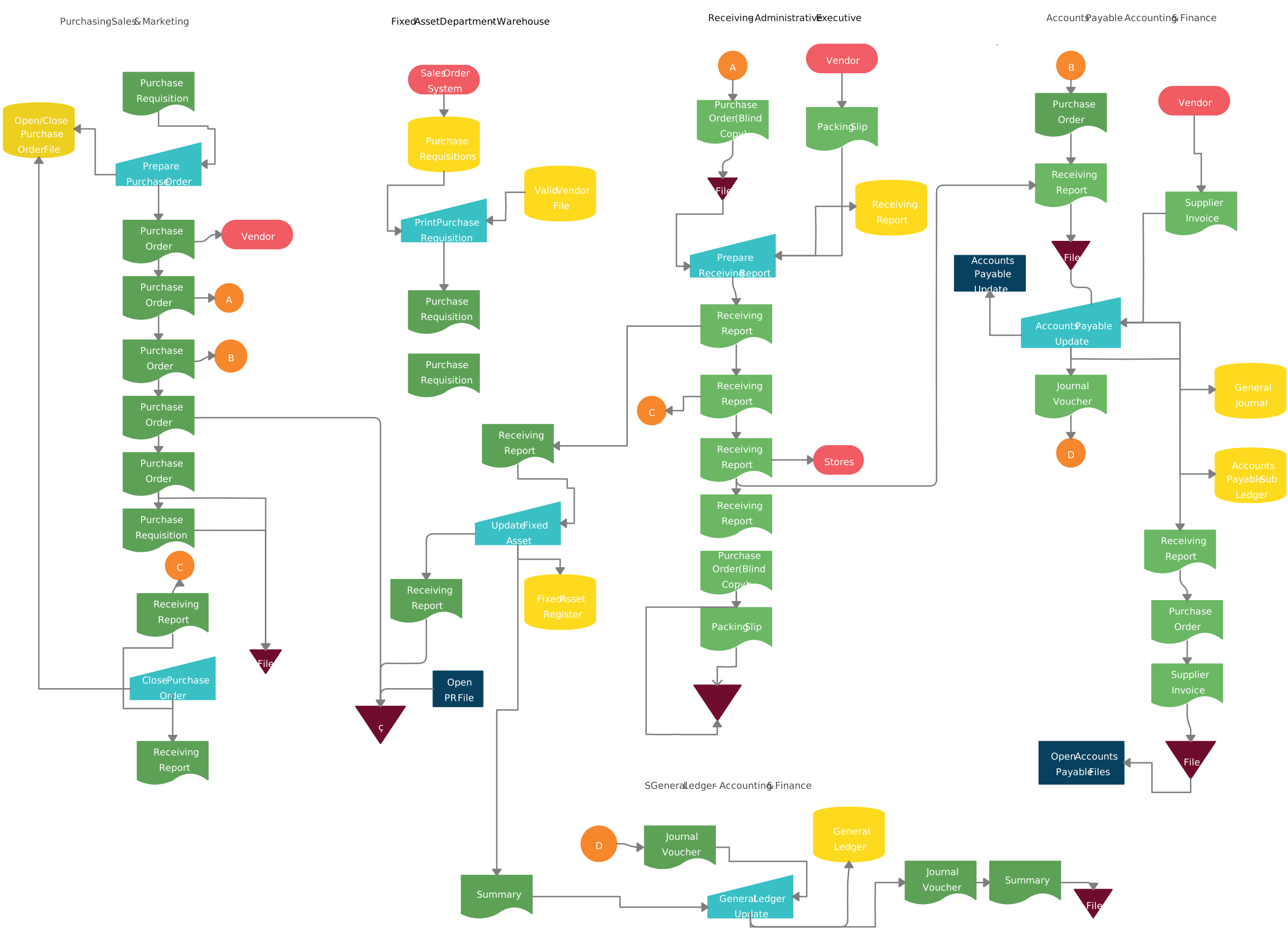
Whether you’re tracking approvals, document storage, or invoices, these document flowchart templates give you a quick start. Just customize them to fit your needs and improve your workflow.
Flowchart Template with Multiple Paths

Google Docs Cross-Functional Flowchart Template
Expenditure Cycle Flowchart
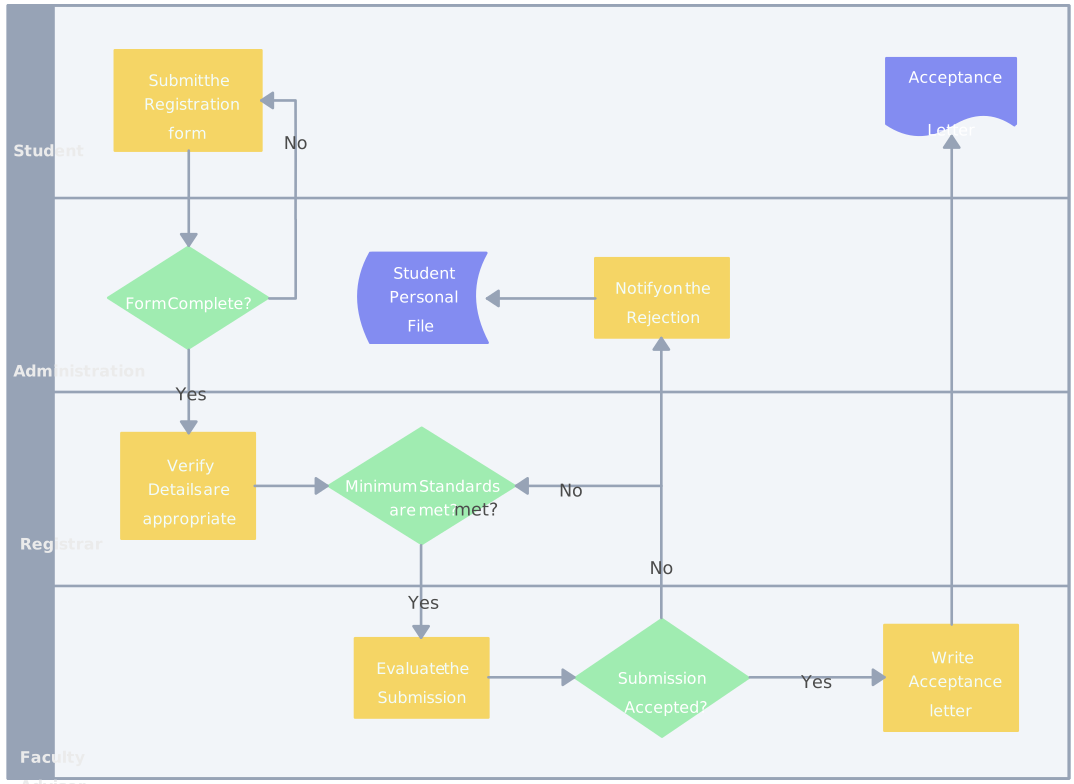
Student Application Process Flowchart
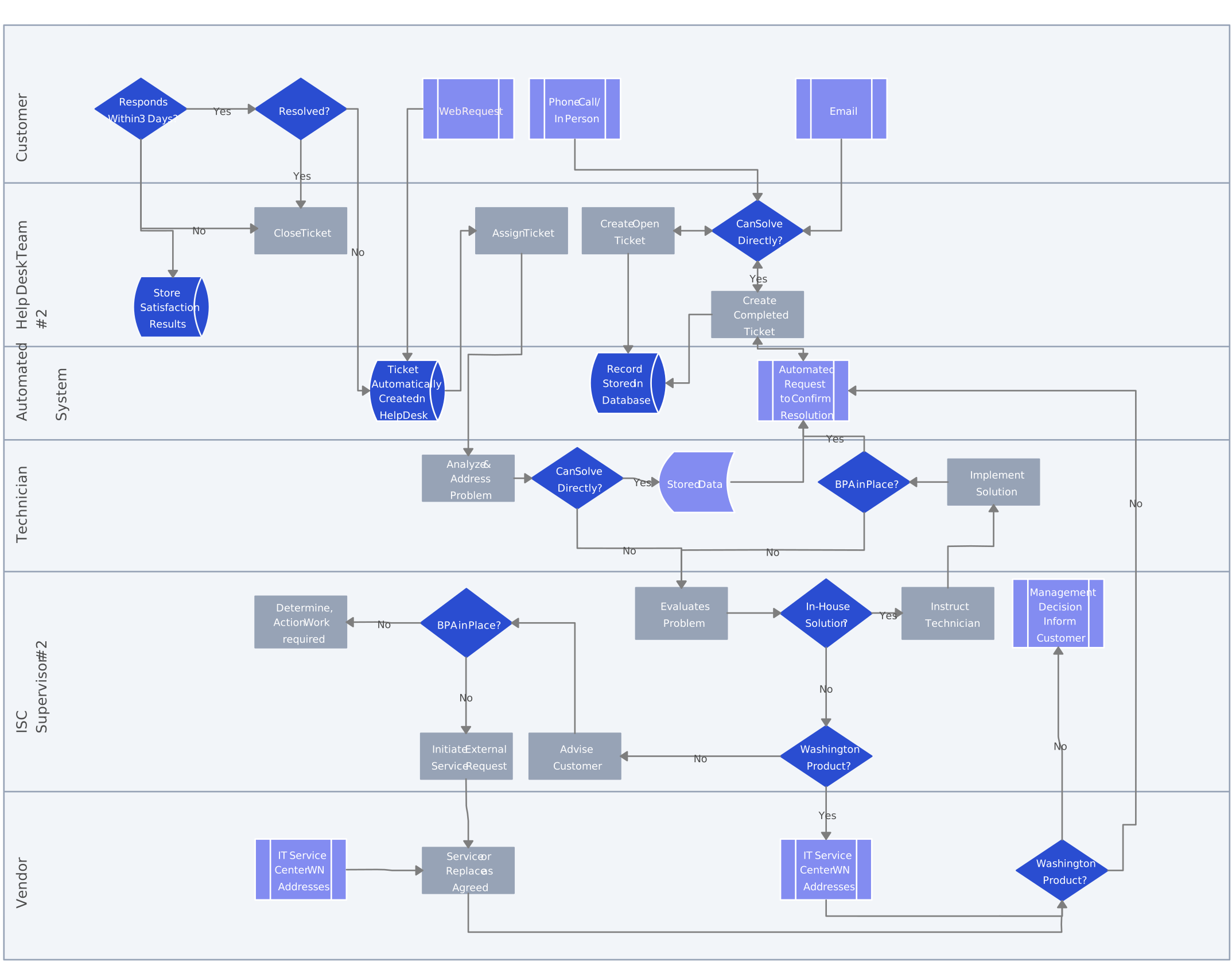
Help Desk Flowchart Example
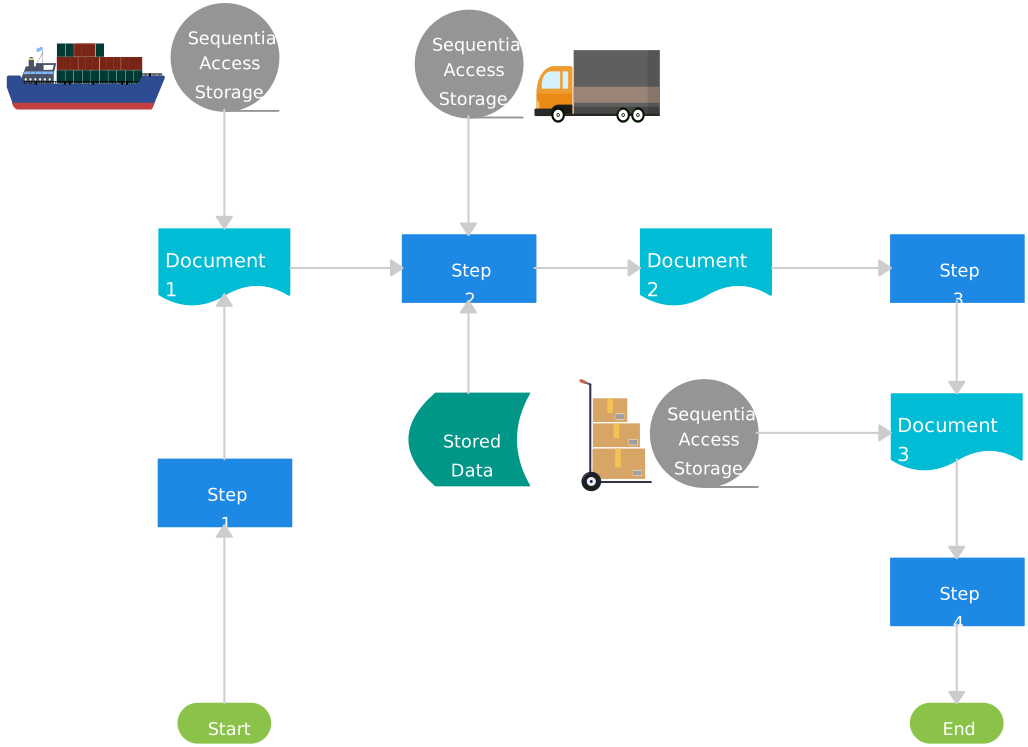
Logistics Management System Flowchart Template
When to Use a Document Flowchart
A document flowchart is helpful anytime you need to understand, improve, or explain how documents move through a process. Whether you’re dealing with invoices, contracts, reports, or approvals, a flowchart helps you see the big picture and spot issues. Here are some key times to use one:
1. When a process feels slow or confusing
If documents get lost, delayed, or stuck in approvals, a document flowchart can help identify where the process breaks down. Mapping the expected path makes delays, unclear handoffs, and repeated steps easier to investigate.
2. When you need to train new employees
A document flowchart makes it easier for new hires to understand document-handling workflows. Used alongside the relevant policies and instructions, the visual helps explain the sequence, responsibilities, and handoffs without relying on a lengthy text-only description.
3. When you want to improve efficiency
If a process has too many steps, unnecessary approvals, or repeated work, a document flowchart helps you simplify and streamline it. You can remove steps that don’t add value and make the process faster and smoother.
4. When you’re implementing new software or automation
Before switching to a digital system (like invoice processing software or contract management tools), a document flowchart helps you understand the current process. It also makes it easier to design a better, more automated workflow.
5. When you need to standardize a process
If different people handle documents in different ways, a document flowchart helps create a clear, consistent process for everyone to follow. This ensures fewer errors, better compliance, and smoother operations.
Who Can Use a Document Flowchart
A document flowchart isn’t just for big corporations—it’s a valuable tool for anyone who wants to keep their document processes clear, simple, and efficient.
1. Business owners and managers
If you run a business or manage a team, a document flowchart helps you understand how paperwork moves, spot delays, and improve efficiency. It also makes it easier to train employees and ensure everyone follows the right process.
2. HR and administrative teams
HR professionals deal with employee records, payroll forms, and hiring paperwork. A document flowchart helps standardize processes, so documents don’t get lost or delayed. Office administrators can also use flowcharts to streamline approvals and office workflows.
3. Accountants and finance teams
Invoices, expense reports, and budget approvals all follow specific steps. A document flowchart clarifies the expected path and can expose unclear responsibilities or missing controls that may delay payments or affect record accuracy.
4. Legal and compliance teams
Legal teams handle contracts, agreements, and compliance documents that require multiple reviews and approvals. A document flowchart shows the expected route, the role responsible at each stage, and where controls or records are required. Actual document status and approval evidence should be tracked in the organization’s designated system.
5. Educators and students
Teachers and students use document flowcharts to organize research, assignments, and project workflows. Schools and universities can also use them to map out administrative processes like student admissions and record-keeping.
7 Benefits of Using Document Flowcharts
A document flowchart offers several practical benefits that can help improve efficiency and organization in any business or team. Here’s how they can help:
1. Clarity and understanding
A document flowchart makes complex processes easy to understand. By mapping out how documents move from one step to the next, it helps everyone involved see the big picture and understand their role in the process. This clarity reduces confusion and makes it easier for team members to follow the correct steps.
2. Improved efficiency
When you can see the entire process in front of you, it becomes easier to identify bottlenecks, delays, or unnecessary steps. Document flowcharts help you streamline processes, eliminating redundant actions and improving the overall speed and flow of work.
3. Easier training
Training new employees or team members is quicker when you can provide them with a visual representation of the workflow. A document flowchart acts like a map, making it easier for new hires to follow and understand processes without needing lengthy explanations.
4. Better decision-making
Document flowcharts highlight where decisions need to be made and who is responsible for them. This makes it easier to see the decision points in the process and ensures that the right people are involved at the right time, leading to faster and more informed decisions.
5. Enhanced collaboration and communication
When everyone can see the process laid out clearly, it encourages better communication and teamwork. Team members know who to reach out to for approvals or information, reducing back-and-forth and ensuring that documents move smoothly through the process.
6. Consistency and standardization
Using a document flowchart helps ensure that everyone follows the same process, which improves consistency. It reduces the chances of errors or missed steps, ensuring that the same steps are followed each time, no matter who’s handling the document.
7. Easier process improvement
As your business or processes evolve, document flowcharts make it easy to identify areas for improvement. Whether you want to update a step, change an approval process, or automate tasks, having a clear flowchart makes it much easier to spot areas for change and implement improvements.
Conclusion: Understanding Document Flowcharts
A document flowchart helps you visualize and improve how documents move through a process. By mapping activities, decisions, owners, and handoffs, you can clarify the workflow, identify delays, and give stakeholders a shared reference for discussing improvements. It is useful for processes such as invoice handling, contract review, records management, and document approvals.
Remember, the benefits of using a document flowchart are not just about making things look neat—they’re about optimizing how you work, reducing errors, and ensuring everyone is on the same page.
Use the steps in this guide to create a document flowchart, validate it with the people involved, and assign an owner to maintain it. Keeping the visual and its supporting context current makes it more useful for training, review, and process improvement.
References
Nabeel Allawi (2020). What is the FlowChart. [online] ResearchGate. Available at: https://www.researchgate.net/publication/342572223_What_is_the_FlowChart.
Ensmenger, N. (2016). The Multiple Meanings of a Flowchart. Information & Culture, [online] 51(3), pp.321–351. doi:https://doi.org/10.2307/44667617.
FAQs about Document Flowcharts
What is the difference between a document flowchart and a process flowchart?
Can I use a document flowchart for digital documents?
Are document flowcharts only useful for large businesses?
Can a document flowchart be used for approvals?
How can a document flowchart improve compliance?