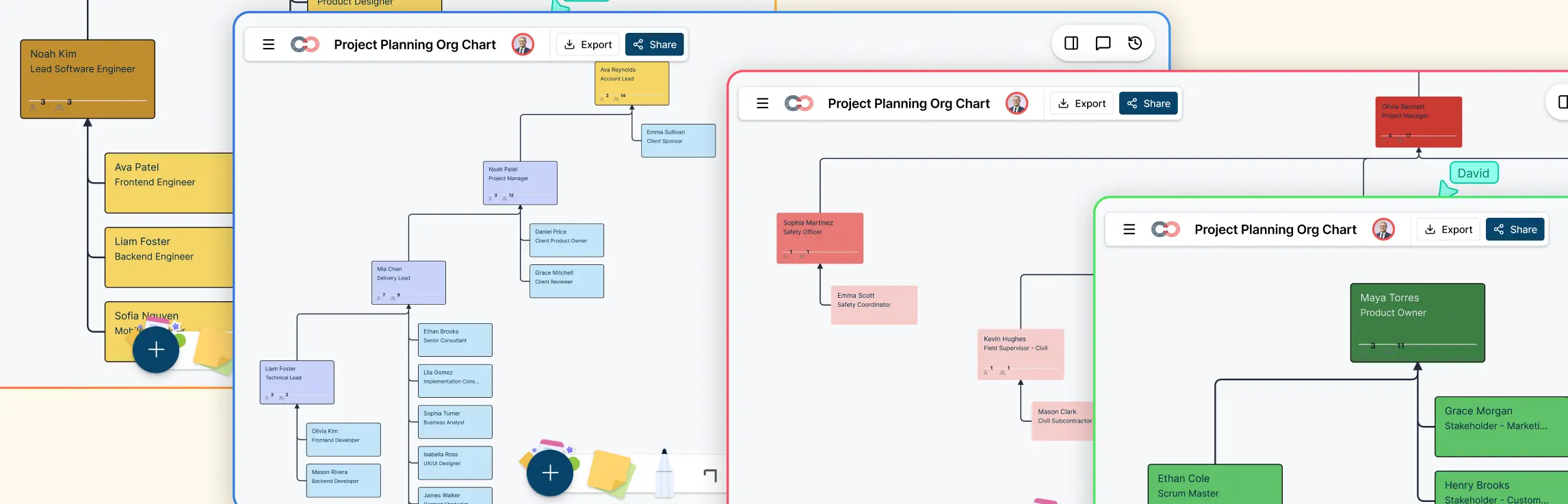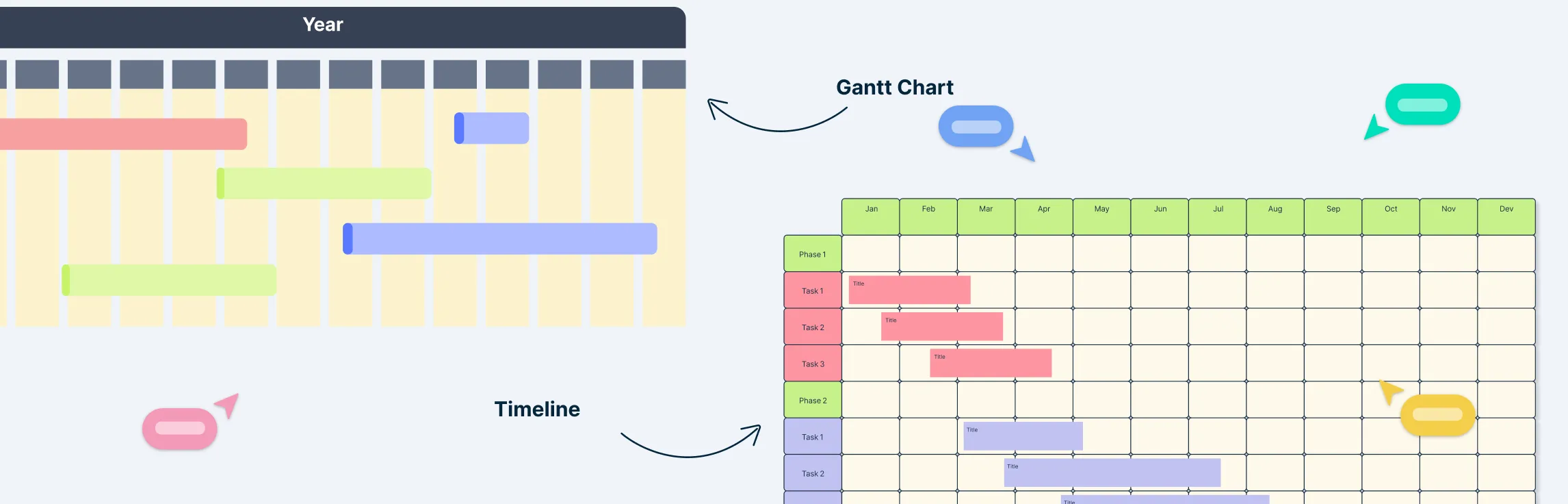
What is a Scrum Workflow?
A Scrum workflow is a practical view of how work moves through the Scrum framework. Scrum Teams work in Sprints—fixed-length events of one month or less—to create a usable Increment that advances the Product Goal. Within each Sprint, the team uses Sprint Planning, the Daily Scrum, the Sprint Review, and the Sprint Retrospective to inspect progress and adapt.
Scrum is designed for complex product work rather than as a guarantee of faster or successful delivery. Its accountabilities, events, artifacts, commitments, and values create transparency and support frequent feedback, evidence-based decisions, and continuous improvement.
The Five Scrum Events
Scrum defines five events. The Sprint contains the other four and provides a regular cadence for inspection and adaptation:
- The Sprint: A fixed-length event of one month or less in which the Scrum Team works toward a Sprint Goal and creates one or more usable Increments. A new Sprint begins immediately after the previous Sprint ends.
- Sprint Planning: The Scrum Team establishes why the Sprint is valuable, what can be done, and how the chosen work will be completed. The resulting Sprint Backlog contains the Sprint Goal, selected Product Backlog items, and an actionable delivery plan.
- Daily Scrum: A 15-minute event for the Developers to inspect progress toward the Sprint Goal and adapt the Sprint Backlog as necessary. It is not a status report to a manager.
- Sprint Review: The Scrum Team and stakeholders inspect the Sprint outcome, discuss changes in the environment, and collaborate on what to do next. The Product Backlog may be adapted as a result.
- Sprint Retrospective: The Scrum Team inspects how the Sprint went and plans changes that can improve quality and effectiveness.
Each event has a specific purpose. Using the events as intended creates regular opportunities to inspect results and adapt plans.
Implementing Scrum Workflows for Agile Success
Scrum workflows are the backbone of Agile project management, providing teams with a structured yet flexible framework to deliver high-quality products efficiently. Implementing Scrum workflows effectively requires a deep understanding of the principles, ceremonies, and artifacts that define Scrum workflow, along with a commitment to continuous improvement.
Key Steps to Implement Scrum Workflows:
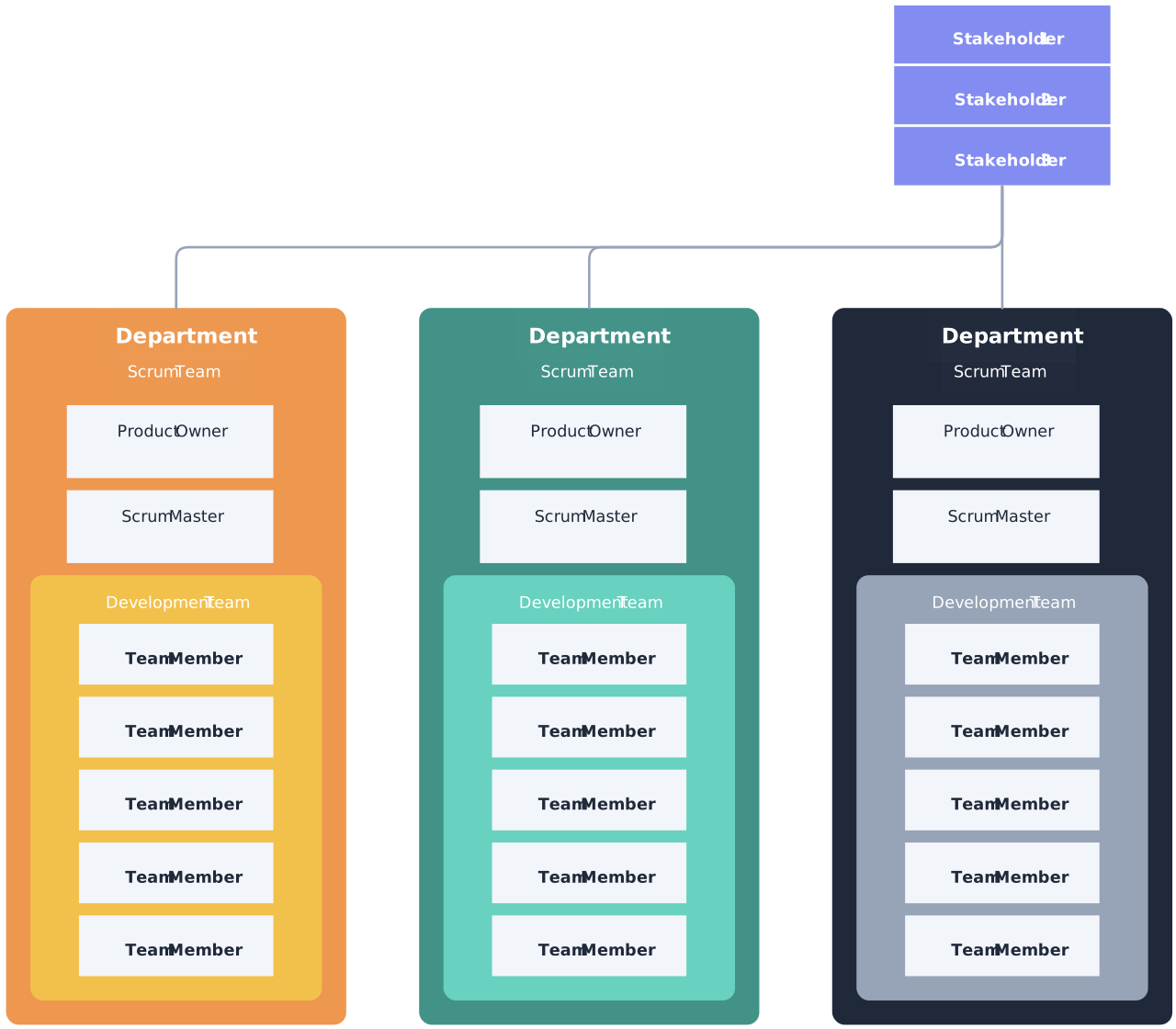
- Assemble a Cross-Functional Team: Form a small, cross-functional, self-managing Scrum Team with the skills needed to create value each Sprint. Scrum defines three accountabilities: Product Owner, Scrum Master, and Developers.

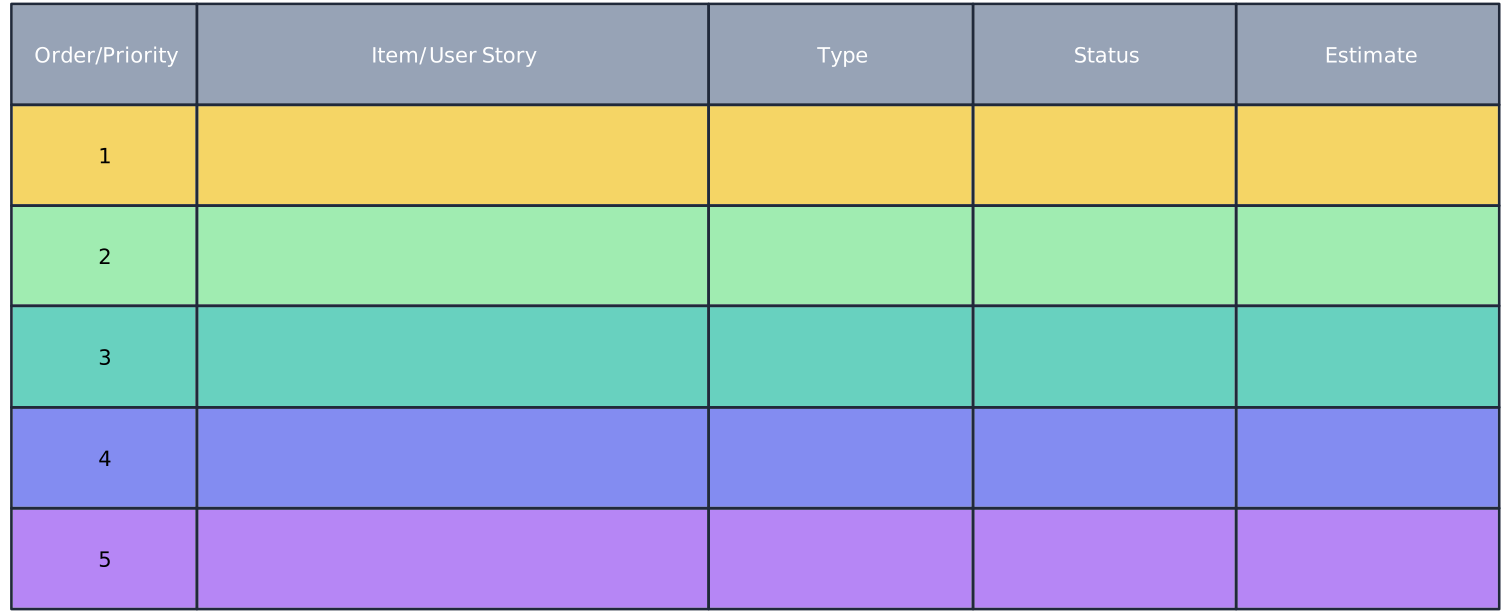
- Define the Product Backlog: The Product Owner develops and explicitly communicates the Product Goal and orders Product Backlog items. The Product Backlog is an emergent, ordered list of what is needed to improve the product; it is not simply a fixed task list.
- Plan the Sprint:
- Sprint Planning Meeting: Select items from the backlog for the upcoming sprint based on team capacity and goals.
- Define a Sprint Goal: Establish a clear and achievable objective for the sprint.
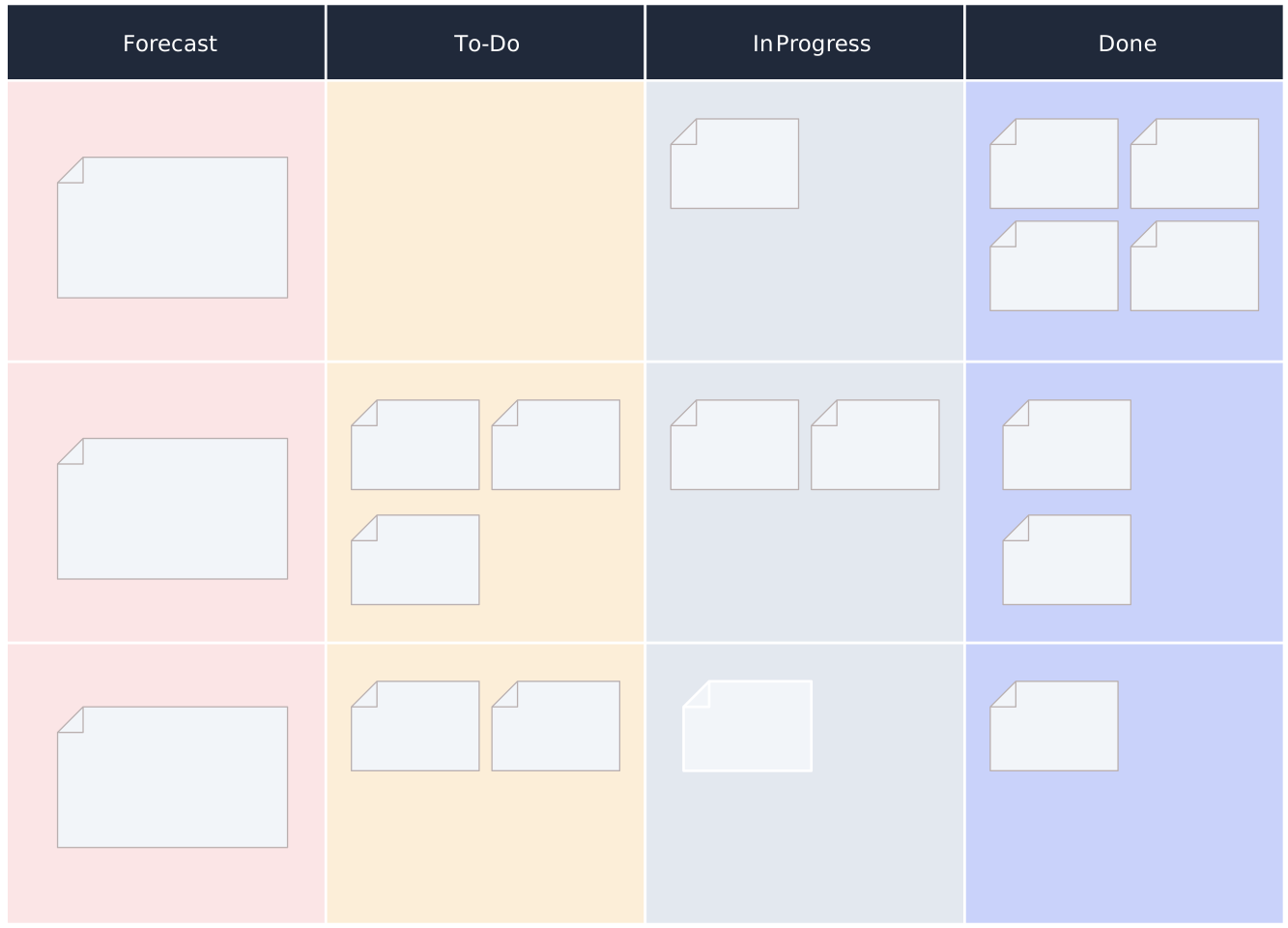
- Hold the Daily Scrum: Developers use this 15-minute event to inspect progress toward the Sprint Goal and produce an actionable plan for the next working day. A burndown chart may help visualize remaining work, but Scrum does not require one. The team can choose the forecasting method that best supports its decisions.
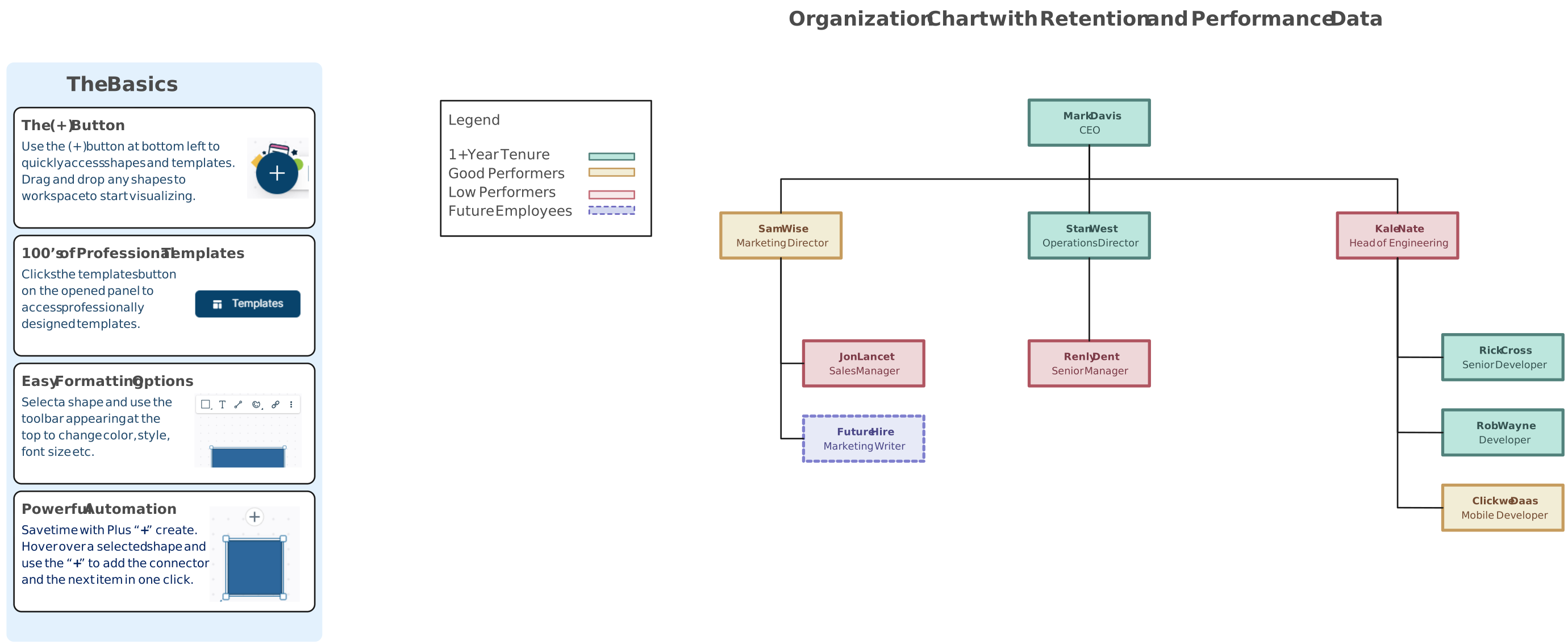
- Focus on Incremental Delivery: Create a usable Increment that meets the Definition of Done. Multiple Increments may be produced during a Sprint and value may be delivered before the Sprint ends; the Sprint Review is not a release gate.
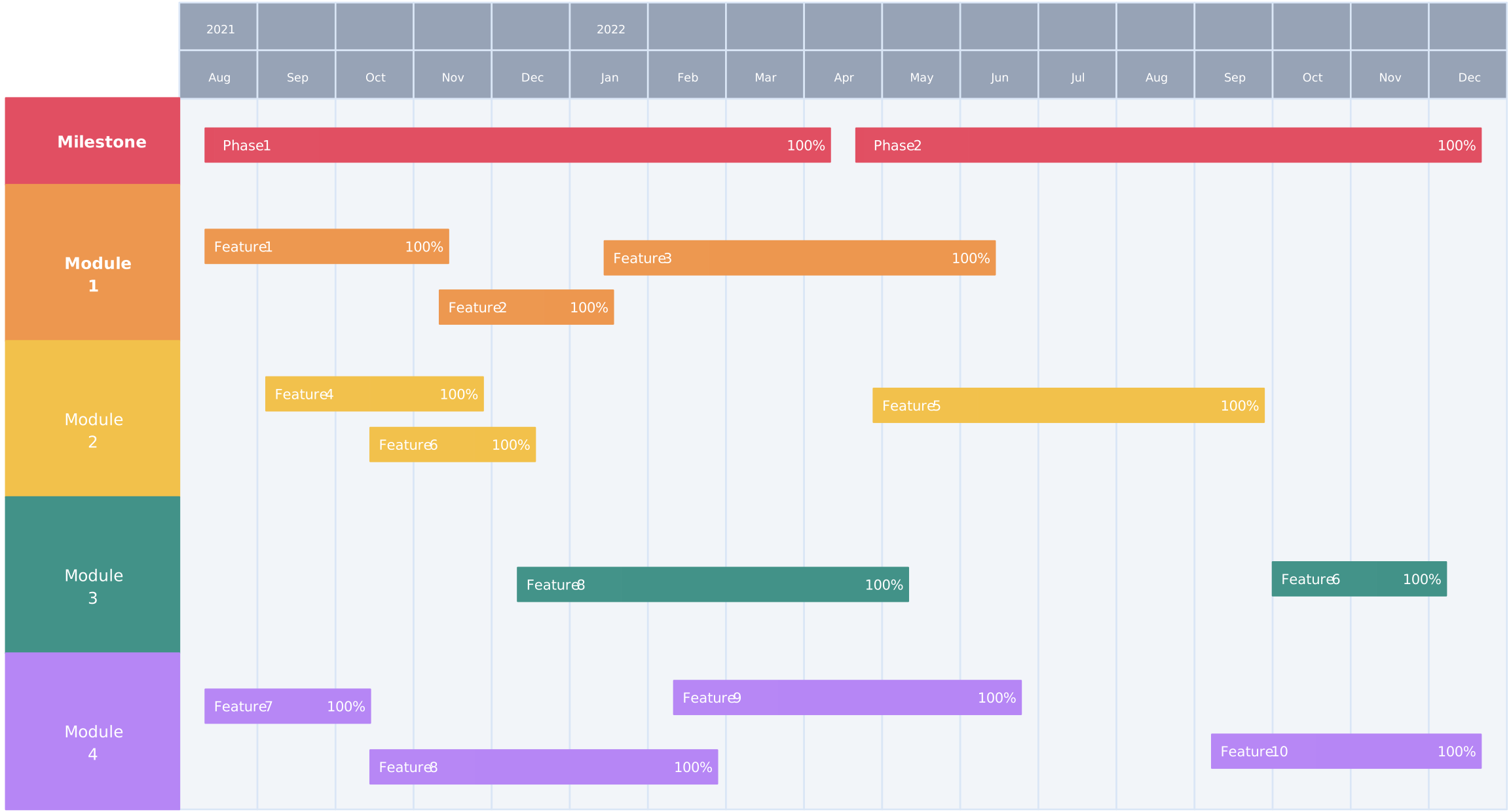
- Utilize Scrum Workflow Artifacts:
- Product Backlog: An emergent, ordered list of what is needed to improve the product. Its commitment is the Product Goal.
- Sprint Backlog: The Sprint Goal, selected Product Backlog items, and the actionable plan for delivering the Increment.
- Increment: A usable step toward the Product Goal that meets the Definition of Done.
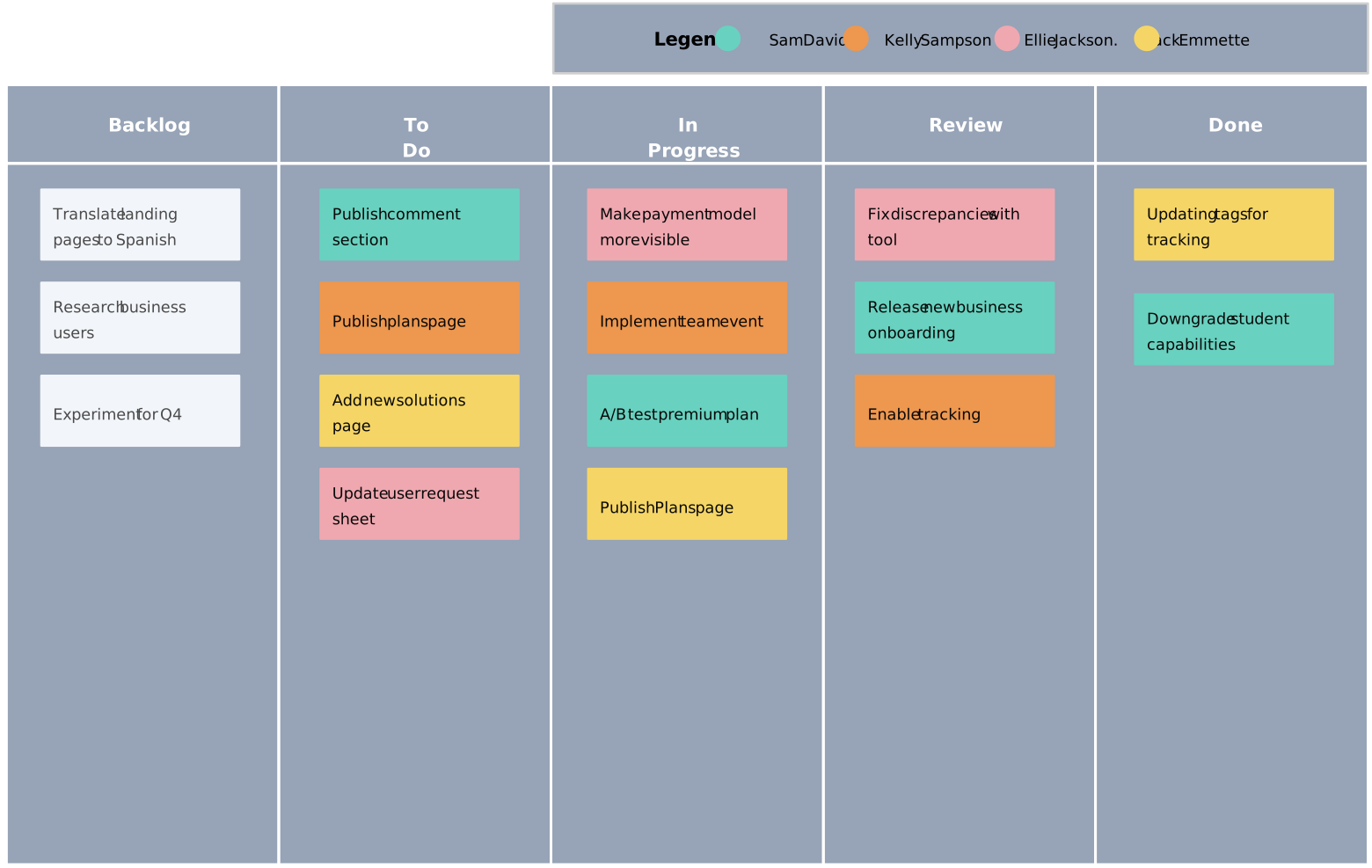
- Conduct Sprint Reviews and Retrospectives:
- Sprint Review: Showcase the sprint’s accomplishments to stakeholders and gather feedback.
- Sprint Retrospective: Reflect on the team’s performance to identify improvements for future sprints.
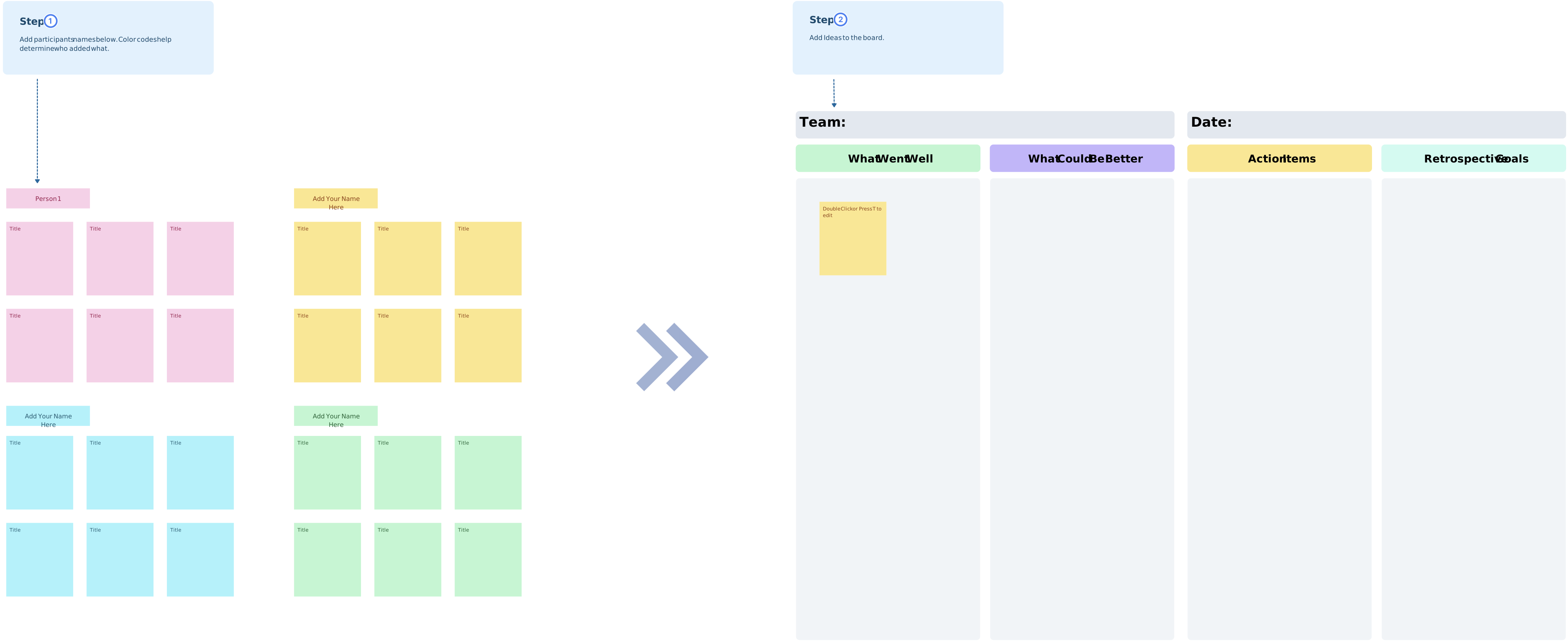
- Leverage Agile Tools and Platforms: Use tools such as Creately to visualize the Scrum workflow, clarify ownership and handoffs, and keep discussion connected to the work. Maintain authoritative delivery records in the system selected by the Scrum Team and organization.
Best Practices for Scrum Workflow Success:
- Adaptability: Be prepared to revise workflows based on feedback and evolving project needs.
- Clear Communication: Ensure seamless communication between team members and stakeholders.
- Commitment to Continuous Improvement: Regularly refine processes and integrate lessons learned from retrospectives.
By implementing Scrum workflows effectively, teams can foster a culture of collaboration, enhance productivity, and consistently deliver value to stakeholders. Creately provides a shared visual workspace for mapping workflows, discussing dependencies, and capturing improvement context. Use a descriptive online Scrum board to explore the relevant product experience.
Accountabilities in a Scrum Workflow
Scrum defines three accountabilities within one Scrum Team:
- Product Owner: Accountable for maximizing the value of the product resulting from the Scrum Team’s work and for effective Product Backlog management. The Product Owner may delegate work but remains accountable.
- Scrum Master: Accountable for establishing Scrum as defined in the Scrum Guide and for improving the Scrum Team’s effectiveness. This includes coaching the team and organization and helping cause the removal of impediments.
- Developers: The people in the Scrum Team who create a usable Increment each Sprint. They create and adapt the Sprint Backlog, uphold the Definition of Done, and hold one another accountable as professionals.
The Scrum Team is cross-functional and self-managing, with no sub-teams or hierarchies inside it.
Benefits of Scrum Workflow
The Scrum workflow offers several key benefits, making it a popular choice for teams looking to boost productivity, adapt to change, and deliver high-quality results:
- Increased Transparency: Scrum fosters transparency by providing clear roles, responsibilities, and a defined process. Scrum events such as the Daily Scrum, Sprint Review, and Sprint Retrospective create regular opportunities to inspect progress and adapt.
- Faster Delivery and Continuous Improvement: The iterative nature of Scrum enables teams to deliver work in short sprints, allowing for faster product releases. This approach encourages continuous improvement, as teams can reflect on each sprint and make adjustments for future ones, optimizing performance over time.
- Enhanced Collaboration and Accountability: Scrum emphasizes teamwork within a self-managing Scrum Team. Clear accountabilities for the Product Owner, Scrum Master, and Developers support focus without creating sub-teams.
- Flexibility and Adaptability: Scrum’s emphasis on iterative development and continuous feedback allows teams to quickly respond to changes in requirements, priorities, or market conditions, making it well-suited for projects that require flexibility.
- Higher Quality: By focusing on regular testing, incremental improvements, and collaboration, Scrum can help improve the quality of the product. The Product Owner ensures that the most valuable features are developed first, while feedback from stakeholders during Sprint Reviews ensures that the product meets expectations.
These benefits make Scrum particularly effective for complex projects requiring a high degree of flexibility and collaboration.
Utilizing Sprint Cycles for Focused, Achievable Objectives
Sprints are the backbone of the scrum framework, serving as fixed periods (usually two to four weeks) where teams commit to a set amount of work. By leveraging structured sprints, teams can focus on achieving tangible goals within a manageable timeline. This iterative process allows for continuous feedback and iterative development, ensuring that the end product aligns closely with user needs and stakeholder expectations.
- Incrementation: By breaking down work into sprints, teams regularly deliver increments of value, enabling frequent reflection and adaptation.
- Focused Deliverables: Each sprint results in deliverables that move the project closer to the end goal, fostering incremental development.
Integrating these strategies with tools like Creately enhances the visual management of scrum workflow, facilitating clearer communication and collaboration. Creately allows teams to map out their scrum processes on a collaborative canvas, making it easier to identify roles, backlogs, and sprint metrics in real time.
Enhancing Team Collaboration with Scrum
Scrum vs. Agile: A Collaborative Approach
When comparing scrum vs agile, it’s important to note that both frameworks aim to improve team collaboration and enhance project success. However, they differ in their approach to achieving these goals. Agile is a broad philosophy focused on iterative improvement and flexibility in project management. Scrum, on the other hand, is a specific framework within agile that provides structured processes for planning, executing, and reviewing project work, particularly through events like sprints and retrospectives.
Scrum defines accountabilities for the Product Owner, Scrum Master, and Developers. Agile is a broader set of values and principles rather than a competing framework with prescribed roles, so teams may apply those principles through Scrum or other approaches. Additionally, tools like How to Build an Agile Team offer insights into effectively organizing teams within these frameworks.
Scrum events create a regular cadence for inspection and adaptation. During the Daily Scrum, Developers inspect progress toward the Sprint Goal and adapt their plan for the next working day. The Sprint Review brings the Scrum Team and stakeholders together to inspect outcomes and discuss what to do next.
Impact of Scrum on Team Dynamics
The structured nature of scrum workflow significantly influences team dynamics by fostering an environment of transparency and openness. Scrum encourages regular feedback loops through reviews and retrospectives, allowing teams to continuously refine their processes based on learned experiences. This iterative approach not only improves project outcomes but also enhances team morale by valuing input from all members.
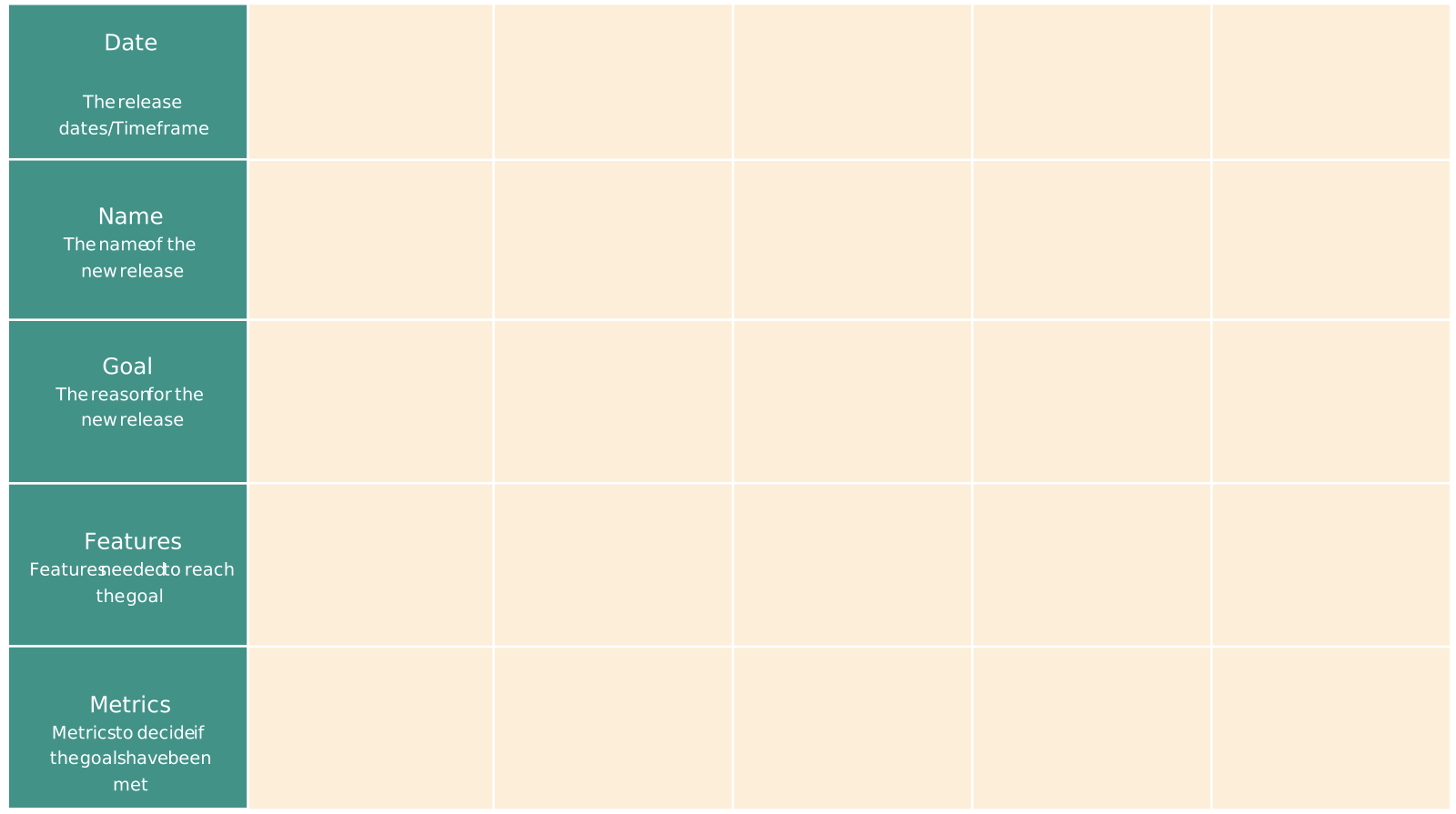
Visual team-structure and workflow diagrams can make accountabilities, dependencies, and handoffs easier to discuss. They should support—not replace—the Scrum Team’s self-management and its chosen product and delivery records.

By integrating Scrum into their processes, teams are better equipped to navigate the complexities of modern projects, ensuring not only completion but improvement with each sprint. The empowerment that comes with well-defined roles and recurring feedback loops contributes to a collaborative atmosphere, ultimately leading to higher productivity and satisfaction among team members.
Helpful Resources
The Ultimate Beginner’s Guide to Scrum
A single connected visual platform to collaborate on planning, tracking and running your Scrum projects.
Editable simple scrum board template to track the work done in a single sprint.
Tools and Techniques for Streamlining Scrum Workflows
In the realm of scrum workflow, the utilization of visualization tools plays a crucial role in enhancing task management and team alignment. By leveraging the right technology, teams can smooth out bottlenecks, optimize processes, and maximize productivity. This section explores how implementing tools like Creately’s Project Management Software can significantly improve and contribute to streamlined scrum workflow.
Integrating Technology in Scrum Workflow
Technology can make Scrum work more visible, but tools do not implement Scrum by themselves. Teams may use delivery systems for backlog and release records alongside visual collaboration tools for mapping dependencies, facilitating workshops, and documenting improvement context. Choose tools that support the Scrum Team’s workflow without turning the Daily Scrum into status reporting or adding unnecessary administration.
Platforms like Creately support Workload Management by providing a cohesive environment for planning and visualizing entire projects from beginning to end. This holistic view empowers teams to manage resource allocation effectively and anticipate project needs before they become issues.
- Connected context: Use visual diagrams to bring relevant links, notes, and supporting files into the discussion. Keep authoritative backlog, delivery, and release records in the systems selected by your team.
- Collaborative Troubleshooting: With visual dashboards and real-time feedback, any workflow inefficiencies can be quickly identified and resolved collaboratively.
- Boosted Productivity: With the aid of digital visualization tools, teams can streamline project planning and maximize outputs by cutting down on redundant processes and focusing purely on value delivery.
By incorporating these tools and techniques, scrum workflow teams can ensure a smoother, more efficient workflow that adapts and responds to evolving project requirements. This strategic use of technology ultimately brings teams closer to their objectives while maintaining flexibility and adaptability in progressing toward agile success.
How to Visualize a Scrum Workflow Using Creately
Visualizing a Scrum workflow can help team members understand how work moves from Product Backlog refinement through delivery and review. In Creately, teams can map stages, dependencies, ownership, and handoffs, then use comments and real-time collaboration to discuss changes in context. Keep the visual current as the workflow evolves so it remains useful living documentation.
Key Elements to Visualize in a Scrum Workflow
Product Backlog: Visualize the Product Backlog as an ordered, evolving list of what is needed to improve the product. The Product Owner is accountable for effective Product Backlog management. A Kanban board or workflow diagram can provide a useful discussion view while the team preserves its authoritative backlog in the appropriate delivery system.
Sprint Planning and Backlog Refinement: Sprint planning is another critical part of the workflow. In this stage, the Scrum team selects items from the backlog to work on during the sprint. Creately makes it easy to visualize these tasks by creating clear, interactive sprint plans that outline the tasks for the sprint and the order in which they will be completed. This visual representation helps teams assess the scope and identify dependencies before work begins.
Daily Scrum: Developers inspect progress toward the Sprint Goal and adapt the Sprint Backlog as necessary. A shared board can provide context on work states and impediments, while real-time collaboration allows participants to annotate or discuss the workflow together.
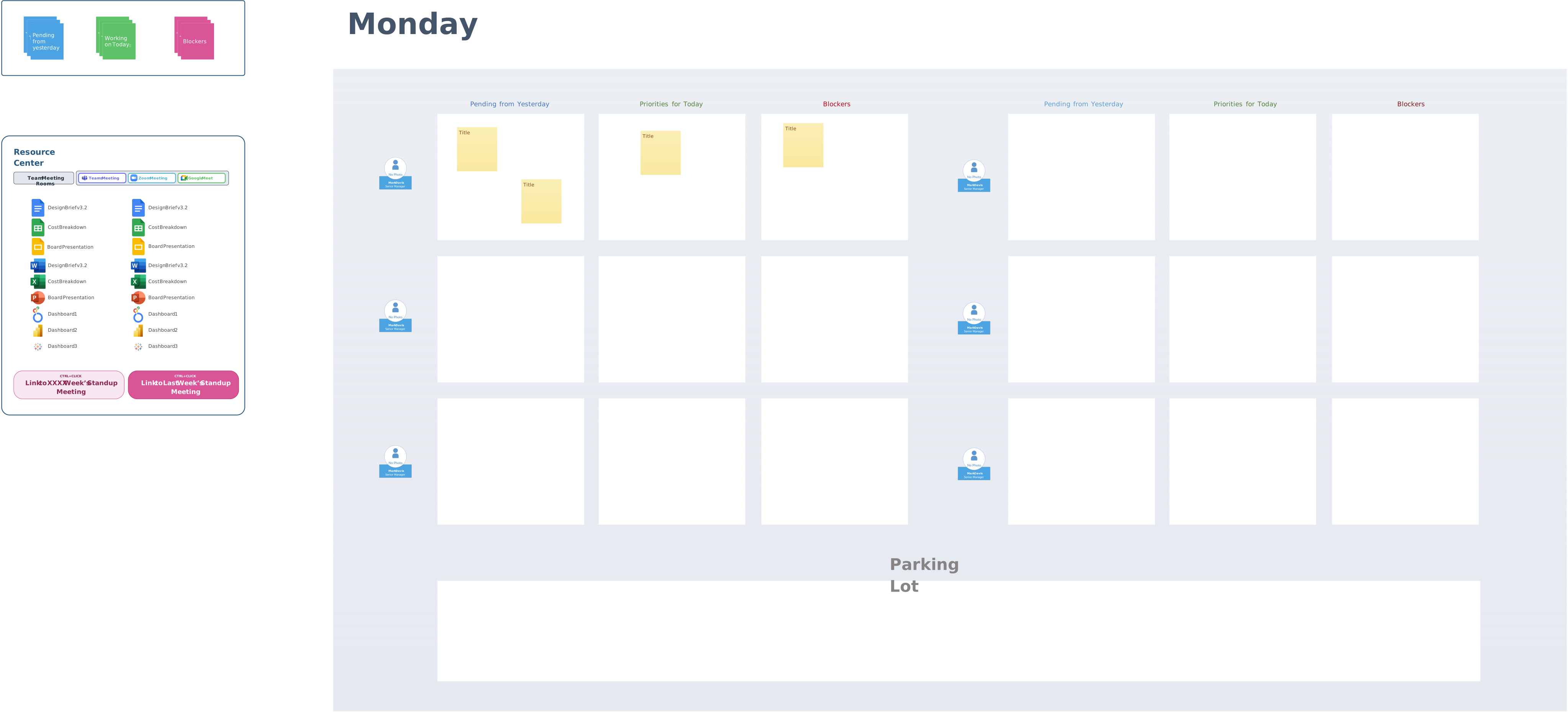
- Sprint Review and Retrospective: At the Sprint Review, the Scrum Team and stakeholders inspect the outcome and discuss future adaptations. At the Sprint Retrospective, the Scrum Team plans improvements to quality and effectiveness. Teams can use visual canvases to gather feedback, group observations, and keep improvement context connected to the relevant workflow.
- Burndown Charts: Visualizing progress with burndown charts is another powerful tool in Scrum. These charts display the remaining work in the sprint against time, helping teams track their progress and stay on target. Creately supports the creation of these charts, making it easy for teams to track their completion rate and adjust their work if necessary.
- Real-Time Collaboration: Team members can edit a shared visual workspace together, use comments and @mentions, and see collaborators’ changes. Use the team’s approved delivery and governance systems for formal approvals, release records, and integrations.
Benefits of Visualizing Scrum with Creately
- Enhanced Task Management: Creately’s visual tools, such as Kanban boards and timelines, help teams better manage and prioritize tasks, ensuring that the right work is being done at the right time.
- Improved Communication: Visual boards help ensure that everyone can easily understand the project’s progress and what’s next in the workflow. With tools like task status indicators, team members can track the status of tasks at a glance.
- Real-Time Collaboration: Teams can contribute to the Scrum workflow from any location, ensuring updates and changes are instantly visible to all members. This helps streamline the Scrum process and keep everyone aligned with the project goals.
By utilizing visual tools like Creately, Scrum teams can better understand, plan, and execute their workflows, ensuring faster, more efficient project delivery. These tools help optimize team collaboration, minimize miscommunication, and foster continuous improvement within the Scrum framework.
Conclusion
In conclusion, optimizing your Scrum workflow can significantly enhance the efficiency and effectiveness of Scrum teams. By clearly mapping out processes and using structured visual tools, teams can better understand task flows, dependencies, and bottlenecks. This clarity supports coordination during Sprint Planning, Daily Scrums, Sprint Reviews, and Sprint Retrospectives by keeping the relevant workflow context visible.
Refining the Scrum workflow enables teams to quickly adapt to changes, make informed decisions, and continuously improve. With transparent tracking of progress and regular evaluations, Scrum teams can optimize their performance, delivering high-quality results faster and fostering a collaborative, agile environment.
Resources:
The Scrum Guide, Schwaber, Ken, and Jeff Sutherland, November 2020. Current official version accessed September 1, 2026.
Agile Alliance: Scrum, accessed September 1, 2026.
FAQs on Scrum Workflow
How do Scrum roles differ?
What hurdles might I face when implementing Scrum?
How do I engage stakeholders effectively?
How can retrospectives aid in continuous improvement?