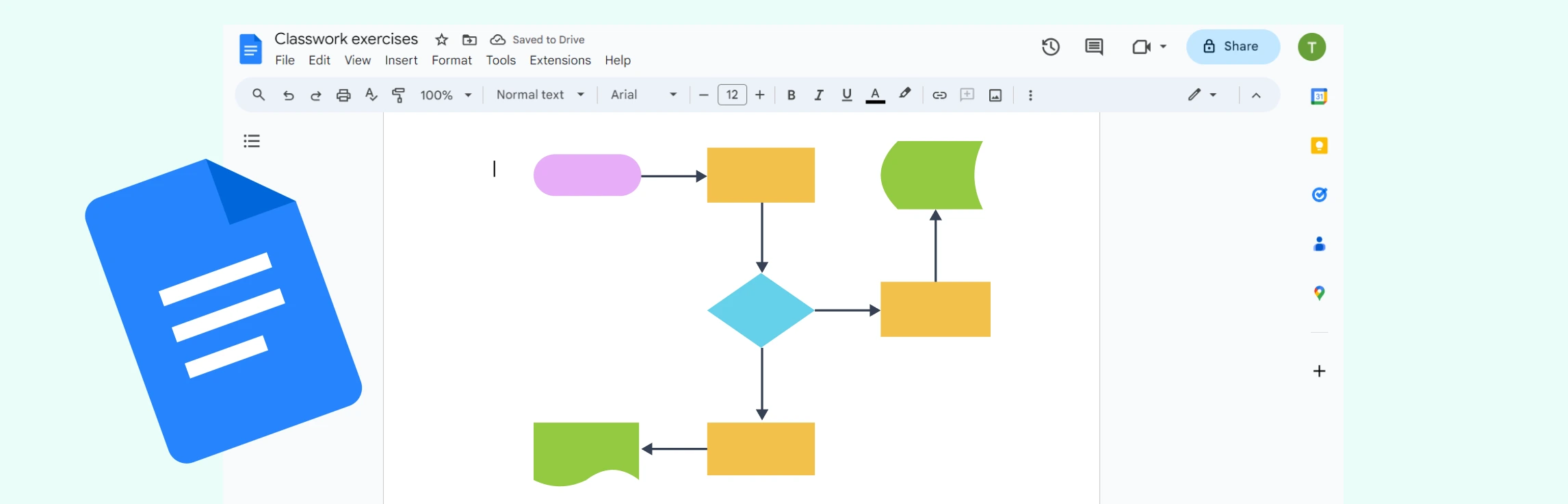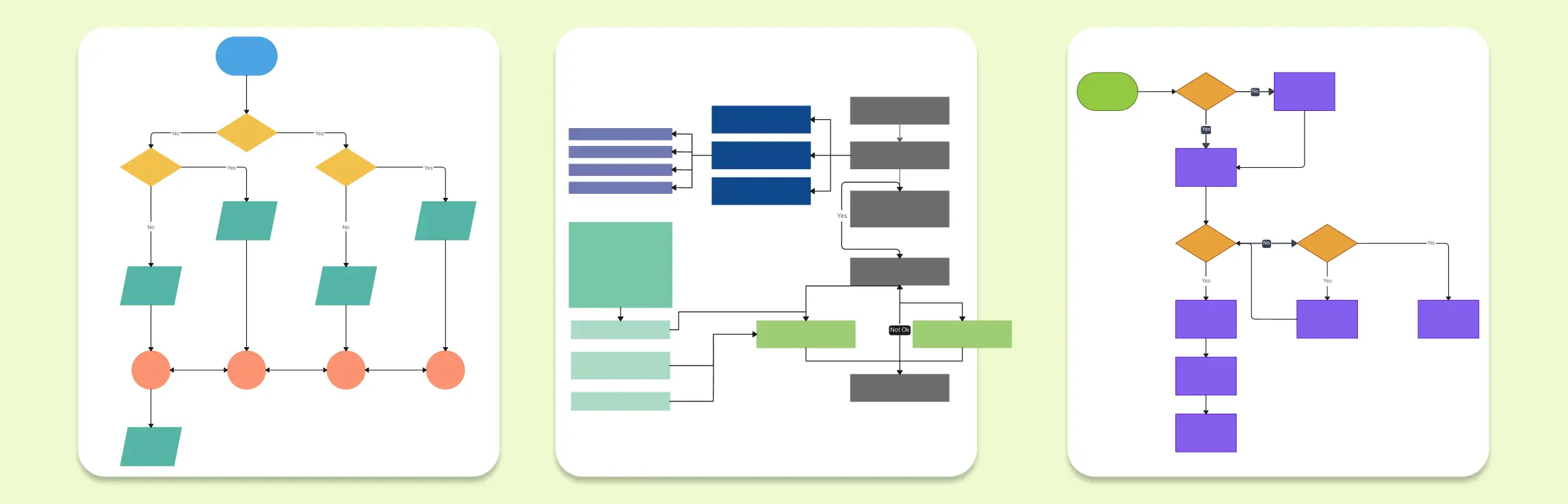
Flowcharts are powerful tools that simplify complex processes, visualize workflows, and aid in decision-making. Whether you’re designing a customer journey, mapping out business processes, or planning project tasks, flowcharts help present information in a clear and structured format. This guide presents a collection of flowchart examples for business, offering templates that cater to diverse operational needs.
11 Flowchart Examples for Businesses to Improve Efficiency
1. Workflow Demo Template


This template offers a high-level demonstration of a standard workflow process, helping businesses visualize steps, decisions, and outcomes. Ideal for onboarding new team members or presenting to stakeholders, it highlights the process flow, task responsibilities, and decision points.
Use Cases:
- Onboarding new employees
- Demonstrating internal processes
- Training and presentations
2. If-Then Flowchart
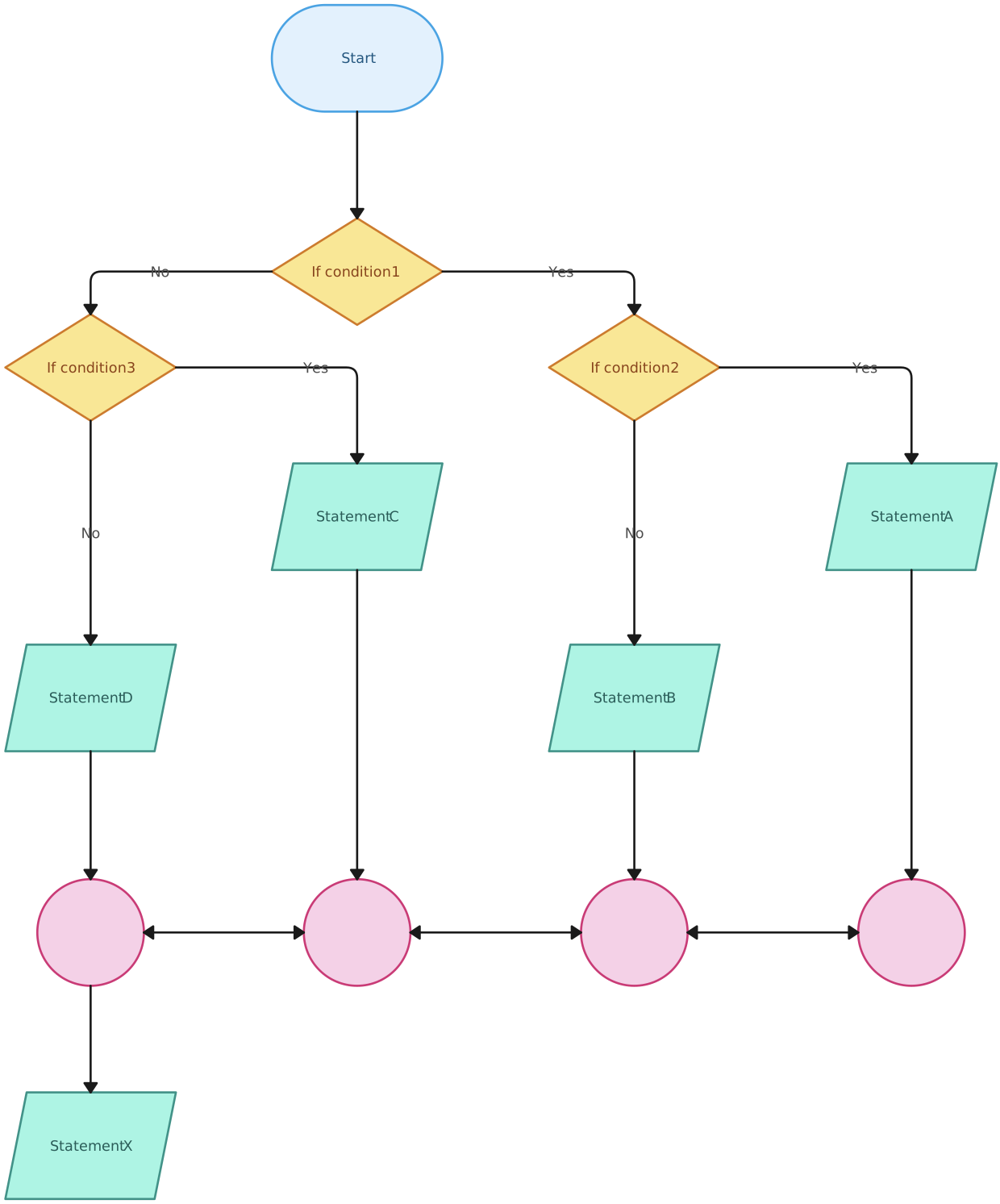
An If-Then flowchart helps outline conditional workflows, providing clear guidance based on yes/no decisions or other conditions. It is essential for decision trees, troubleshooting processes, and policy guidelines.
Use Cases:
- Customer service troubleshooting
- Business decision-making processes
- IT support procedures
3. E-commerce Order Processing Flowchart

This flowchart maps out the entire e-commerce order process, from order placement to delivery. It visualizes interactions between different teams, automating fulfillment steps, and ensuring a seamless customer experience.
Use Cases:
- Visualizing online order fulfillment
- Identifying process bottlenecks
- Enhancing customer experience
4. Sprint Tasks Flowchart

Perfect for agile teams, this flowchart helps track sprint tasks from planning to completion. It simplifies workflow visualization for efficient task management and accountability.
Use Cases:
- Managing agile sprints
- Visualizing team workflows
- Tracking task progress and bottlenecks
5. Business Development Process Flowchart

This template captures the business development cycle, from prospecting to closing deals. It helps identify key stages and actions, ensuring a structured approach to growing business opportunities.
Use Cases:
- Mapping client acquisition processes
- Tracking sales funnel stages
- Optimizing lead generation strategies
6. Chatbot Flowchart
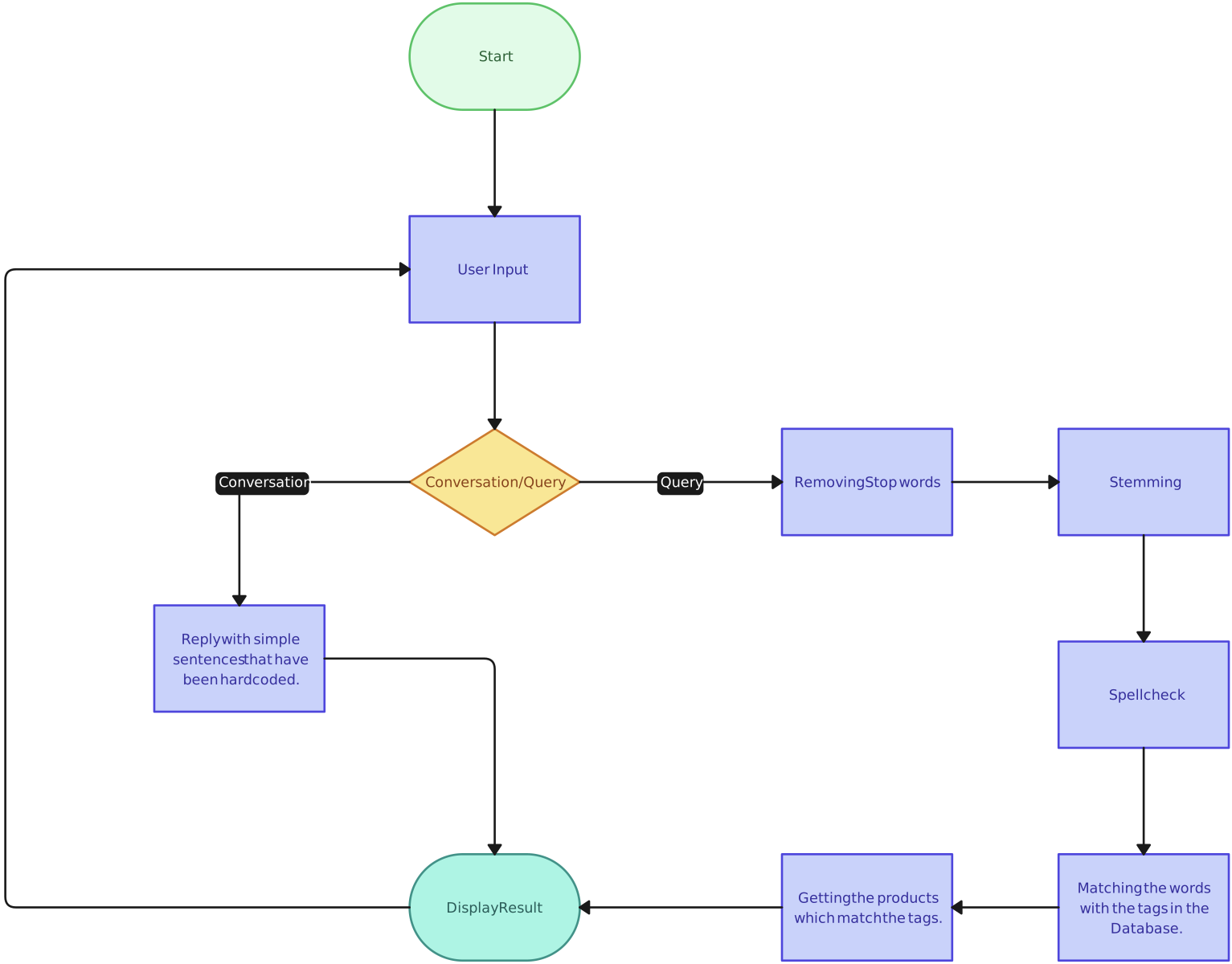
Design intuitive chatbot flows that guide users through queries, FAQs, and service interactions. This template helps visualize conversational paths, ensuring smooth and efficient customer support.
Use Cases:
- Building chatbot workflows
- Enhancing automated support systems
- Structuring user interaction paths
7. Business Workflow Flowchart

Ideal for mapping out business operations, this template outlines process flows, decision points, and task responsibilities. It helps enhance operational efficiency and accountability.
Use Cases:
- Process optimization
- Operational planning
- Standardizing business processes
8. Sales Process Flowchart

Visualize your sales pipeline with this comprehensive flowchart. It tracks stages from prospecting to closing, ensuring alignment between sales teams and business objectives.
Use Cases:
- Mapping sales strategies
- Training new sales representatives
- Identifying and addressing pipeline bottlenecks
9. Inventory Management Flowchart

Simplify inventory processes, from stock intake to order fulfillment. This template helps ensure efficient stock management and reduces instances of stockouts or overstocking.
Use Cases:
- Warehouse process optimization
- Managing inventory audits
- Reducing errors in order processing
10. Email Drip Flowchart
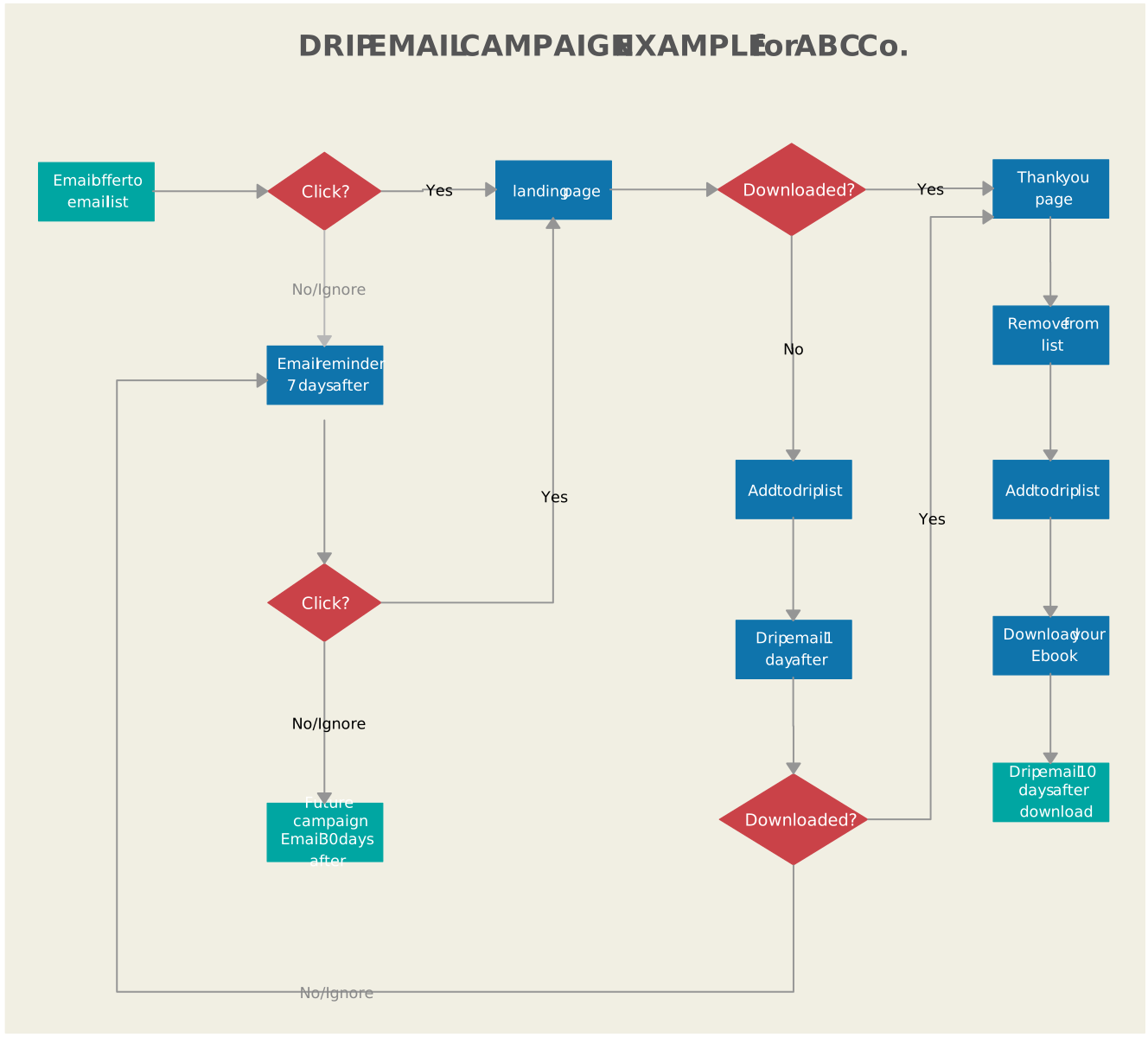
Create automated email sequences using this template. Visualize trigger points, engagement paths, and follow-up actions to optimize marketing automation strategies.
Use Cases:
- Designing email marketing sequences
- Enhancing lead nurturing strategies
- Improving engagement rates
11. Employee Flowchart
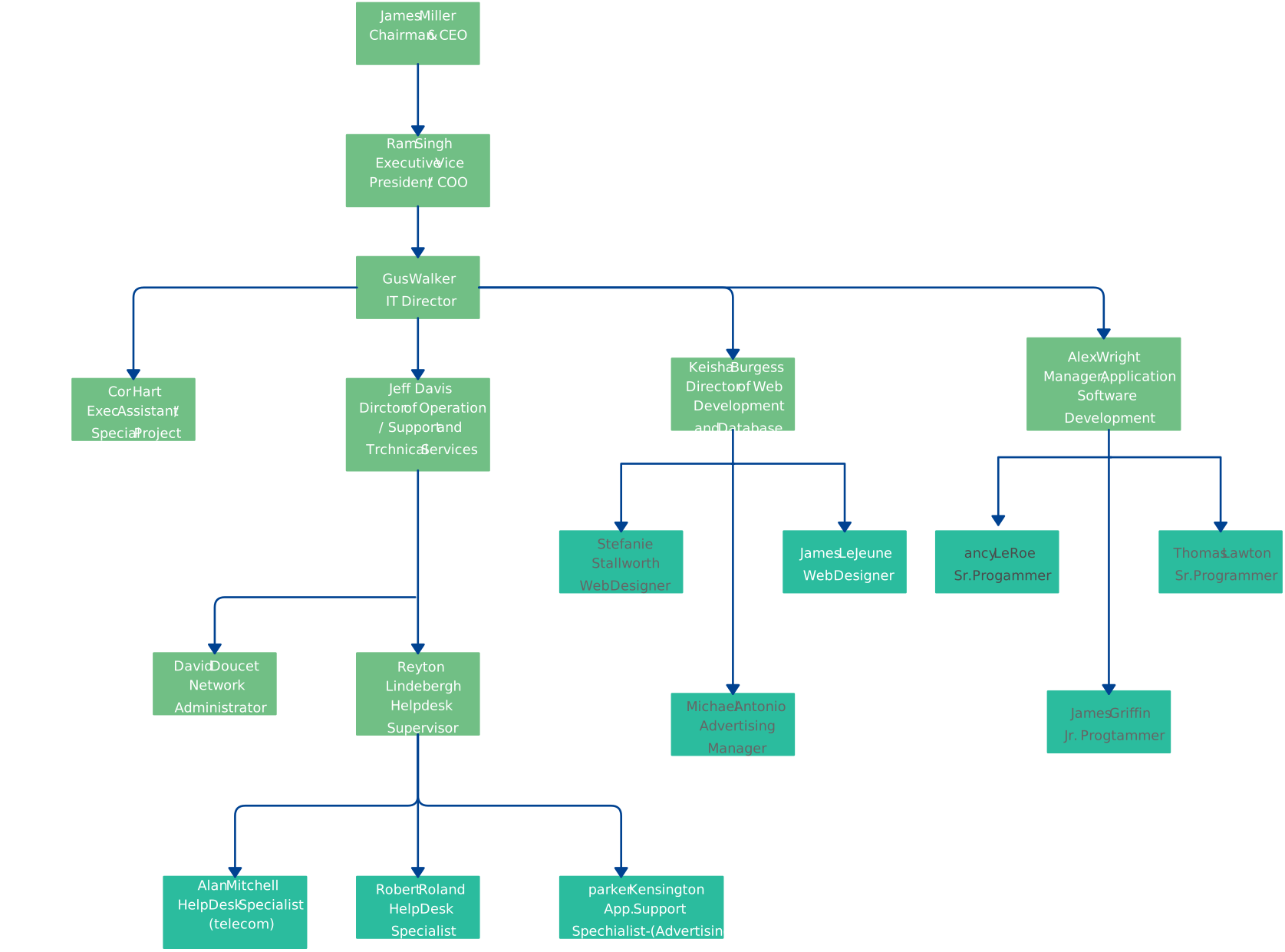
Map out employee onboarding, performance evaluation, and offboarding processes. This template ensures clarity, consistency, and smooth HR operations.
Use Cases:
- Onboarding and training programs
- Employee evaluation processes
- Exit interviews and offboarding
How to Customize Flowchart Templates in Creately
- Select a Template: Choose any of the above templates to start with.
- Edit Elements: Add or remove steps, edit text, and customize icons as needed.
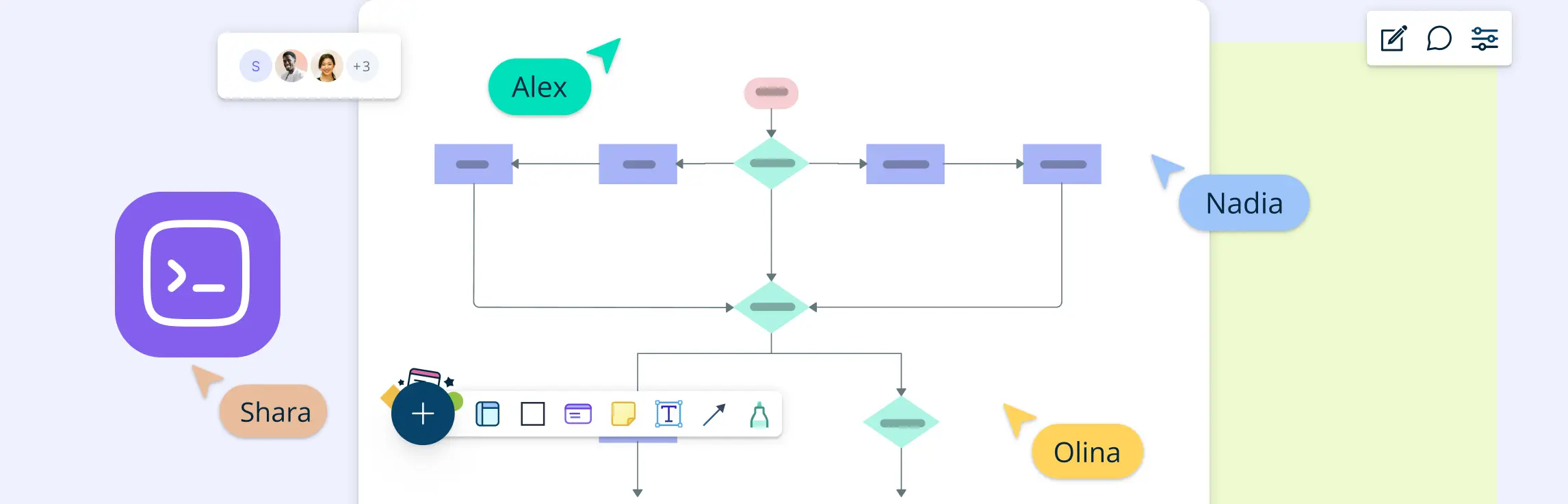
- Collaborate in Real-Time: Invite team members to collaborate and make live edits.
- Share and Export: Once finalized, export your flowchart or share it directly with stakeholders.
Using these templates, businesses can enhance operational efficiency, improve communication, and drive better results. Get started today with Creately and transform the way you manage business processes.
Watch this video to learn step-by-step techniques for creating professional flowcharts in Creately.
Why Creately is the Best Tool for Flowcharts
Creately offers advanced diagramming capabilities, real-time collaboration, and a wide range of templates that streamline the flowchart creation process. The easiest way to create a flowchart is by using tools like Creately’s flowchart software, especially for complex or collaborative projects. As an intuitive and powerful tool, it excels in mapping processes, analyzing workflows, and enhancing team collaboration, making it the ideal choice for efficient and effective flowcharting.
- AI-Powered Assistance: Creately VIZ features an AI Flowchart Maker that suggests shapes, auto-generates flowcharts from text, and enhances process visualization. This accelerates diagram creation and minimizes manual effort. Try our premium AI Flowchart Template to effortlessly design advanced flowcharts with AI-driven capabilities.

Versatile Templates: Choose from a wide range of customizable pre-designed flowchart templates designed for multiple industries and business needs.
Intuitive Drag-and-Drop Interface: Simplify the creation of complex diagrams with an easy-to-use interface that accelerates workflow design.
Real-Time Collaboration: Work seamlessly with teams across departments with live collaboration and feedback features.
Extensive Shape Libraries: Access a variety of shapes and flowchart symbols tailored for specific business use cases, including process, decision, and data symbols.
Integration Capabilities: Integrate with tools like Jira, Confluence, Google Drive, and more to streamline workflows and enhance productivity.
Export & Sharing Options: Share flowcharts in multiple formats (PNG, PDF, SVG) or directly embed them into presentations and reports.
Conclusion
Flowcharts are indispensable for businesses aiming to streamline operations, improve communication, and enhance decision-making. With Creately’s versatile templates and intuitive tools, you can easily design professional flowcharts tailored to your business needs. Explore the templates provided and elevate your workflow processes today.