An organization may have a clear strategy and still struggle to see which systems, data, and teams must change to carry it out. Enterprise architecture (EA) makes those relationships visible. It gives decision-makers a shared view of how the business operates today, what it needs to become, and the changes required to get there.
This guide explains the four main EA domains, the diagrams and plans an architecture team produces, and a practical example. You can start with a single business problem; an EA effort does not have to document every system in the company.
What Is Enterprise Architecture?
Enterprise architecture is the practice of describing an organization across its business capabilities, information, applications, and technology so people can plan change across those areas. An architecture view answers a specific question: for example, which applications support order fulfillment, where customer data moves, or what a proposed platform change would affect.
The work is more than drawing a technical diagram. An architect might compare the current and desired states, identify dependencies and gaps, agree on design principles, and sequence changes on a roadmap. The goal is to give business and technology teams enough shared context to make decisions and keep plans aligned as conditions change.
Business architecture is part of that picture. It describes what the organization must be able to do and how it creates value; EA also considers the data, applications, and technology that support those capabilities. For a side-by-side explanation, see business vs enterprise architecture.
The Four Enterprise Architecture Domains
The four domains are different views of the same organization. Their boundaries may vary by framework, but each view should connect to a decision or outcome.
| Domain | Question it answers | Typical view |
|---|---|---|
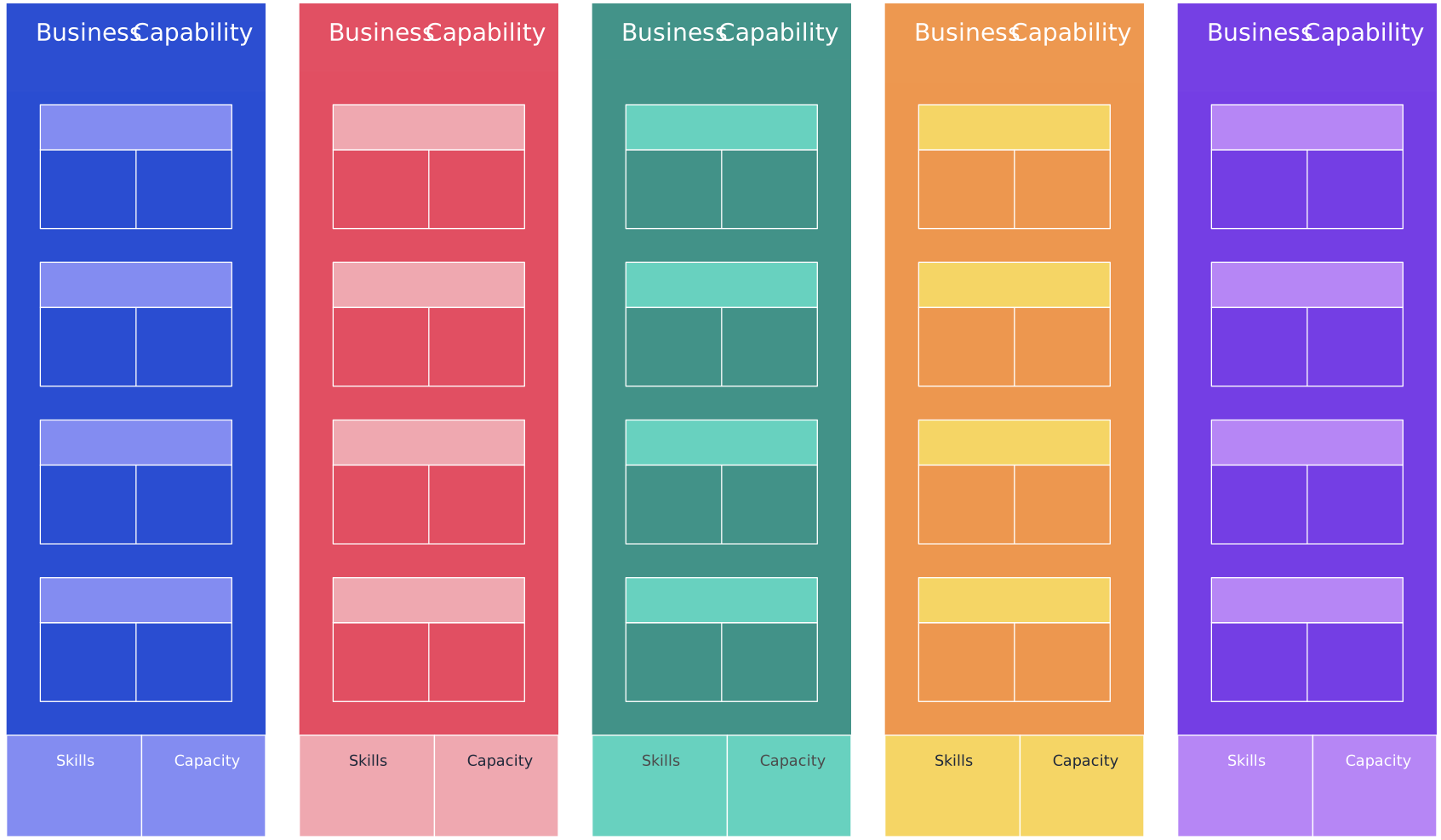
| Business | What capabilities and processes deliver value, and who owns them? | Capability map, value stream, or process map |
| Data | What information is needed, where does it come from, and how is it used? | Data flow, information map, or conceptual data model |
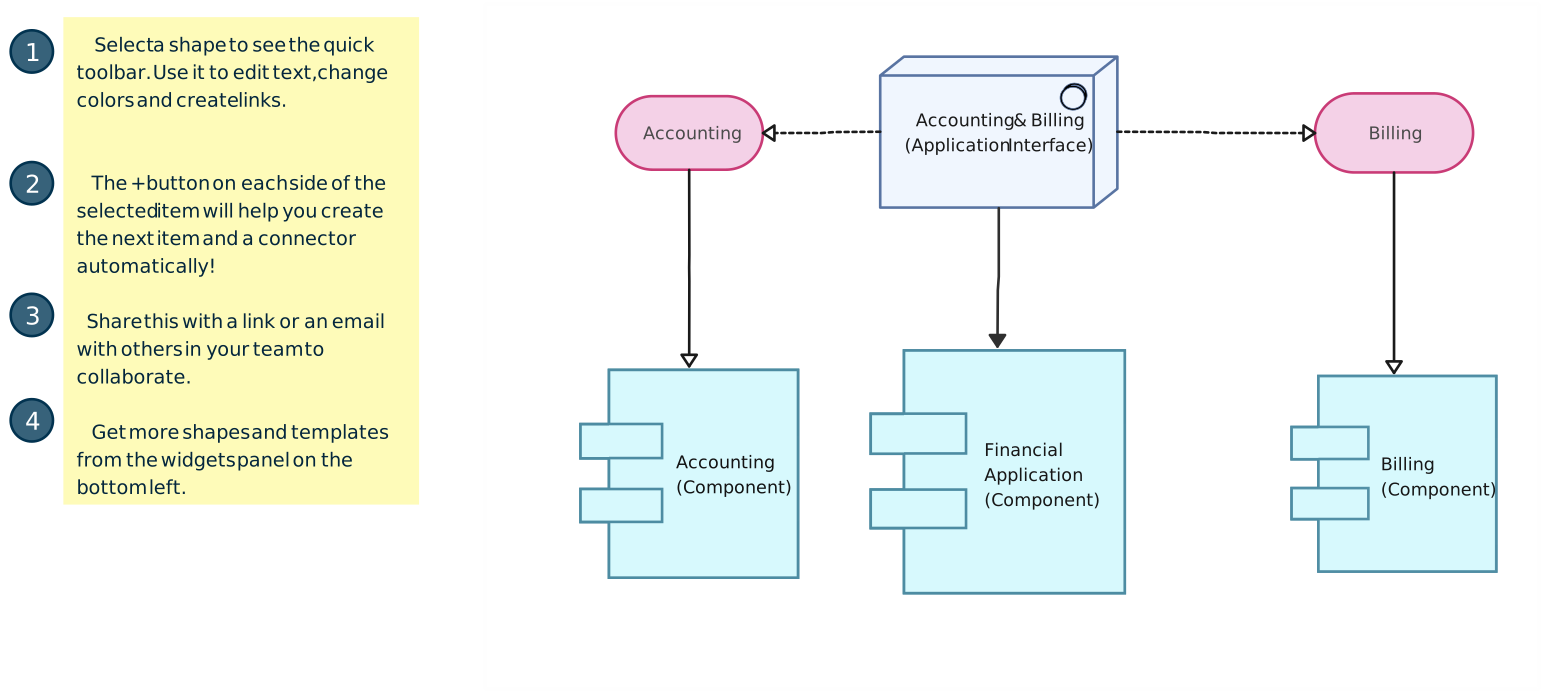
| Application | Which systems support the capabilities and exchange information? | Application portfolio or integration map |
| Technology | Which platforms and infrastructure run those systems? | Technology landscape, deployment view, or infrastructure map |
For example, an order-fulfillment capability belongs in the business view. The order and inventory records belong in the data view. The storefront and warehouse systems appear in the application view. Their hosting platforms and network connections appear in the technology view. Linking the views reveals what changes when the fulfillment process changes.
Security, privacy, standards, and governance cut across the domains. They shape how data is handled, which integrations are approved, and how architecture decisions are reviewed; they are not a substitute for the four views.
Why Organizations Use Enterprise Architecture
EA is most useful when a decision crosses team or system boundaries. It can help teams:
- See dependencies before changing a system. An application map can reveal the processes, data flows, and integrations that rely on it.
- Prioritize investments against business needs. A business capability map shows which abilities matter to a goal and where support is weak or duplicated.
- Plan a transition. Current-state and target-state views clarify what must change; a technology roadmap puts the changes in a workable sequence.
- Give stakeholders a common reference. Business owners can review the capability and process views while technical teams examine the applications, data, and platforms behind them.
These benefits depend on keeping the views relevant. A complete inventory that no one uses for decisions quickly becomes stale.
Common Enterprise Architecture Deliverables
An EA team chooses deliverables according to the problem. A migration needs a different set of views from an application consolidation project.
| Deliverable | What it helps decide |
|---|---|
| Capability map | Which business abilities need investment or redesign? |
| Application portfolio and integration map | Which systems overlap, depend on one another, or exchange data? |
| Data flow or information map | Where is critical information created, shared, and governed? |
| Current-state and target-state diagrams | What is changing, and what should the future arrangement look like? |
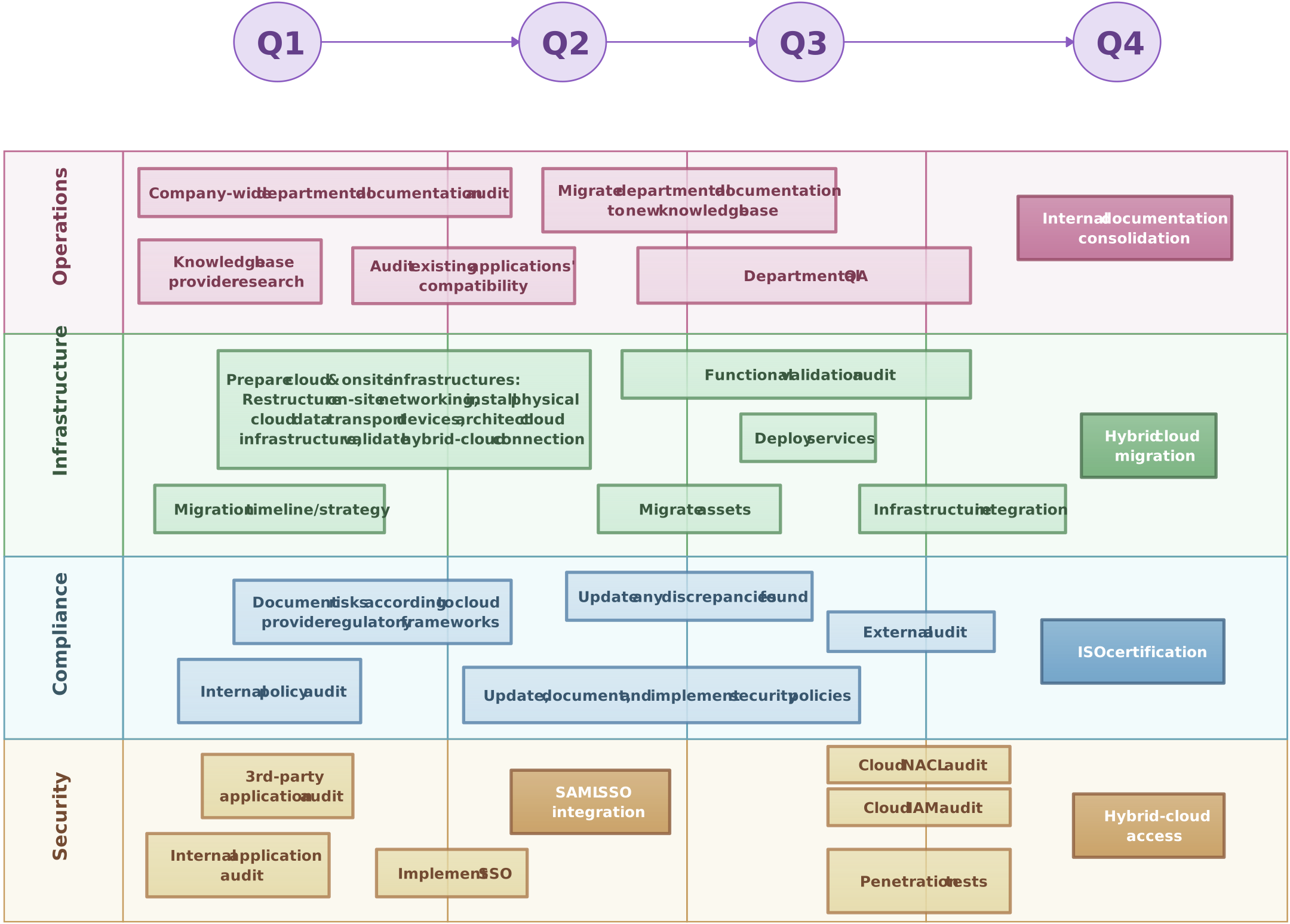
| Architecture roadmap | In what order should changes happen, and what must be in place first? |
Start with the smallest set that answers the decision at hand. Give each view an owner and review date so stakeholders can tell whether it still reflects the current environment.
Enterprise Architecture Example: Improving Order Fulfillment
Imagine a retailer whose customers can buy online but cannot see reliable delivery dates. The business goal is to give customers an accurate promise before checkout. The architecture team first maps the current state, then sketches a target state.
- Business: Map the order-to-delivery process and identify where staff manually check stock. The desired capability is to confirm availability and delivery timing during checkout.
- Data: Trace product availability, order, and delivery information. Note which team owns each record and where updates are delayed or duplicated.
- Application: Show the storefront, inventory system, order-management system, and shipping service, including their existing integrations. The target view may call for a reliable availability exchange between these systems.
- Technology: Record the platforms and connections that run those applications. Check whether the proposed exchange fits current security and operational constraints.
The team can then sequence the work: agree on inventory ownership, improve the data feed, test the checkout integration, and retire a redundant manual step only after the new path works. A capability map explains why the change matters; application and data maps show what is affected; a roadmap shows when to make each change. This is an illustrative example, not a prescribed architecture for every retailer.
Enterprise Architecture Frameworks and Modeling Languages
Frameworks help teams organize architecture work, but they answer different questions:
- TOGAF Standard: A method and body of guidance for developing and governing enterprise architecture. Teams can adapt its approach to the size and purpose of their initiative.
- Zachman Framework: A way to classify architecture descriptions by stakeholder perspective and by questions such as what, how, and where. It helps reveal missing views; it is not a step-by-step implementation method.
- ArchiMate: A modeling language for expressing relationships across architecture views. It can give architects a shared notation, but a notation alone does not determine which change to prioritize.
A team does not need to model every possible view to begin. Choose a method or notation only where it improves a decision, makes dependencies clearer, or helps people maintain a consistent set of diagrams.
How to Start Mapping Your Enterprise Architecture
- Name the decision and outcome. For example, reduce order delays, consolidate duplicate applications, or plan a cloud migration. Identify who will use the architecture views.
- Set a boundary. Pick the capability, value stream, or group of systems relevant to that decision. Record what is outside the first pass.
- Map the current state. Gather the business process, key data, applications, integrations, and technology that are actually involved. Validate the view with owners rather than relying on an old inventory.
- Describe the target state and gaps. Show what must work differently and which dependencies, risks, or data issues stand in the way.
- Sequence and review changes. Put changes on a roadmap, assign owners, and revisit the diagrams when a system or process changes.
Creately’s editable diagrams can help teams place these views in a shared visual workspace and discuss them together. Use the templates below as starting points, then add only the detail needed for your initiative.
Editable Enterprise Architecture Templates
The first template gives a broad EA view. The capability map and roadmap support different decisions, so choose the view that matches your question rather than placing every detail in one diagram.