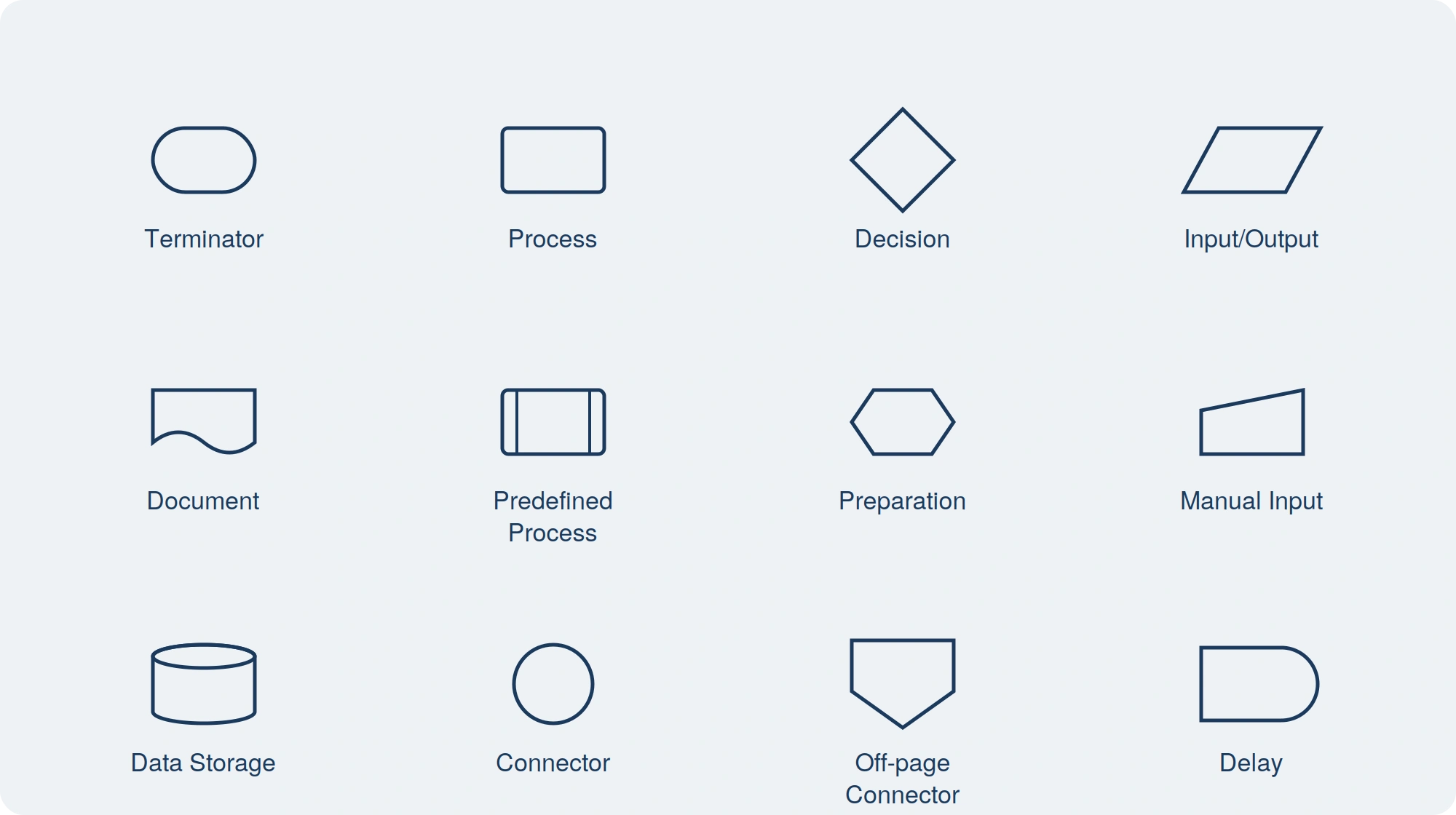
Flowcharts are the go-to tool for process mapping. Whether you are working on a new workflow or solving a problem, flowchart symbols make it easy to visualize steps, decision points, and paths. However, to create a flowchart that clearly communicates your process, you need to know the right flowchart symbols and their usage. This guide will walk you through everything you need to know about flowchart symbols, their meanings, best practices, and common mistakes. Understanding flowchart symbols ensures that your diagrams are effective, structured, and universally understood.
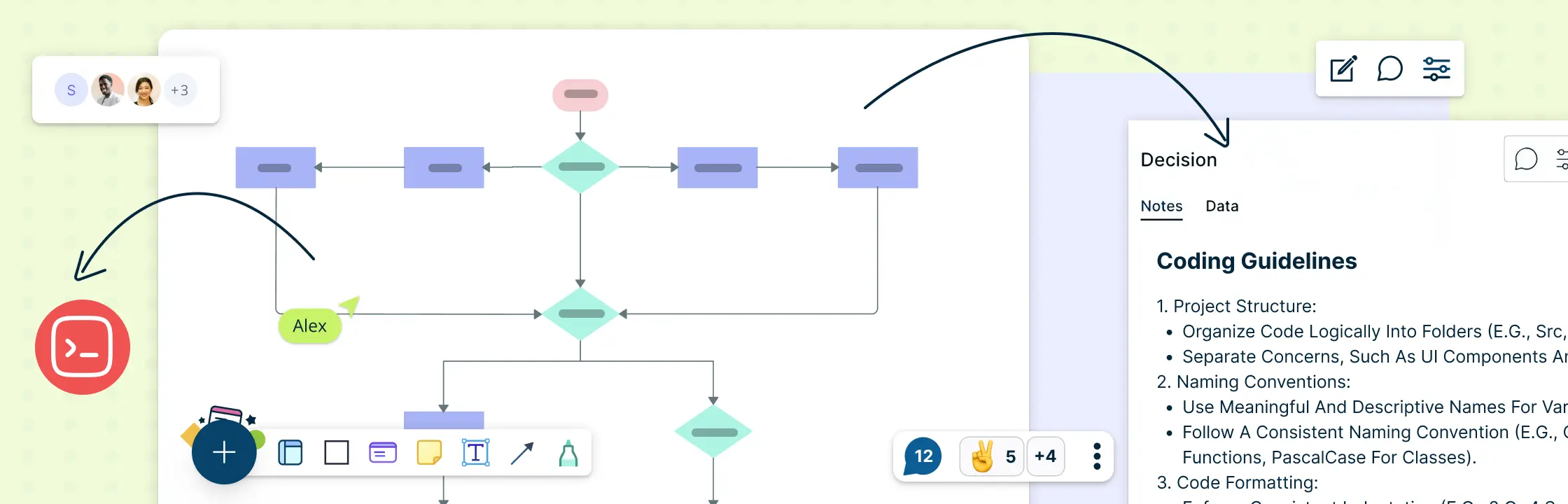
For a project to be successful, a clear structure must be established before any code is written. As a kind of blueprint, a programming flowchart helps developers code more clearly and efficiently. It facilitates development, lowers errors, and enhances execution in general. The main advantages of using flowcharts in programming, particularly in C, are examined in this article, along with how tools like Creately improve the process.
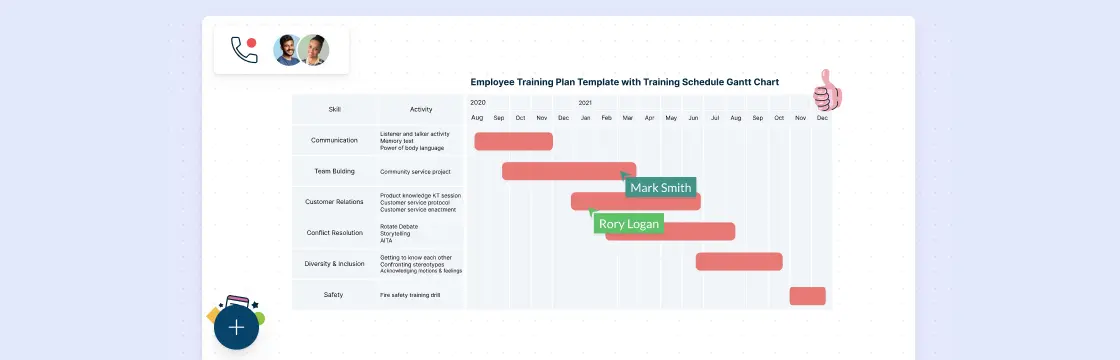
Flowcharts and Gantt charts support different parts of project planning. A flowchart explains how work moves through steps, decisions, owners, and handoffs. A Gantt chart places project tasks on a timeline and shows dates, durations, milestones, progress, and dependencies. Project size or duration does not determine which one to use; the planning question does. Many teams use flowcharts to clarify process logic and Gantt charts to manage the schedule.