A product roadmap helps your team answer the big questions: Where is the product going? What should we focus on next? And why do these priorities matter? This guide shows you what to include and how to build a roadmap your team and stakeholders can actually use.
What Is a Product Roadmap?
A product roadmap is a high-level visual plan that shows where a product is going, what the team plans to focus on, and why those priorities matter.
It connects the product vision and strategy to key goals, themes, initiatives, releases, and broad timeframes, helping teams and stakeholders stay aligned as the product evolves.
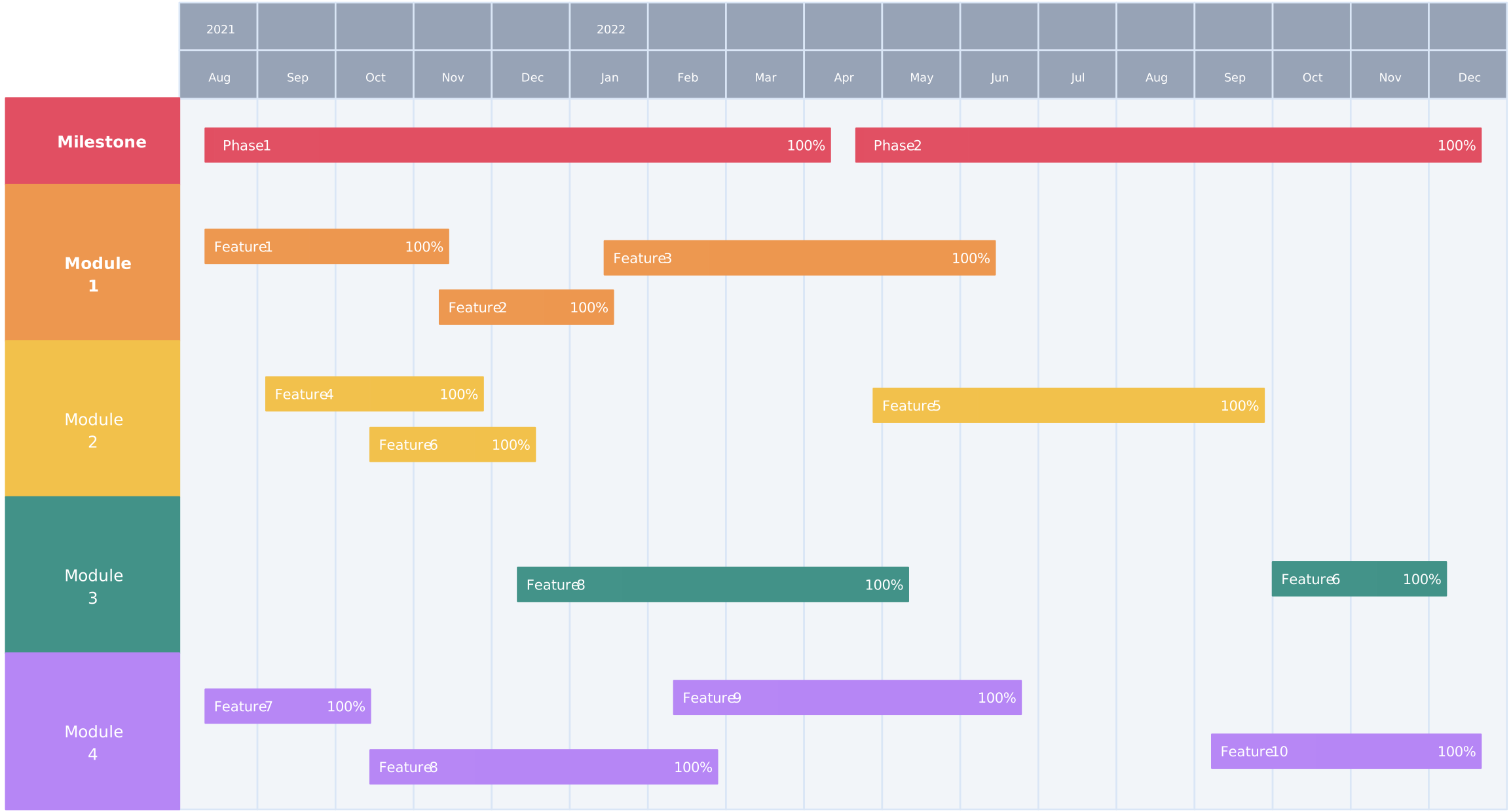

What Should a Product Roadmap Include?
| Element | Purpose |
| Product vision | Shows the long-term direction |
| Goals and outcomes | Defines what success should look like |
| Themes | Groups work around customer or business needs |
| Initiatives or features | Shows the major work being considered |
| Priorities | Communicates what matters most |
| Broad timeframes | Shows expected sequence without excessive detail |
| Success metrics | Explains how progress or impact will be assessed |
| Dependencies and risks | Identifies factors that may affect delivery |
| Status or confidence | Shows what is planned, in progress, committed, or still uncertain |
Not every roadmap needs every element. Include only the information required for the audience and decision being supported.
How to Create a Product Roadmap in 8 Steps
1. Decide Where the Product Is Going
Start by defining the main direction of the product.
Ask:
- Who will use the product?
- What problem does it solve?
- What should improve for the user?
- What does the business want to achieve?
At the end of this step, you should have a short product vision and a few clear goals.
For example:
Help small teams organize their work more easily and improve weekly user retention.
In Creately: Open a product roadmap template or a blank workspace and add the product vision and goals at the top. Keeping them visible gives your team a shared reference when deciding what belongs on the roadmap.
2. Gather Information Before Making Decisions
Collect the information that will help you decide what belongs on the roadmap.
Look at:
- Customer feedback
- User research
- Product usage data
- Sales and support requests
- Competitor activity
- Business priorities
- Technical limitations
Do not add every request to the roadmap. Look for repeated problems and needs that affect many users.
At the end of this step, you should have a list of the most important customer, business, and product needs.
In Creately: Use the same workspace to collect research notes, feedback, files, and links around the roadmap. You can organize inputs with sticky notes, tables, or separate sections so the evidence stays connected to the decisions it supports.
3. Decide What the Product Should Focus On
Use the information you gathered to decide which problems and opportunities matter most.
For example, the product may need to focus on:
- Helping new users get started
- Improving collaboration
- Making the product more reliable
- Adding important integrations
- Increasing customer retention
At the end of this step, you should have a small number of focus areas that support the product goals.
In Creately: Group related research and ideas visually on the canvas to identify recurring needs. Turn the strongest groups into product focus areas, then connect each one to the product goal it supports.
4. Prioritize What to Work On
Compare the ideas and decide which ones should come first.
Consider:
- How much value it creates for users
- How strongly it supports business goals
- How many users it affects
- How much time and effort it requires
- Whether other work depends on it
- How urgent it is
You can use a simple value-versus-effort matrix or a prioritization method such as RICE or MoSCoW.
At the end of this step, you should have a ranked list of problems, outcomes, or initiatives.
In Creately: Add your ideas to a value-versus-effort matrix, prioritization grid, or scoring table template. Invite product, design, engineering, sales, and support stakeholders to review the options, add comments, and agree on the priorities in the same workspace.
5. Group Related Work Into Themes
Combine related ideas into broader themes so the roadmap does not become a long feature list.
For example:
| Individual Ideas | Roadmap Theme |
| Setup checklist, sample project, guided tour | Improve onboarding |
| Mentions, comments, notifications | Strengthen collaboration |
| Slack, calendar, and storage connections | Expand integrations |
At the end of this step, you should have a few clear themes that explain what the team is trying to improve.
In Creately: Create a section, container, or color-coded group for each theme and move the related ideas or initiatives into it. This makes it easier to reorganize the roadmap as priorities change without rebuilding it.
6. Choose a Roadmap Format and Timeframe
Choose a format that fits how your team plans and communicates.
- Now–Next–Later: Best for flexible priorities
- Quarterly roadmap: Best for planning across several quarters
- Outcome-based roadmap: Best for showing the results the team wants to achieve
- Release roadmap: Best for coordinating planned launches
Place each theme or initiative into a broad timeframe.
Avoid using exact dates unless the team has made a firm delivery commitment.
At the end of this step, you should have a visual roadmap showing what is happening now, what may come next, and what is planned for later.
In Creately: Start with a roadmap template that matches your preferred format, or arrange the themes on the infinite canvas using columns, timelines, or grouped sections. Drag and drop items as plans change, and use connectors to show important dependencies.
7. Adjust the Roadmap for Different Audiences
Not everyone needs the same level of detail.
- Executives usually want goals, outcomes, costs, and risks.
- Product and development teams need priorities, dependencies, and timing.
- Sales and marketing teams need information about customer value and launches.
- Customers should only see plans the company is comfortable sharing.
Keep one main roadmap as the source of truth, then create different views where needed.
At the end of this step, each audience should be able to understand the roadmap without seeing unnecessary detail.
In Creately: Maintain the full roadmap in one shared workspace, then create focused sections or separate views for different audiences. Use sharing permissions to control who can view or edit the roadmap, and present it directly from the canvas during stakeholder reviews.
8. Share and Update the Roadmap
Review the roadmap with the people involved before publishing it.
Check that:
- Every item supports a product goal.
- The priorities are based on evidence.
- The roadmap is easy to understand.
- Dependencies and risks are visible.
- Timeframes are realistic.
- Uncertain work is not presented as guaranteed.
Update the roadmap when customer needs, business goals, resources, or market conditions change.
At the end of this step, you should have a shared roadmap that the team can use to guide decisions.
In Creately: Share the roadmap with stakeholders for real-time or asynchronous review. Turn roadmap items into actionable tasks by assigning owners, setting due dates, adding statuses, and linking dependencies. Use comments to collect feedback in context, update priorities as plans change, and use version history to review earlier decisions or restore a previous version.
Product Roadmap Example
Imagine a team improving a project-management product.
Product goal: Increase activation and retention among small teams.
| Theme | Desired Outcome | Example Initiatives | Timeframe | Success Measure |
| Improve onboarding | More new teams complete setup | Guided setup, sample projects, onboarding checklist | Now | Activation rate |
| Strengthen collaboration | More teams invite and engage members | Guest access, notifications, shared comments | Next | Weekly team collaboration |
| Expand integrations | Reduce switching between tools | Calendar, Slack, and file-storage integrations | Later | Integration adoption |
This example shows that the roadmap is organized around desired outcomes rather than being a feature list.
Product Roadmap Templates
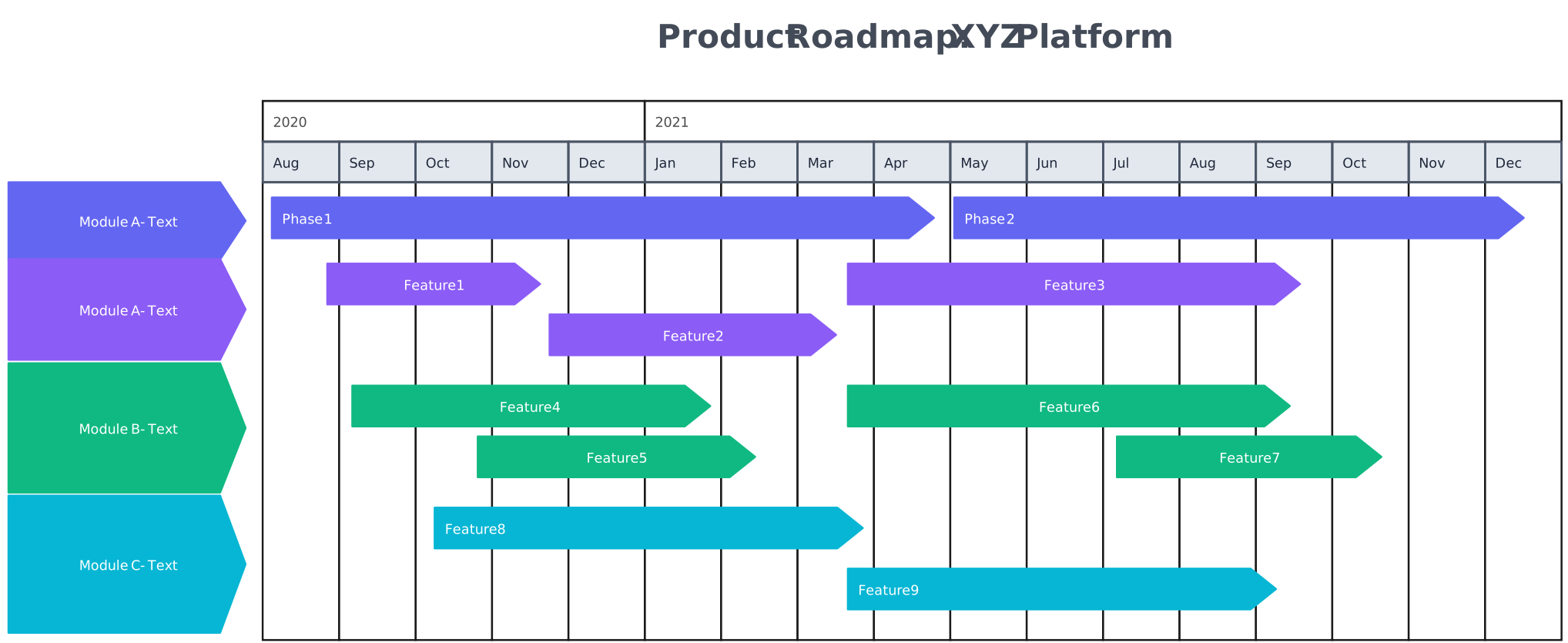
Example Product Roadmap
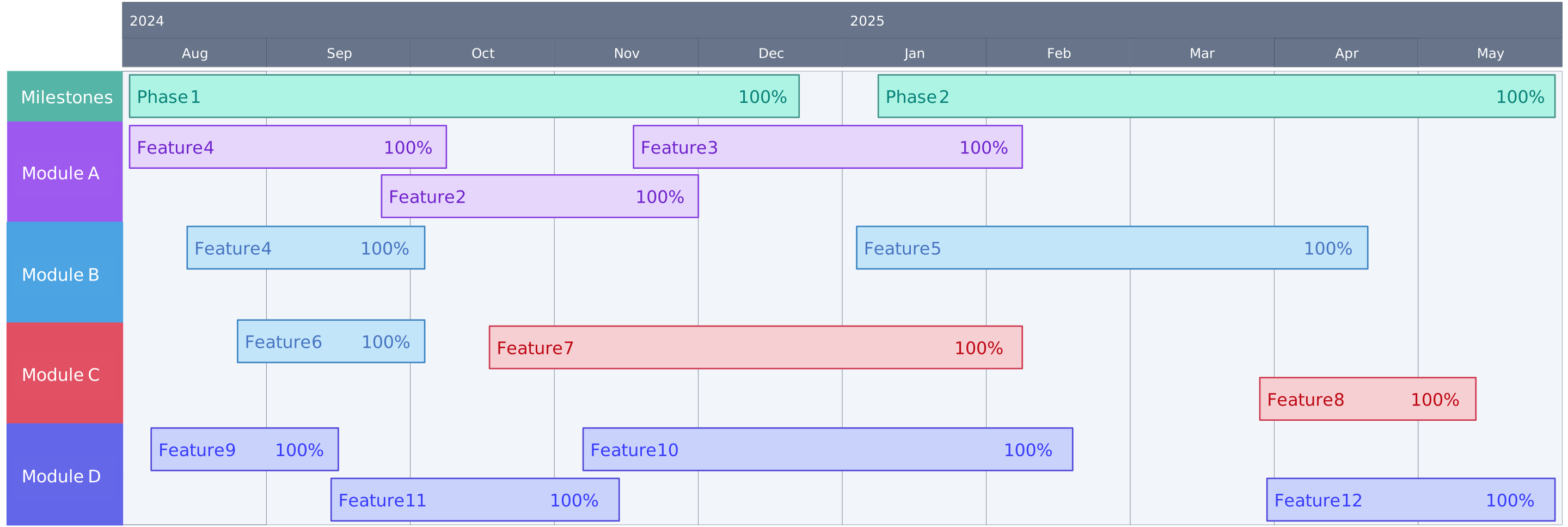
Simple Product Roadmap Example
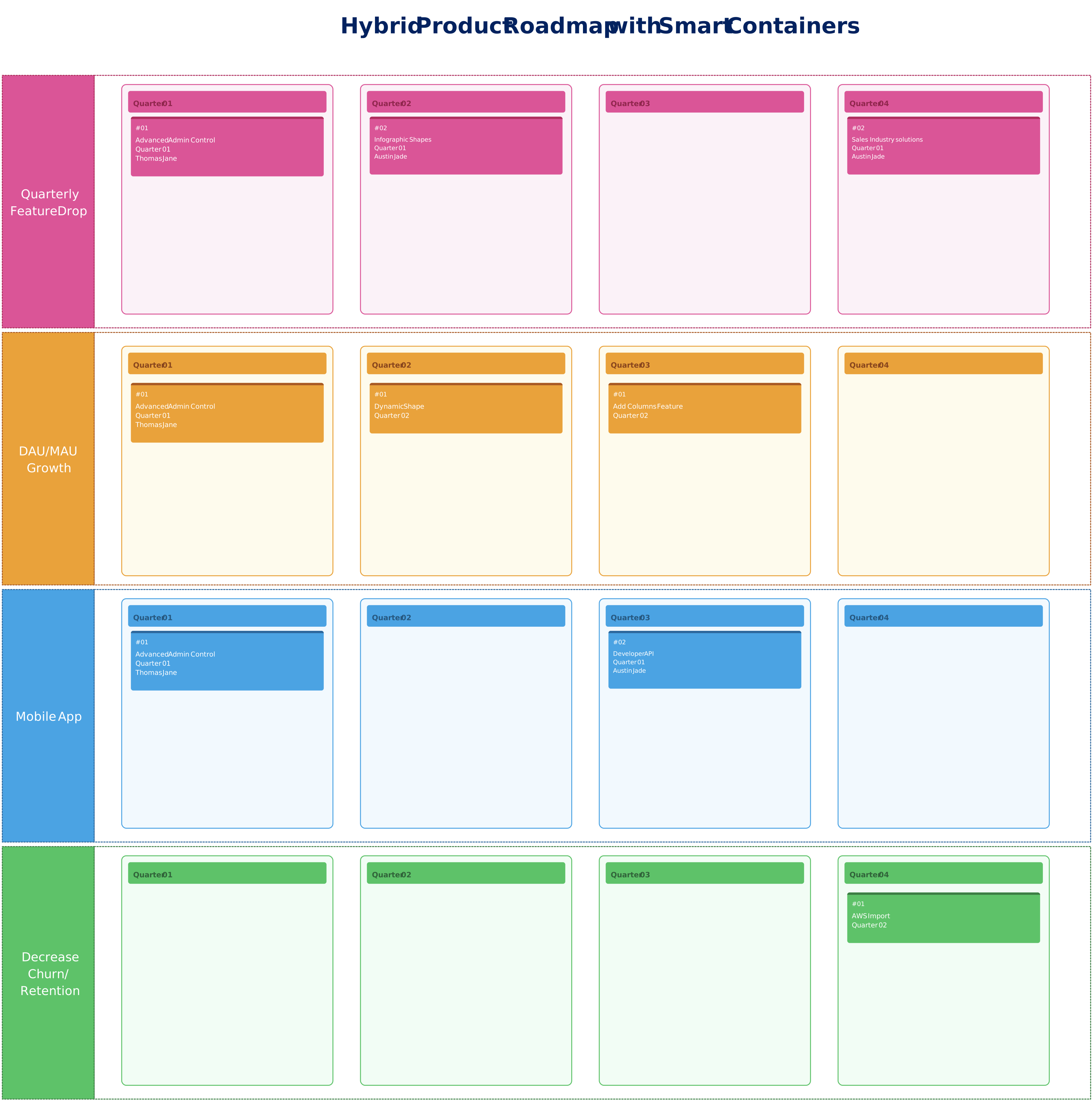
Hybrid Product Roadmap with Smart Containers
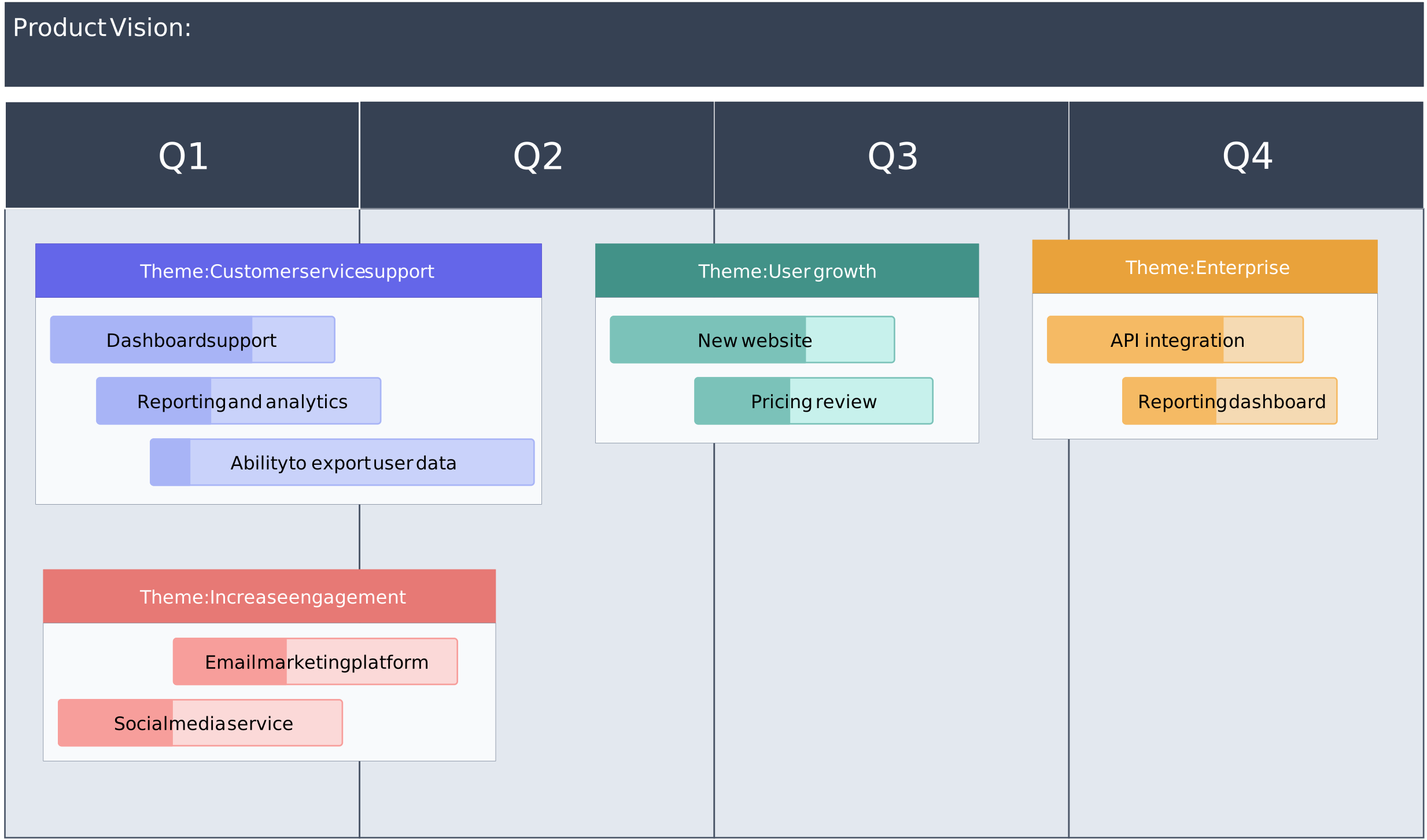
Product Roadmap Template
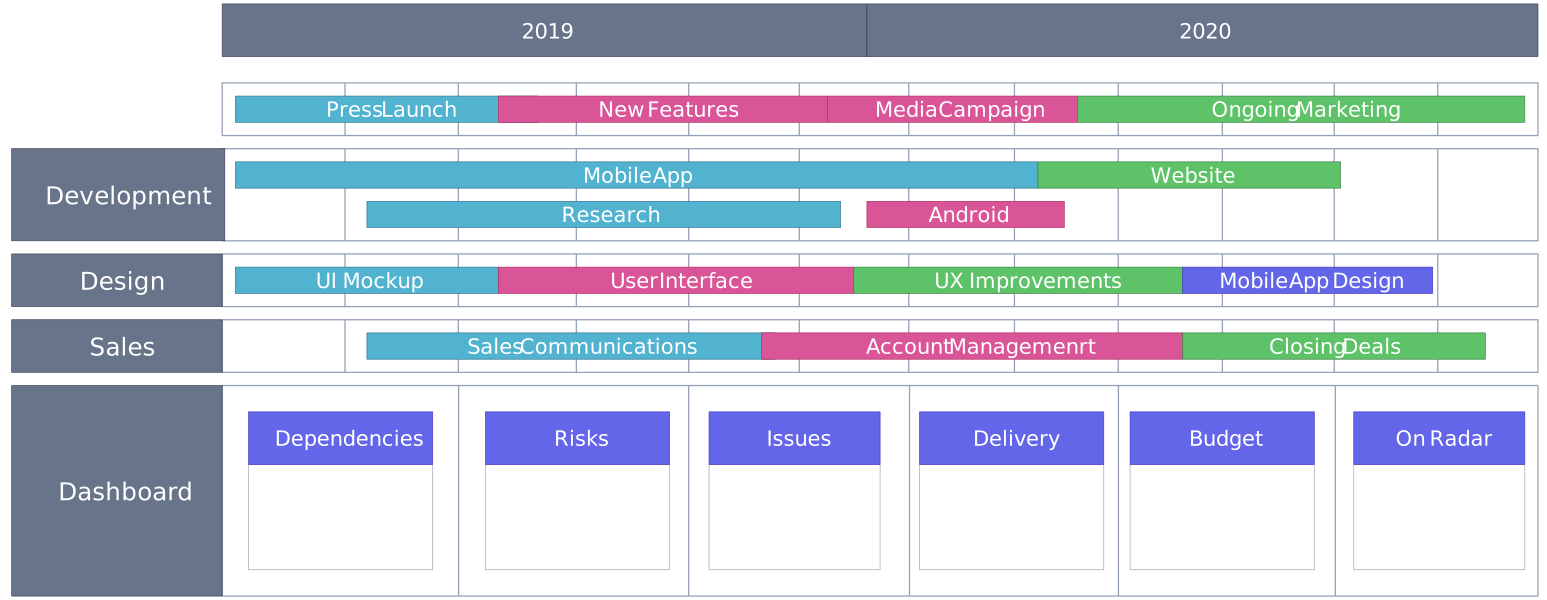
Example Product Roadmap
FAQs About Product Roadmaps
What are the types of product roadmaps?
How does a product roadmap differ from a project plan or timeline?
What is the role of a product roadmap?
A product roadmap helps teams:
- Connect product work to customer and business goals.
- Prioritize competing ideas and investments.
- Communicate direction across teams.
- Coordinate launches, dependencies, and resources.
- Manage stakeholder expectations.
- Adapt plans as new evidence emerges.
Who requires a product roadmap?
What are some strategies for dealing with changes or unexpected events during the product development process?
Strategies for dealing with changes or unexpected events include
- maintaining flexibility in the roadmap,
- conducting regular reviews and assessments,
- engaging in ongoing communication with stakeholders,
- prioritizing features or initiatives based on impact and value, and
- allocating additional resources or adjusting timelines when necessary.