ER Diagram Maker
Effortlessly Visualize Databases and Systems
Plan database structures faster with Creately’s ER diagram tool. Turn complex requirements into a clear visual model your team can review, update, and build from as the system evolves.
Start faster with ER templates, table shapes, Chen notation, and Crow’s Foot notation
Review database models with your team before development
Keep notes, files, links, and decisions connected to the right entities



 Diagramming Visual Collaboration Org Chart


How to Create an ER Diagram With Creately?
Start with a template or blank workspace
Open a new workspace and choose an ER diagram template or start from scratch based on your database design needs.
Add entities and attributes
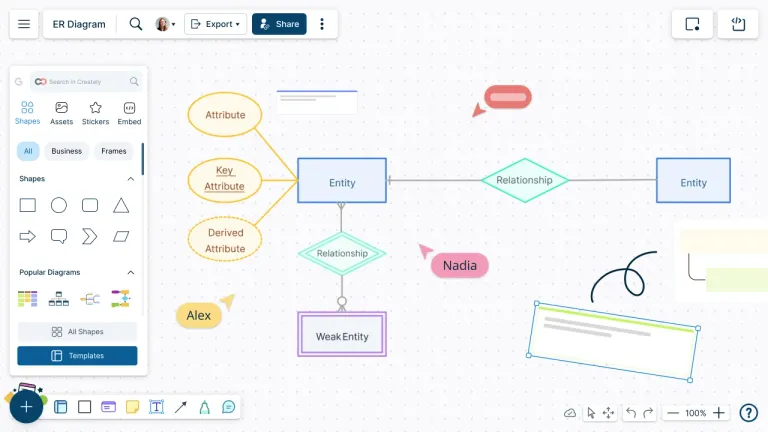
Use ER diagram shapes to add entities, attributes, primary keys, foreign keys, and other important data fields.
Connect relationships
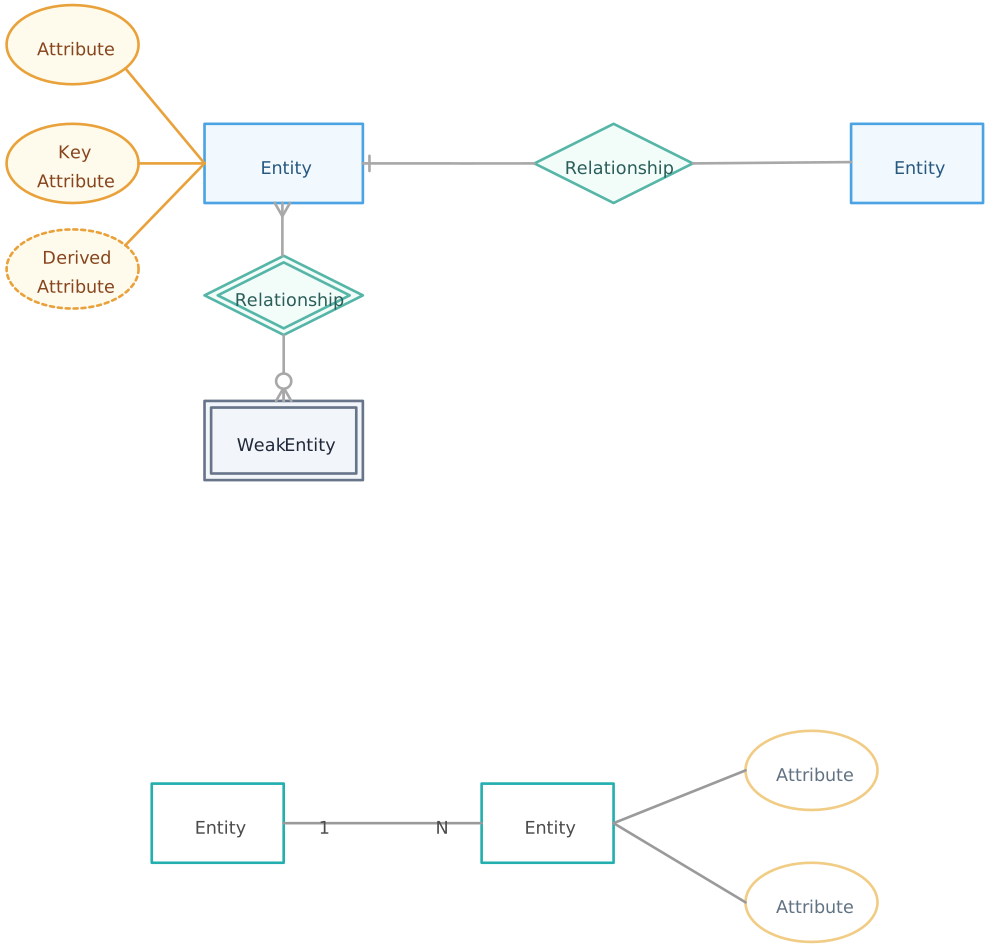
Link related entities and define relationship types using Chen notation, Crow’s Foot notation, or database table-style connectors.
Add context where needed
Use notes, shape data, links, and attachments to keep requirements, assumptions, and decisions connected to the diagram.
Review and refine with your team
Invite developers, analysts, or stakeholders to comment, suggest changes, and confirm the database structure together.
Share or export the final ERD
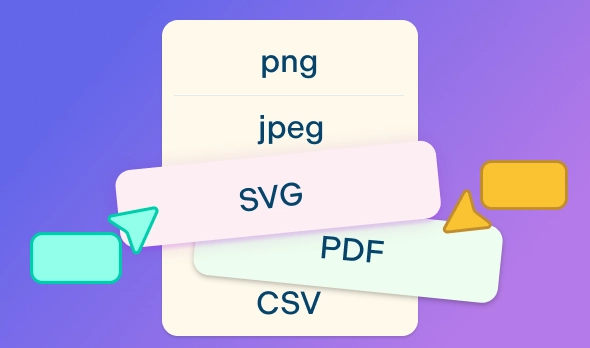
Share the workspace link or export the ER diagram as a PDF, PNG, SVG, or JPEG for documentation and implementation.
Watch the quick Creately walkthrough to see how to create an ER diagram, add entities and relationships, use ERD shapes and connectors, and share the diagram with your team.
Design ER Diagrams Faster with Ready-to-Use Templates
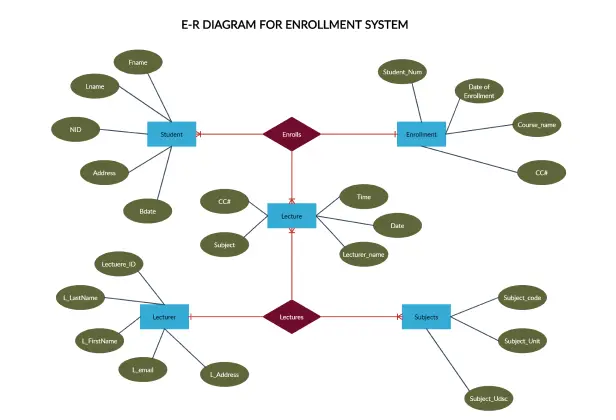
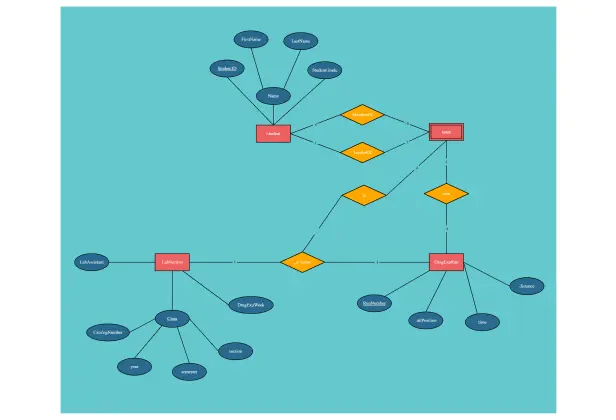
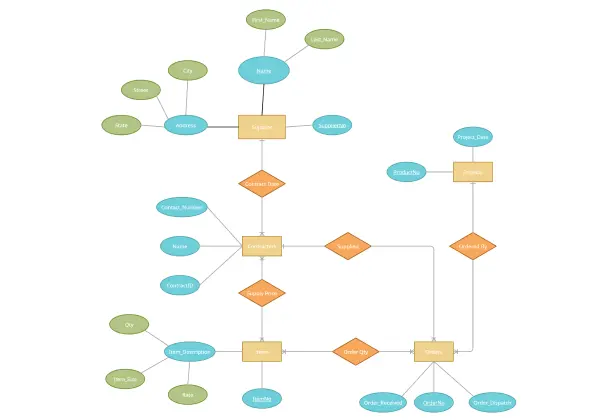
Turn Unclear Database Requirements Into a Clear ERD
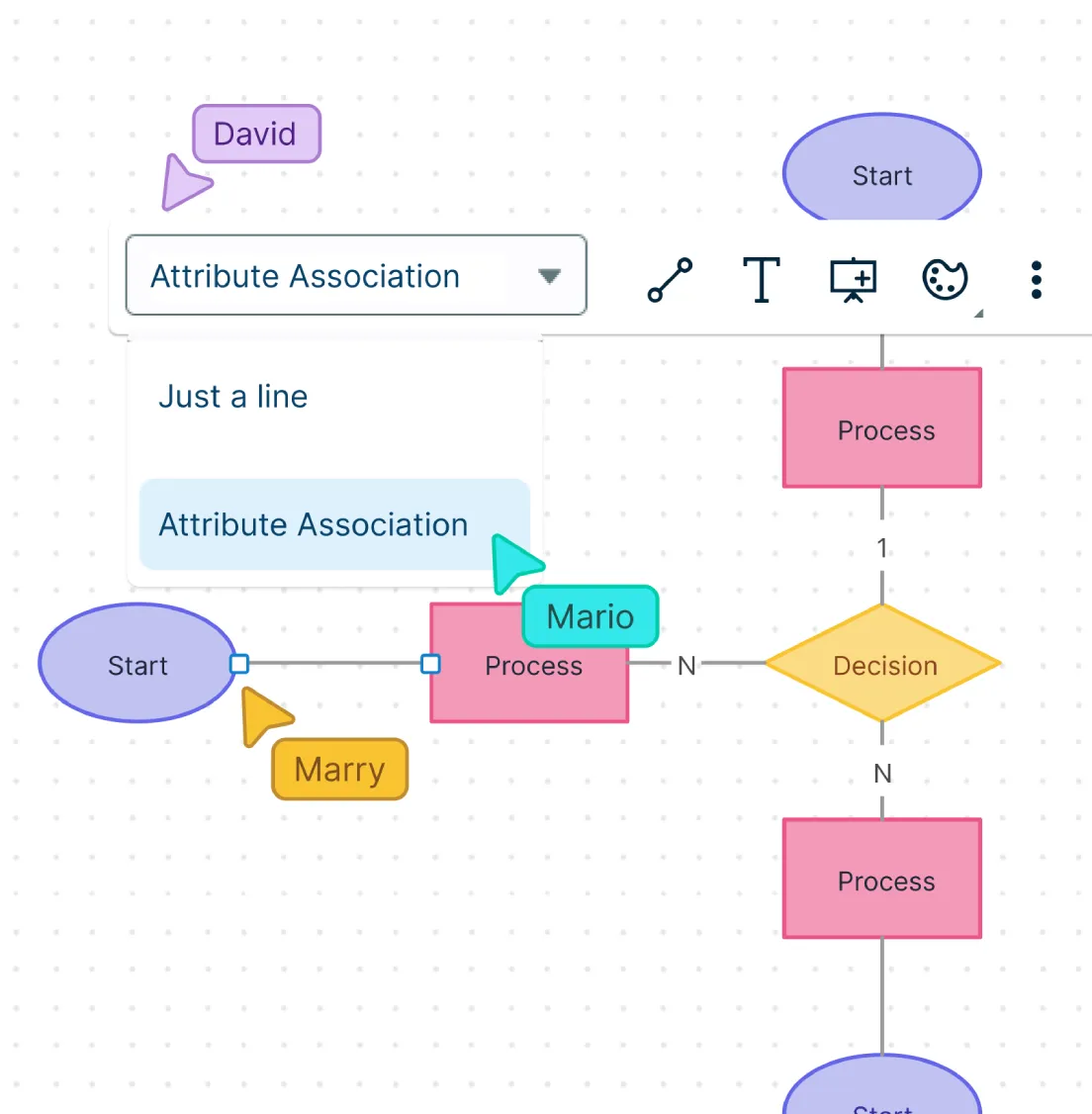
Scattered requirements can lead to missed entities, unclear relationships, and database rework. Organize them into a clear ERD your team can review before development starts.
Start with a blank workspace or ready-made template to shape rough requirements into a visual model.
Map entities, attributes, primary keys, foreign keys, and relationships in one shared workspace.
Choose Chen notation, Crow’s Foot notation, UML notation, or database table layouts.
Build conceptual, logical, or physical ER diagrams without switching tools.
Use ERD, UML, database model, DBML, and network diagram libraries for related system design work.
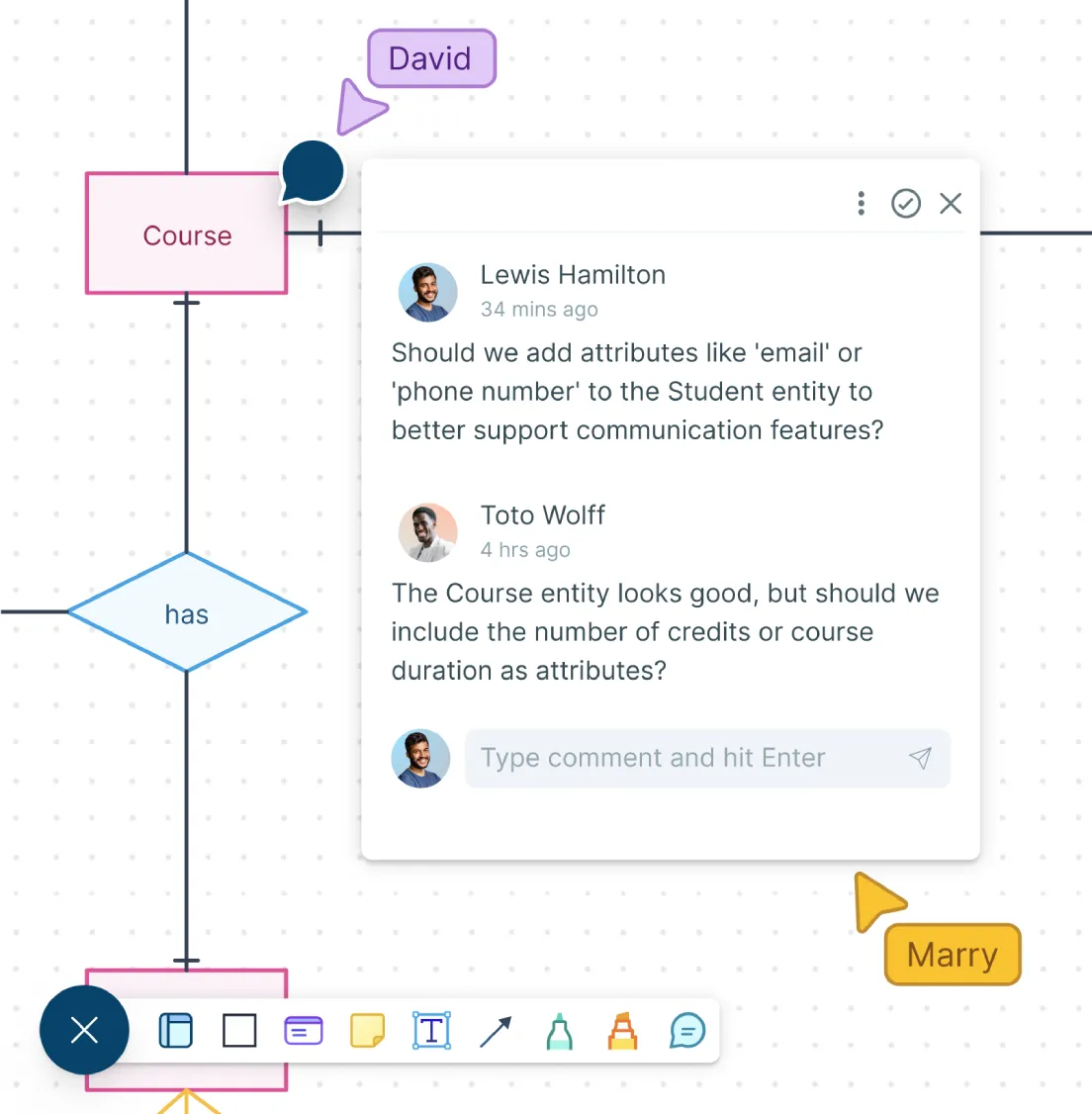
Review Database Designs with the People Who Build and Use Them
Avoid late-stage confusion by reviewing database structure early. Help developers, analysts, and stakeholders clarify requirements together in one workspace.
Bring developers, analysts, product teams, and stakeholders into one ER diagram workspace.
Use real-time cursors to track edits and keep collaborative review sessions easier to follow.
Add comments and discussions directly on entities, relationships, keys, or unclear business rules.
Share the diagram with the right access level so reviewers can view, comment, or edit based on their role.
Keep Every Requirement, Rule, and Decision Connected
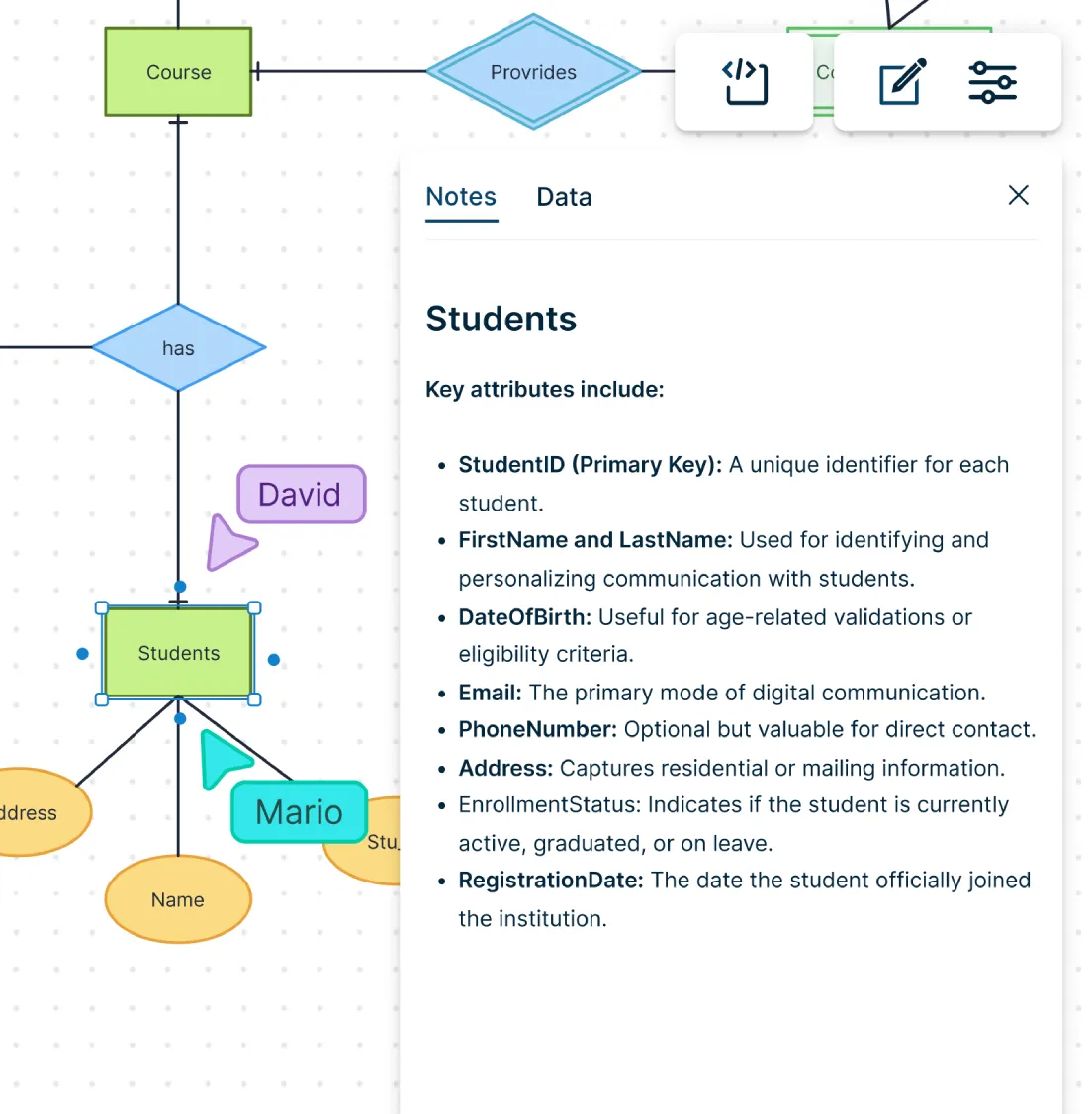
When requirements, rules, and assumptions live outside the ERD, important context gets lost. Keep notes, files, links, and data connected to the right part of the model.
Add notes, links, files, and shape data without cluttering the ER diagram.
Keep rules, assumptions, definitions, and open questions tied to the right entity or relationship.
Organize large ER diagrams by module, feature, system area, or business function.
Use search to quickly find specific entities or relationships.
Keep supporting context in the workspace for review, documentation, and handoff.
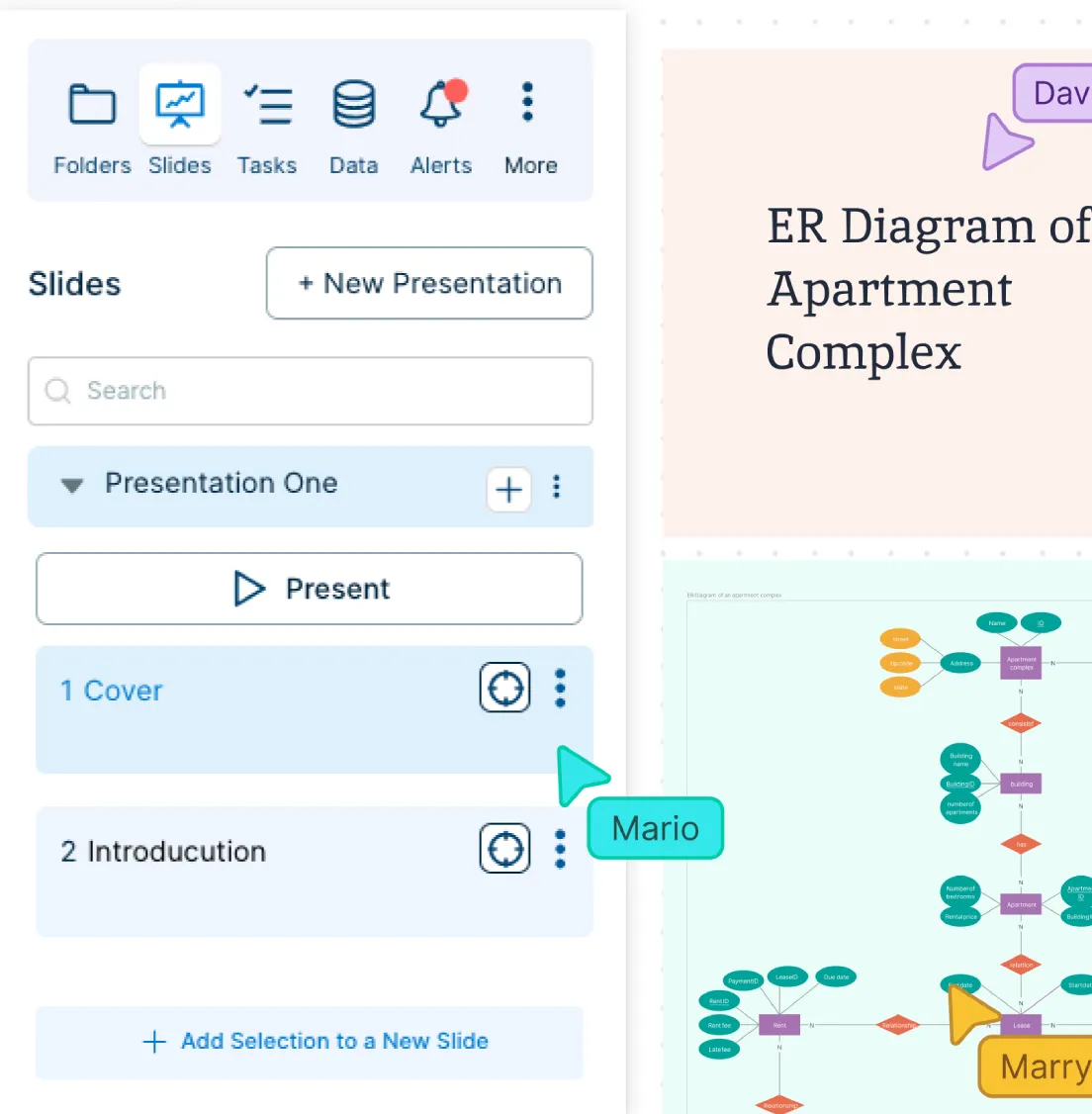
Refine Your Database Design Before Development Starts
A rough ERD can leave gaps, clutter, or unclear relationships. Help teams refine the structure, simplify complex models, and prepare the diagram for review or implementation.
Start with a rough model and improve it as requirements become clearer.
Group related entities so teams can understand each part of the database without getting overwhelmed.
Quickly find specific entities or relationships in large ER diagrams with search.
Organize the canvas into sections or presentation flows when explaining the model to stakeholders.
Export the final ERD as a PDF, PNG, or SVG for documentation, presentations, or implementation planning.
What Can You Create With Creately’s ER Diagram Tool?
- Conceptual ER Diagrams:
Map the main entities in a system and how they relate to each other before getting into detailed fields or database rules. Use this when you are planning a new system, clarifying requirements, or explaining the database idea to non-technical stakeholders.
- Logical ER Diagrams:
Define entities, attributes, primary keys, foreign keys, and relationship rules in more detail. Use logical ER diagrams to help developers, analysts, and database designers agree on the structure before implementation.
- Physical-Style Database Models:
Create database table-style diagrams to show how tables, columns, keys, and relationships may be structured in the actual database. Use these models for documentation, technical review, or implementation planning.
- Crow’s Foot ER Diagrams:
Show one-to-one, one-to-many, and many-to-many relationships clearly using Crow’s Foot notation. Use this format when your team needs to understand cardinality and relationship rules at a glance.
- Chen Notation ER Diagrams:
Create Chen notation diagrams to represent entities, attributes, and relationships in a more conceptual format. This is useful for learning, teaching, early-stage database design, or explaining data relationships visually.
- Database Schema Diagrams:
Document how database tables connect across a system. Use schema diagrams to review existing structures, explain data dependencies, or help teams understand how information flows between different parts of an application.
- System-Specific ERDs:
Create ER diagrams for ecommerce platforms, library systems, hotel reservations, college management systems, inventory systems, project management tools, healthcare systems, and more. Start with a template and customize entities, attributes, and relationships to match your use case.
- Supporting System Design Diagrams:
Build related UML, database model, DBML, network, and system architecture diagrams in the same workspace. Use them alongside your ERD to explain how the database connects with applications, users, workflows, and infrastructure.
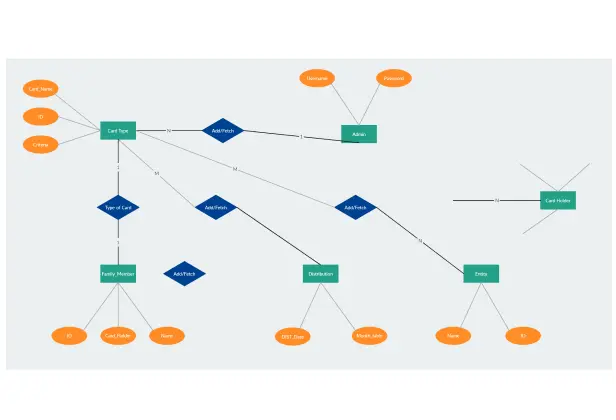
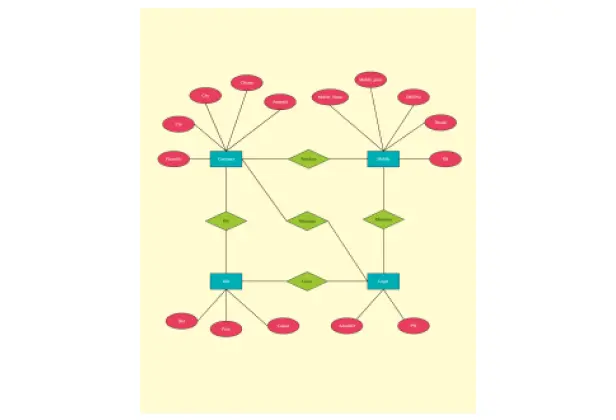
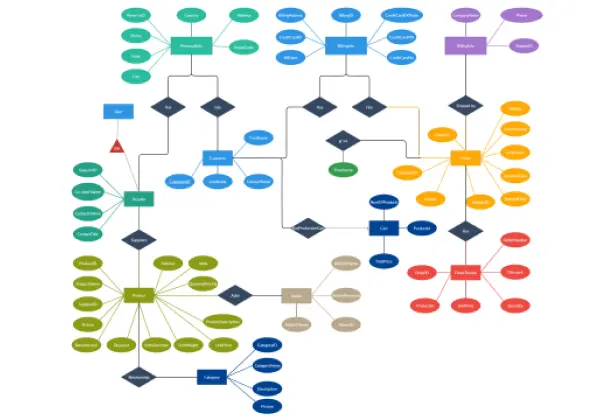
Create ER Diagrams Instantly with These Ready-to-Use Templates
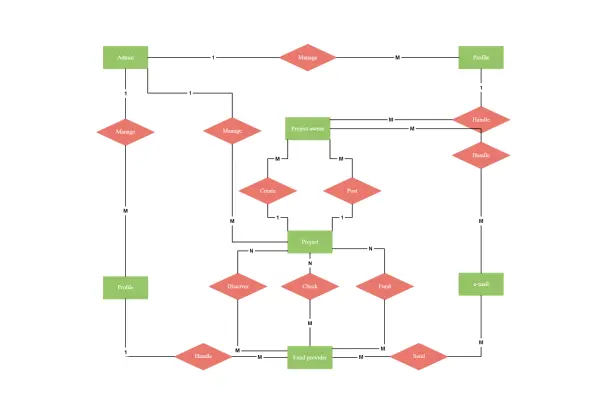
FAQs about ER Diagram Creator
What are Creately’s ER diagram maker pricing plans?
- Free Plan — $0/month for basic ER diagram creation and collaboration
- Starter & Team Plans — $8/month or $5/month billed annually
- Business Plan — $149/month or $89/month billed annually
Annual billing helps you save more while unlocking advanced collaboration, workspace management, and enhanced ER diagram features. You can compare all available plans and features on the Creately Pricing Page.
How can you create ER diagrams faster?
Are there templates for different ER diagram use cases?
Can teams collaborate on ER diagrams?
Can I add notes, data, and files?
Can I share, present, or export ER diagrams?
What is an ER diagram?